ES601Plus OPERATING MANUAL
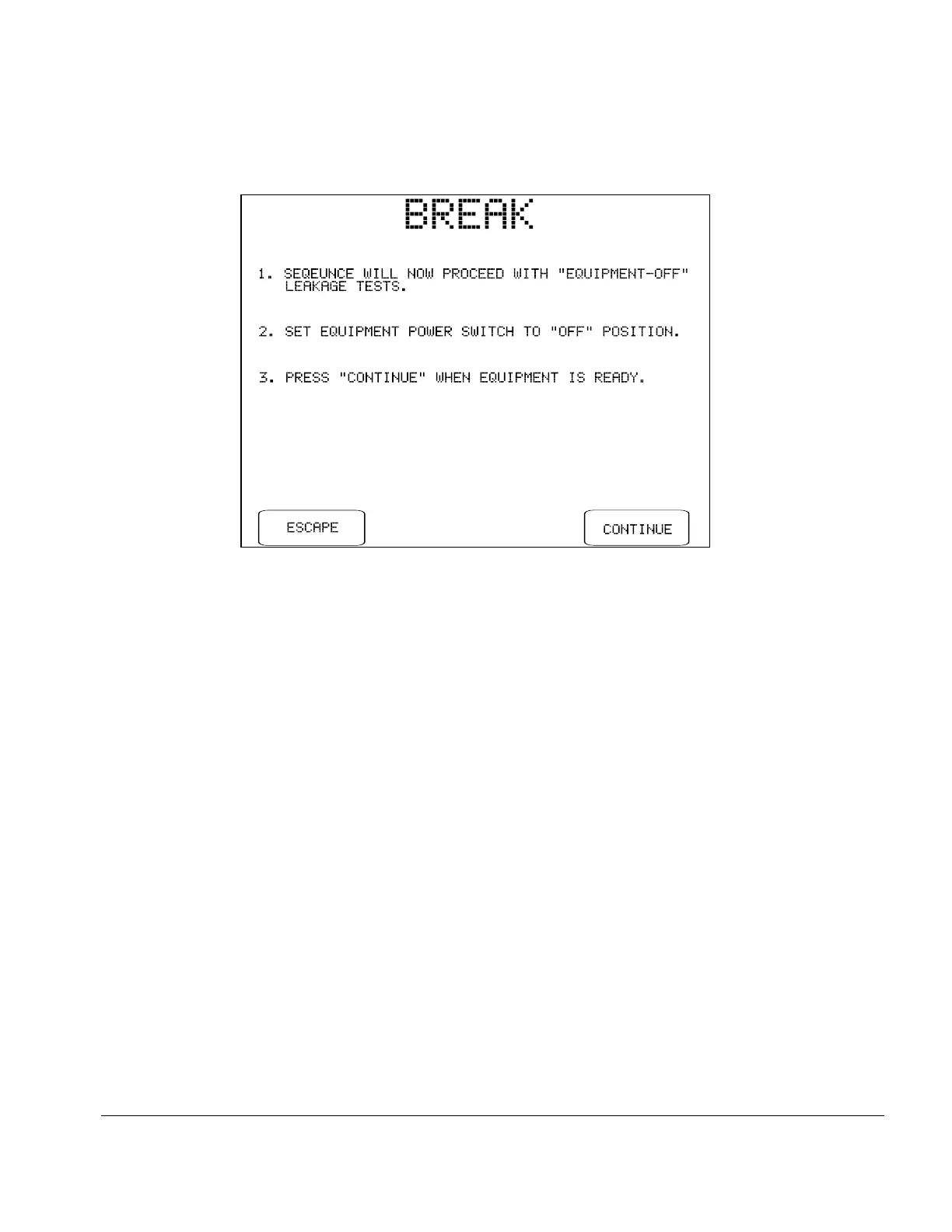
Fig u re 38 - Switch DUT to "OFF" for "DUT OFF" tests.
Upon pressing CONTINUE on the above menu, ES601Plus repeats all leakage tests that were
enabled by the user. Since the DUT power switch remains "OFF" for all measurements, ES601Plus
does not stop when the AC supply is changed and no further breaks in the sequence occur until the
end of the test.
Once the leakage measurement sequence has stepped through all specified test conditions,
ES601Plus will stop and display the last measurement taken during the leakage test. Pressing the
CONTINUE button on the display saves the leakage measurement data in the Clip Record, along
with the limits corresponding to each measurement. Refer to Chapter 2 for a discussion of the
leakage current protocols of ES601Plus, and the data which is saved by each protocol.
Manual Testing/Chapter 5 # Page 79



 To Next Page