g) display assembly
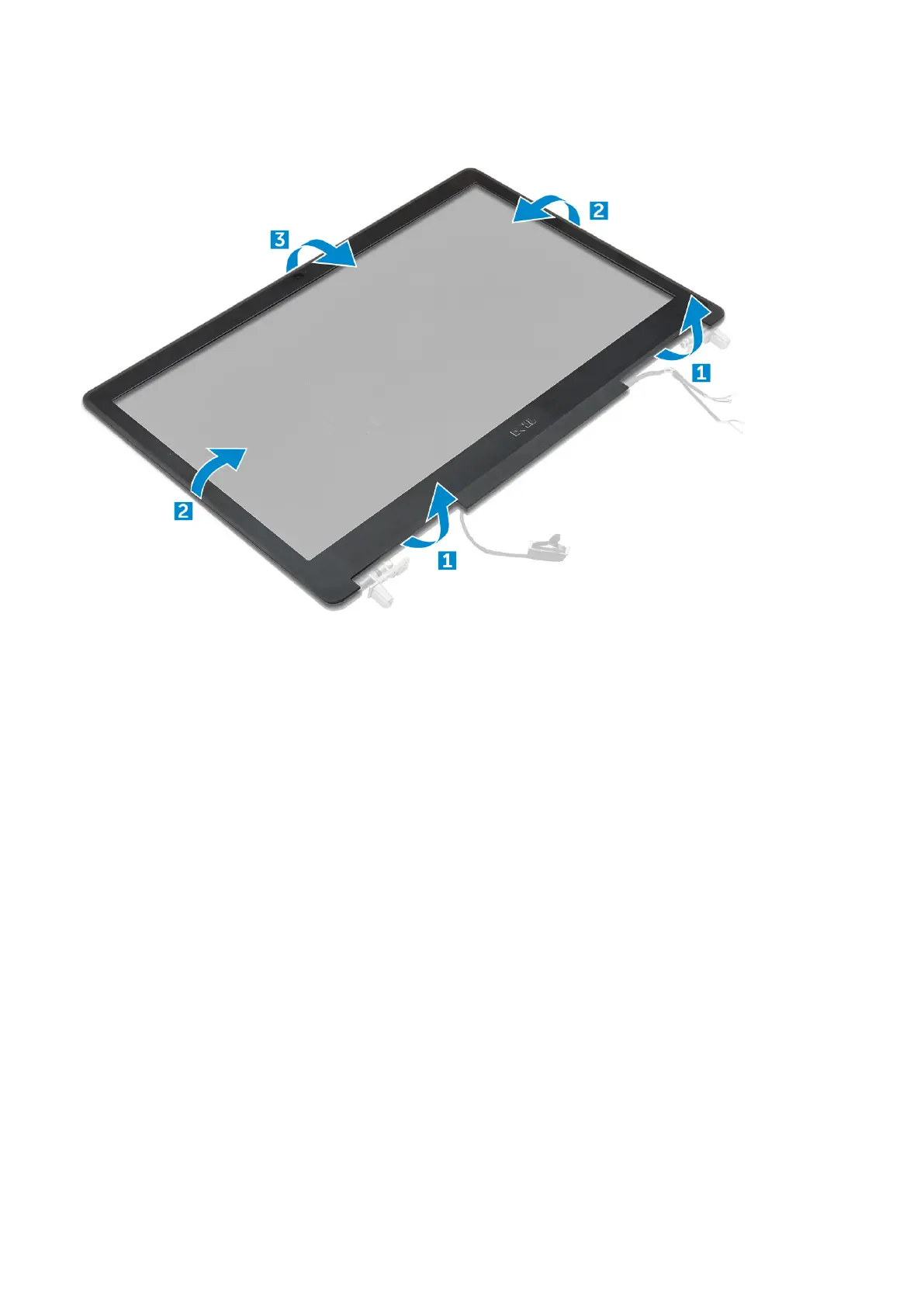
3. To remove display bezel:
a) Pry up all the edges of the display bezel [1, 2, 3] using a plastic scribe.
Installing the display bezel
1. Place the display bezel on the display assembly.
2. Press the edges of the display bezel until it clicks onto the display assembly.
3. Install the:
a) display assembly
b) palmrest
c) keyboard
d) hard drive
e) base cover
f) battery
g) battery cover
4. Follow the procedure in After working inside your computer.
Display panel
Removing the display panel
1. Follow the procedure in Before working inside your computer.
2. Remove the:
a) battery cover
b) battery
c) base cover
d) hard drive
e) keyboard
Disassembly and reassembly
43















 To Next Page