2. Replace the M2.5x4.0 screws to secure the display hinge.
3. Install the:
a) display panel
b) display bezel
c) display assembly
d) palmrest
e) keyboard
f) hard drive
g) base cover
h) battery
i) battery cover
4. Follow the procedure in After working inside your computer.
Display cover
Replacing the display cover
1. Follow the procedure in Before working inside your computer.
2. Remove the:
a) battery cover
b) battery
c) base cover
d) hard drive
e) keyboard
f) palmrest
g) display assembly
h) display bezel
i) display panel
j) display bracket
k) display hinge
l) camera
m) eDP cable
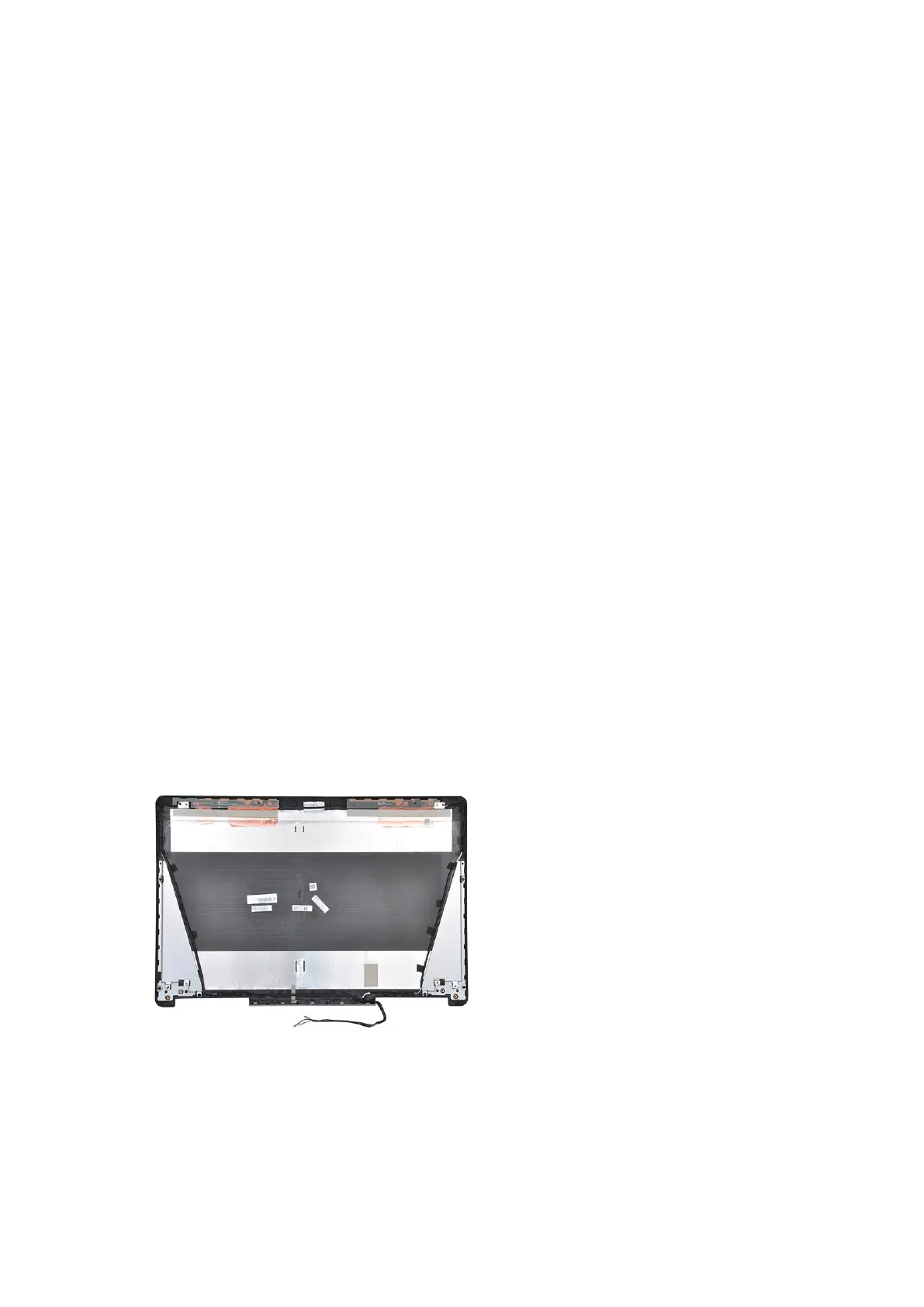
The component you are left with is the display cover.
3. Install:
a) eDP cable
b) camera
c) display hinge
d) display bracket
e) display panel
50
Disassembly and reassembly















 To Next Page