NOTE: If you do not have the Service Tag, use the autodetect feature or manually browse for your computer model.
4. Click Drivers and Downloads.
5. Select the operating system installed in your computer.
6. Scroll down the page, expand Chipset, and select your chipset driver.
7. Click Download File to download the latest version of the chipset driver for your computer.
8. After the download is complete, navigate to the folder where you saved the driver file.
9. Double-click the chipset driver file icon and follow the instructions on the screen.
Chipset drivers
Intel chipset drivers
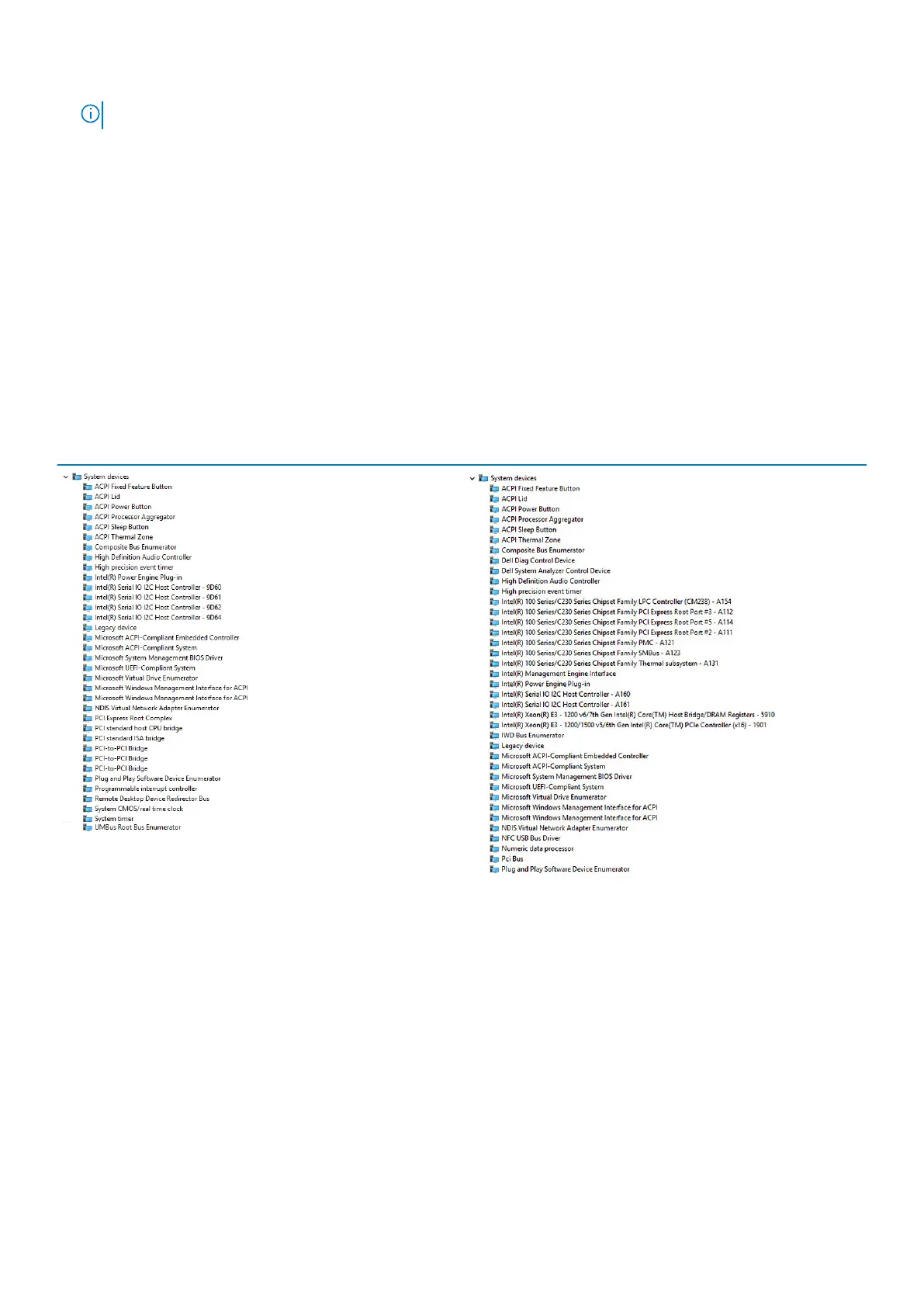
Verify if the Intel chipset drivers are already installed in the laptop.
Table 4. Intel chipset drivers
Before installation After installation
Intel management engine interface -MEI drivers
Verify if the Intel management engine interface (MEI) drivers are already installed in the laptop.
78
Software















 To Next Page