Removing and installing components
Recommended tools
The procedures in this document may require the following tools:
• Phillips #00 and #01 screwdriver
• Plastic scribe
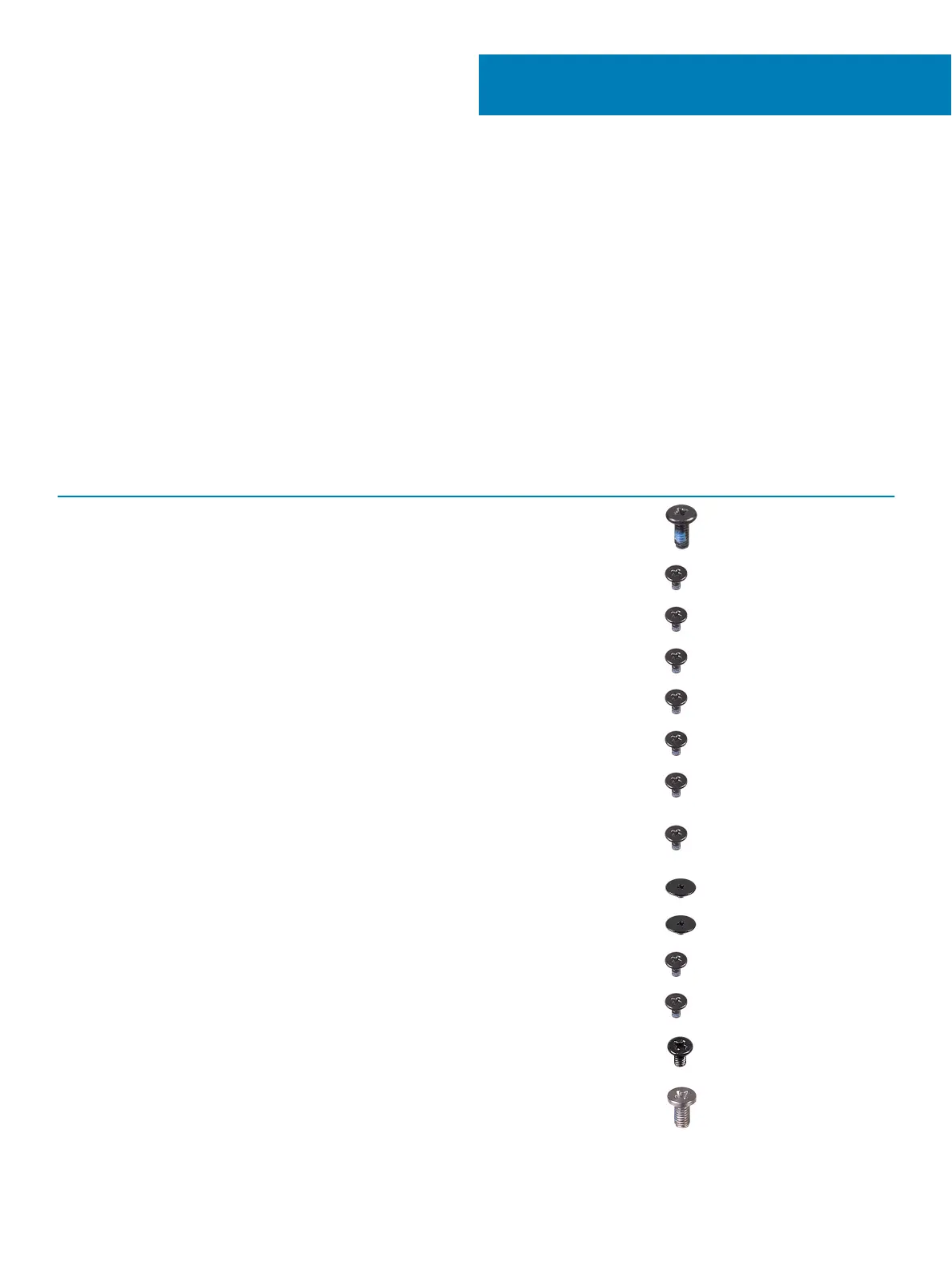
Screw list
The following table provides the list of screws that are used for securing dierent components.
Table 5. Screw list
Component Screw type Quantity Screw image
Base cover (M2x5) 6
Battery M2x3 4
Fan M2x3 2
Hard-drive assembly M2x3 4
I/O board M2x3 2
Power-adapter port M2x3 1
Power button with ngerprint
reader (optional)
M2x3 2
Solid-state drive/Intel Optane
memory module
M2x3 1
Touchpad bracket M2x2 Big Head 3
Touchpad M2x2 Big Head
4
USB Type-C bracket M2x3 2
WLAN card bracket M2x3 1
Hard-drive bracket M3x3 4
Hinges M2.5x5 4
3
Removing and installing components 15





 To Next Page