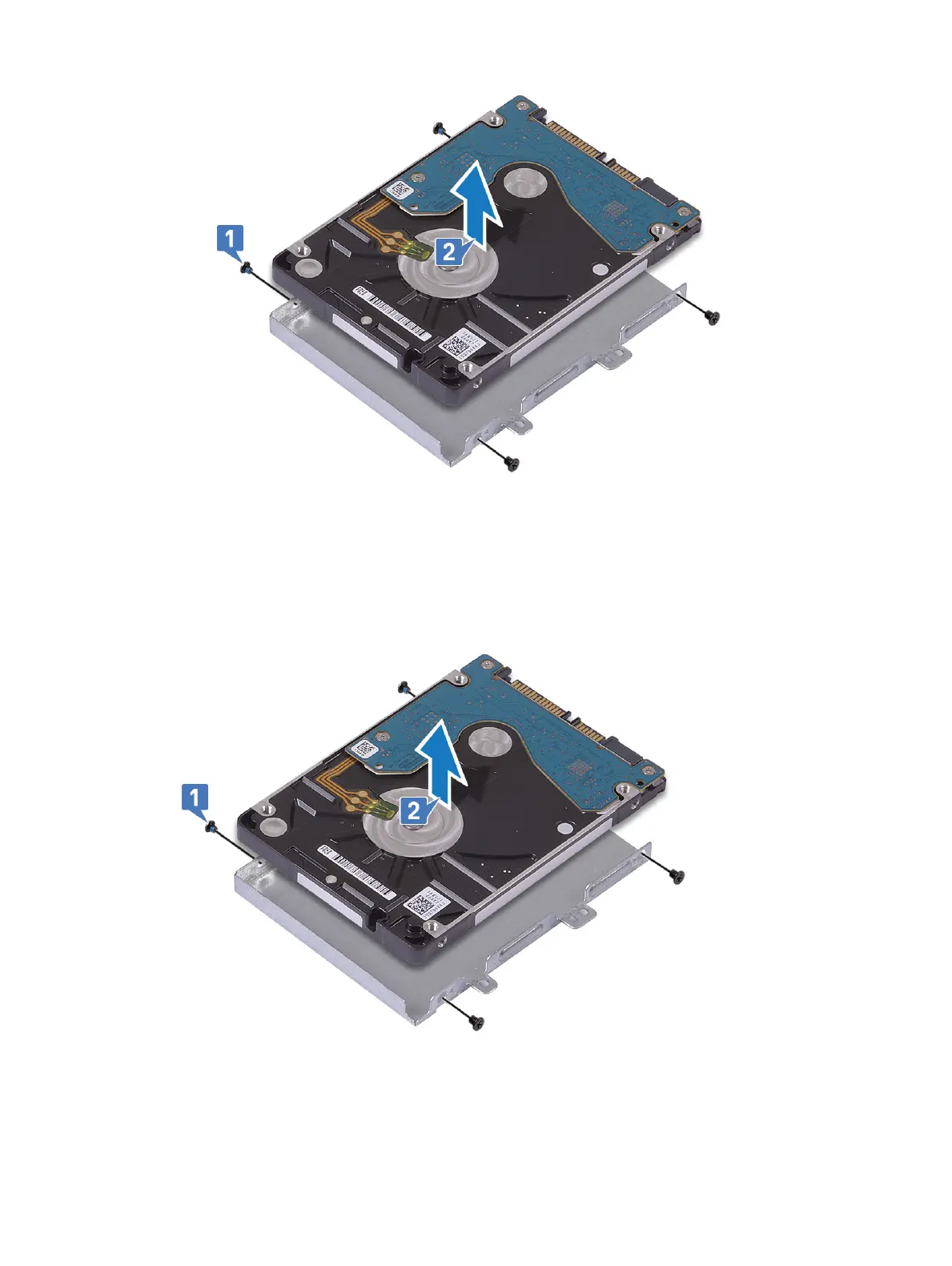
b Lift the hard drive from the hard drive bracket [2].
Installing the 2.5 inch hard drive
1 Place the hard drive in the hard drive bracket and align the screw holes on the hard-drive bracket with the screw holes on the hard
drive [1].
2 Replace the 4 (M3x3) screws to secure the hard drive bracket to the hard drive [2].
3 Connect the interposer to the hard drive assembly.
Removing and installing components
31











 To Next Page