21
Soil Type
Selects the soil type used in calculating readings.
Options: Mineral, Organic, Soil 1, Soil 2,...Soil 5 Default: Mineral.
Two factory set soil types are installed in the HH2, Mineral and Organic. You may
also define your own via the Soil Set-Up option on the main menu. Up to five custom
soil types can be stored in the HH2.
Select Options, Soil Type to display the options.
Scroll down through the soil type options and press Set to select one.
Press Esc to return to the main menu.
Soil Set-Up
Soil Set-Up is used to define empirical soil parameters a0 & a1, which are used to
convert the measured bulk permittivity into moisture content readings.
Soil Set-Up is also used to define field capacity, needed if you want moisture deficit
readings.
Beginners can skip this section by choosing the Mineral or Organic under Options,
Soil Type and by not choosing mm Deficit under Options, Display.
For optimum accuracy you should obtain soil specific calibration coefficients for your
soil as described in your sensor user manual. Then enter these coefficients, called
a0 and a1, via the Soil Set-Up menu.
See also: About Soil Parameters a0 & a1 on page 74
You may skip this step by choosing the Mineral or Organic option in the Soil Types
sub menu. You lose some accuracy but it is easier. Their soil coefficients are
permanently installed in the HH2.
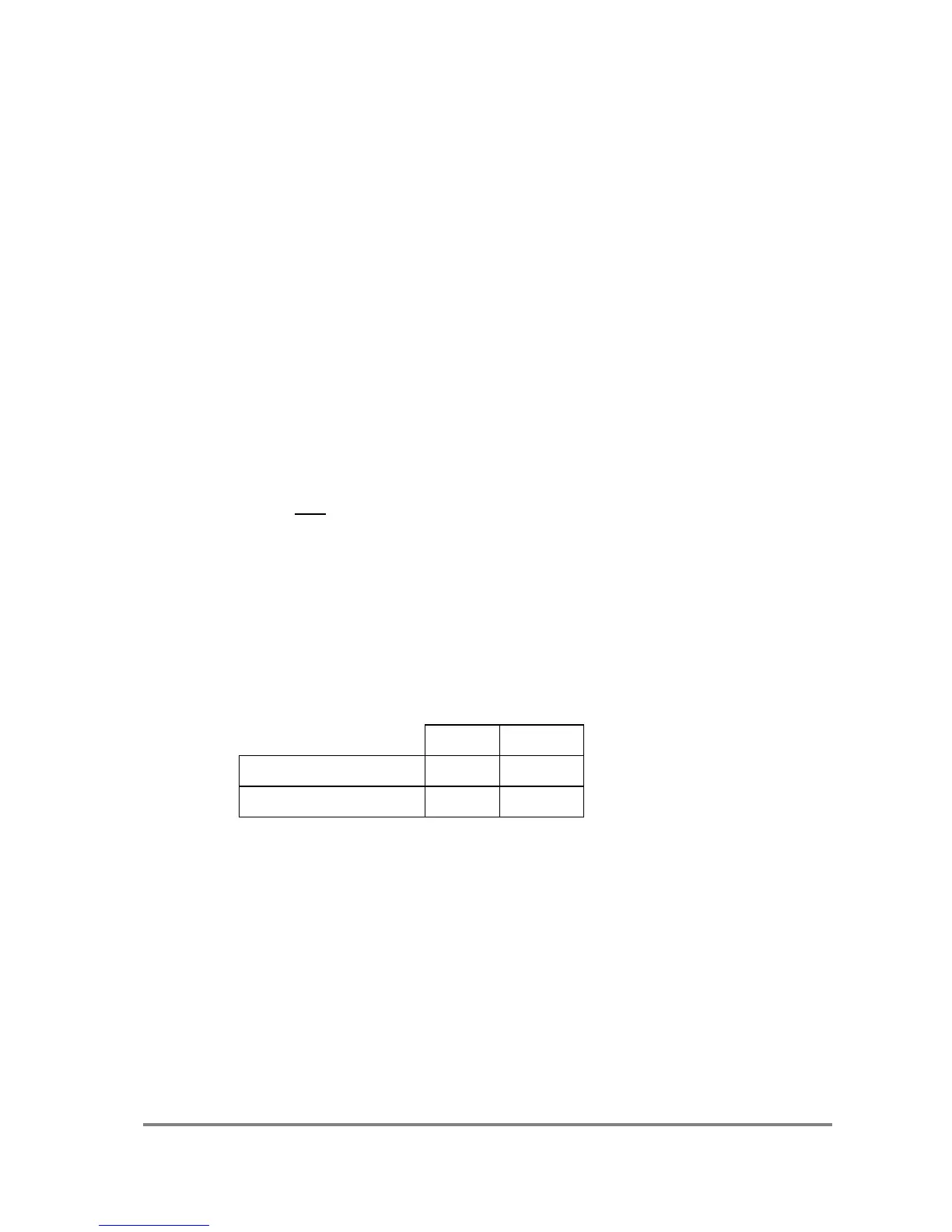
The fixed values used for the defined Mineral and Organic soils are :
Set a0 & a1
These options are available for user-defined soils only
Options : a0 Range: -49.9 to +50.0 Default: 1.0
a1 Range: 0.1 to 50.0 Default: 7.0
Select Options, Soil Set-Up, and select one of Soil 1 through 5.
Select a0. Choose an a0 value by scrolling through the range and press Set .
Select a1 and repeat the last step.



 To Next Page