Technical Reference Moisture Meter User Manual 4.0
Error Messages
Error Codes
Errors detected by the HH2 are reported in retrieved data sets.
Errors detected by the PC software HH2Read are reported immediately on your PC
screen.
The HH2 display normally shows the reading and its units. If an error occurs during a
reading, the HH2 display shows an error message. If you press Store an error code is
saved with the reading. This appears in the data file when retrieved by your PC.
An error field (column) is always saved to the right of each reading saved to file, even
if no errors occur.
If no error occurs it contains a single blank (space) character " ".
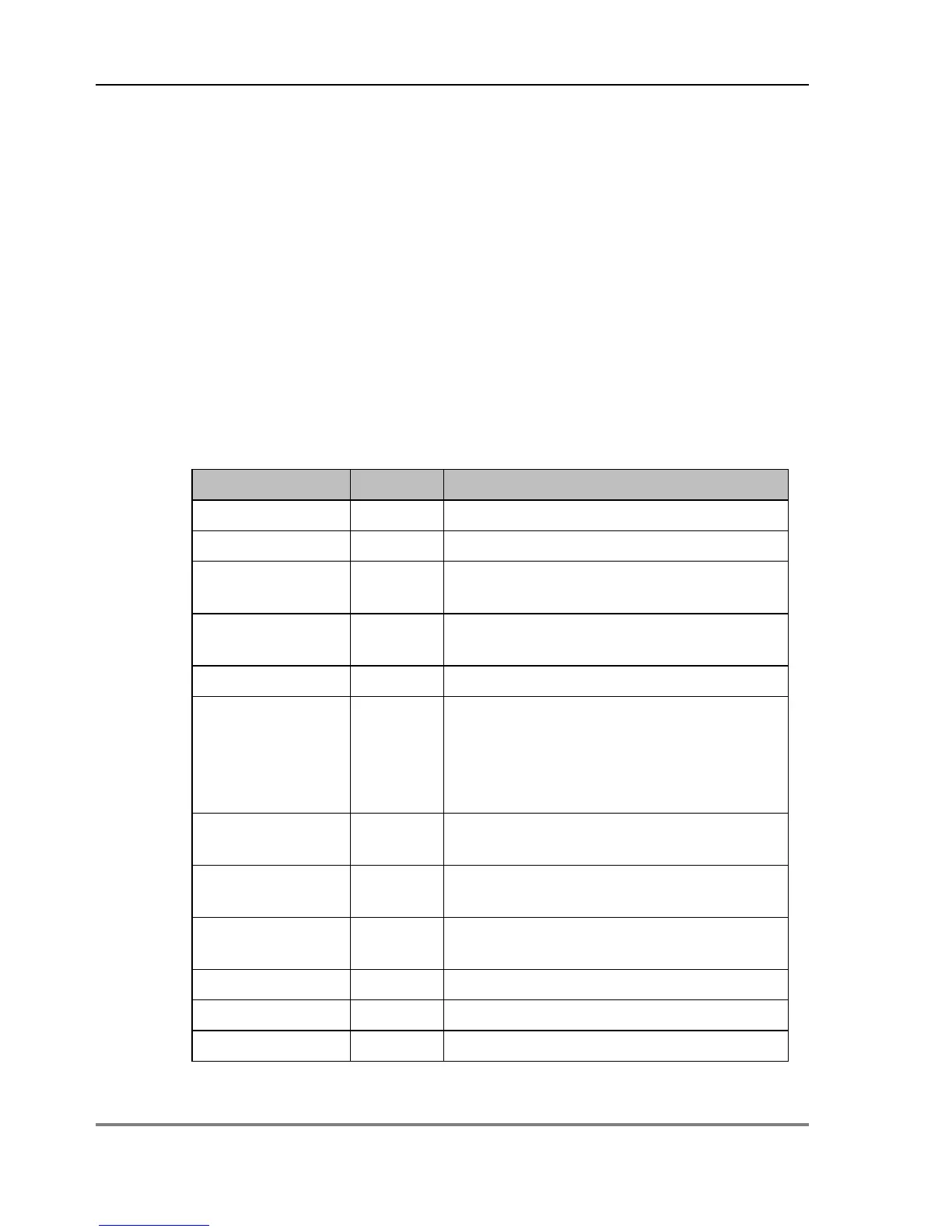
Error codes in retrieved data sets:
Under-range: the reading is to low
Over-range: the reading is too high
Below tbl O A linearisation table passed to the HH2
has a value which is too low
Above tbl I A linearisation table passed to the HH2
has a value which is too high
A fault occurred in the HH2.
No Sensor C Sensor not detected – device may be
disconnected or a sensor may be
faulty; Also appears with any non-
standard Profile Probe which does not
Too dry D Too dry to compute pore conductivity
Corrupt R EC2/WET reading message is
No number N Arithmetic operation resulted in an
invalid IEEE floating point value
Table or calibration is missing



 To Next Page