35
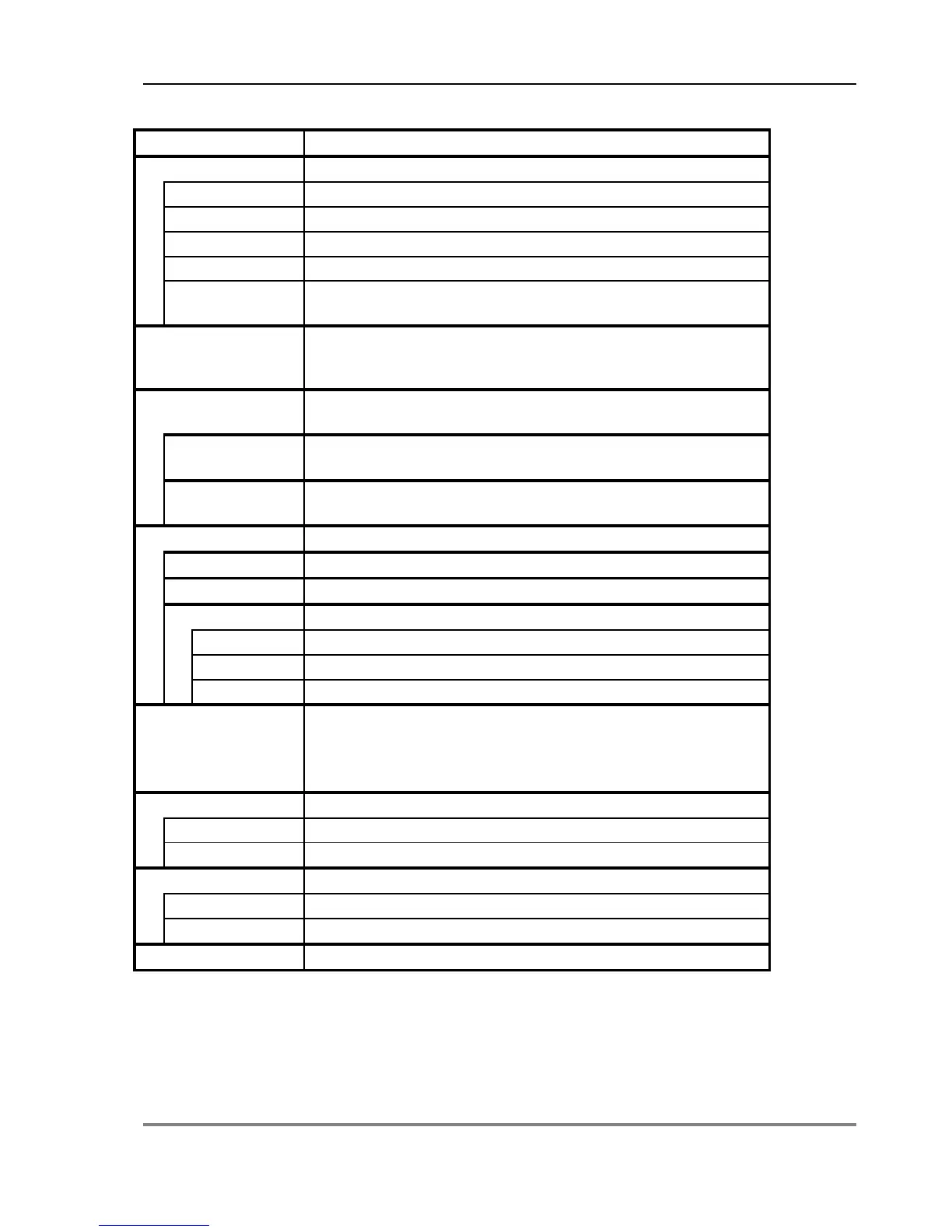
Profile Probe Options Summary
Actions, Notes(factory default values in bold)
..Z
Sample
Sets Sample Number,
Sets Rooting Depth, 0..9950mm
No (cancels the action), Yes (erases all readings stored in
Selects the device for subsequent readings. Options are:
SM200, ML1, ML2, EQ1, EQ2, PR2, PR1, PR-Special; also
WET if WET calibration is installed
Selects the soil types for each of the 4 or 6 sensors in the
Selects the same soil type for all sensors in the probe.
Options : Organic, Mineral, Soil 1..5
Selects a separate soil type for each sensor.
Options : Organic, Mineral, Soil 1..5
Sets the properties of the various soil types.
Sets Field Capacity for Organic soil, 0..38..100%
Sets Field Capacity for Mineral soil, 0..38..100%
Sets a0 for Soil 1..n, -49.9 1.0 50.0
Sets a1 for Soil 1..n, 0.1 7.0 50.0
Sets Field Capacity for Soil 1..n, 0..0.38..1 m
3
.m
-3
Selects the values and units to be displayed and stored.
Options are:
m
3
.m
-3
, %vol, mmDef, mV, mmDef + m
3
.m
-3
,
+ mV, %vol + mV, mm def + mV
Displays and sets the date and time
Status Displays status information
Resources Resources screen
Versions Versions screen



 To Next Page