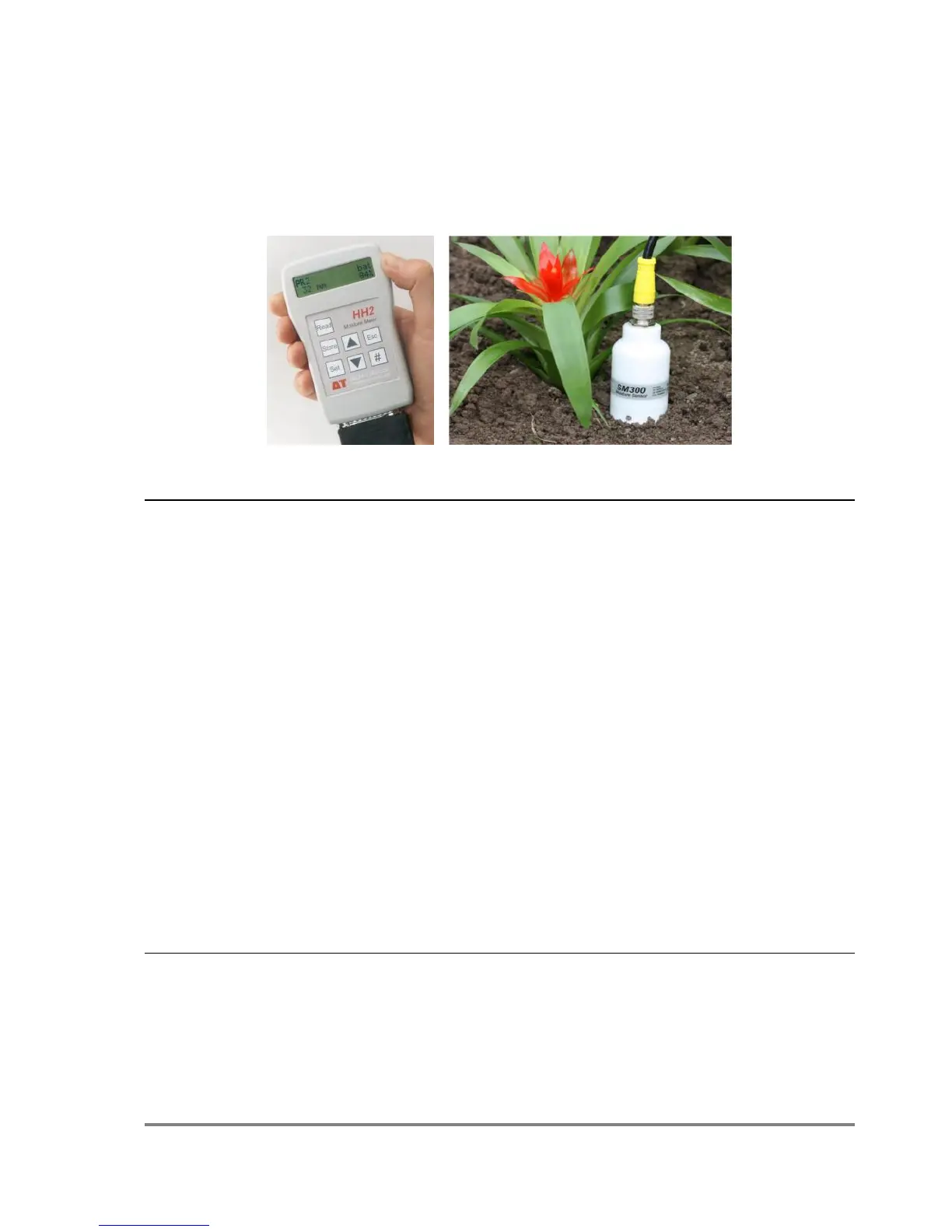
Addendum to HH2 User Manual Version 4.0 for SM300
Addendum to HH2 User Manual
Version 4.0 for SM300
Please keep this document with your HH2 User Manual.
SM300 Sensor readings
Support for SM300 requires HH2 Firmware version 2.5 and HH2Read version 2.5 or
later.
Please note:
The HH2 does not read SM300 temperature readings
This is because SM300 temperature sensor has a slow response time and is
unsuitable for instantaneous temperature measurements’
Support for the SM300 is exactly the same the support for the ML2, ML2x and
SM200 - described in the HH2 User Manual.
To select the SM300 for the next reading:
Press Set at the start-up or readings screen to display the Options menu.
Scroll down to Device using the up ▲and down ▼ keys and press Set.
Scroll down to SM300 using the up and down keys and press Set.
Press Read to take a reading.
How to upgrade your HH2
Support for SM300 is provided in version 2.5 of the HH2 firmware and version 2.5 of
the PC software HH2Read.
Older versions of the HH2 Moisture Meter can be upgraded to work with the SM300 –



 To Next Page