PC Software - HH2Read Moisture Meter User Manual 4.0
Settings Menu
This menu allows you to select the COM port (1 or 2) and to set the clock.
COM1 and COM2
Use the Settings, COM1 or COM2 command to identify the serial communications
port of your PC. This requires a 9-pin D connector at the back of your PC for your
RS232 cable. (If you do not have one, get and install a USB to RS232 converter).
Clock
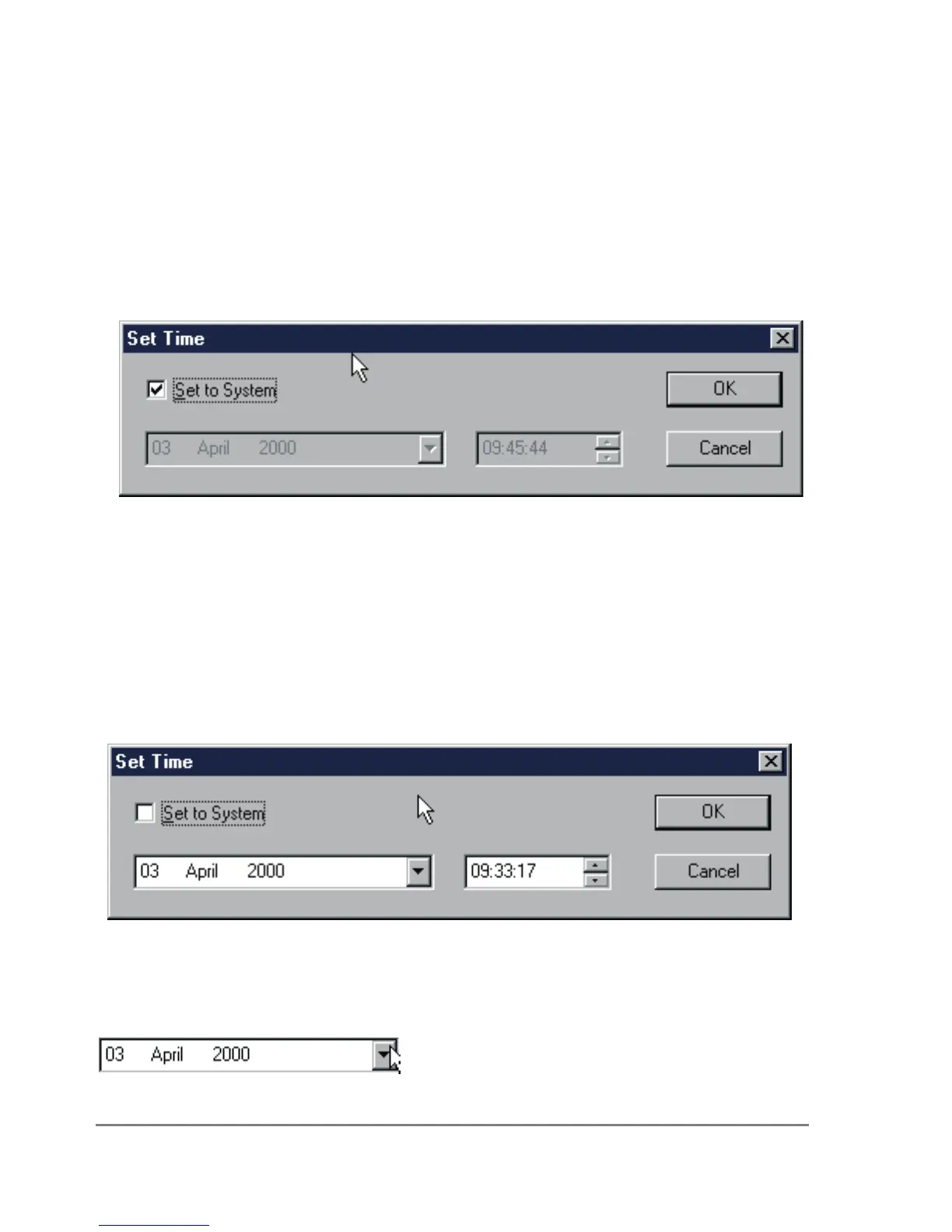
The Settings, Clock command displays the Set Clock dialog.
The current date and time setting for your computer is displayed in grey, and the Set
to System box is checked.
The date and time format may be different, depending on the Regional Settings for
your computer.
To accept your computer system clock date and time, click on OK. This resets the
Moisture Meter clock to the same date and time.
To choose a different date or time, clear the Set to System check box to disable it.
The date and time selection boxes will now appear bold, in black and white, as
follows:
To change the date and time, use your mouse, and/or the left, right, up and down
keys and the tab key.
To change the date you can click on the date select symbol :
This displays the calendar:



 To Next Page