PC Software - HH2Read Moisture Meter User Manual 4.0
Whenever you send a request for information to the HH2 Moisture Meter it is also
asked to report its internal clock.
Initially the clock display appears blank.
When the HH2 has finished dealing with the original request, the date and time
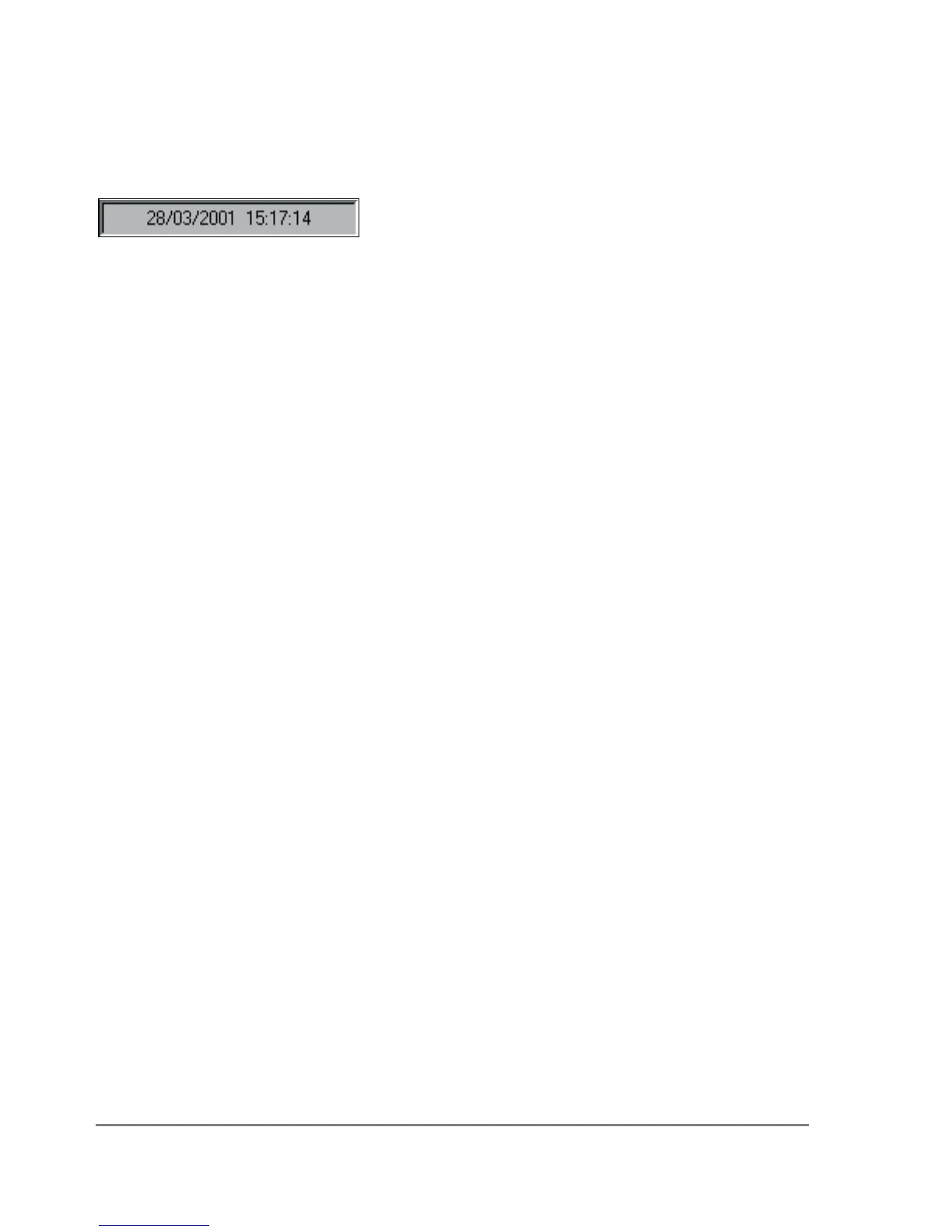
should appear at lower left on the HH2Read window, looking something like this:
Typical date time display
The particular date time order will reflect your computer's Regional Settings,
accessed from your Control Panel via the Start, Settings menu.
Once the HH2 has successfully received and processed a command or message
from the PC it will display "Connected to PC"
The HH2 - PC link is now ready.
Trouble Shooting
If you have problems with the PC software communicating with the meter then see
PC Communications Problems on page 86.


 To Next Page
 Loading...