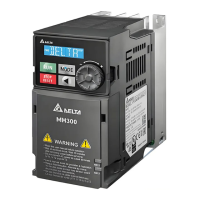
VFD-MS300/MH300 EtherNet/IP Communication Card CMM-EIP01
CMM-EIP01 Operation Manual
36
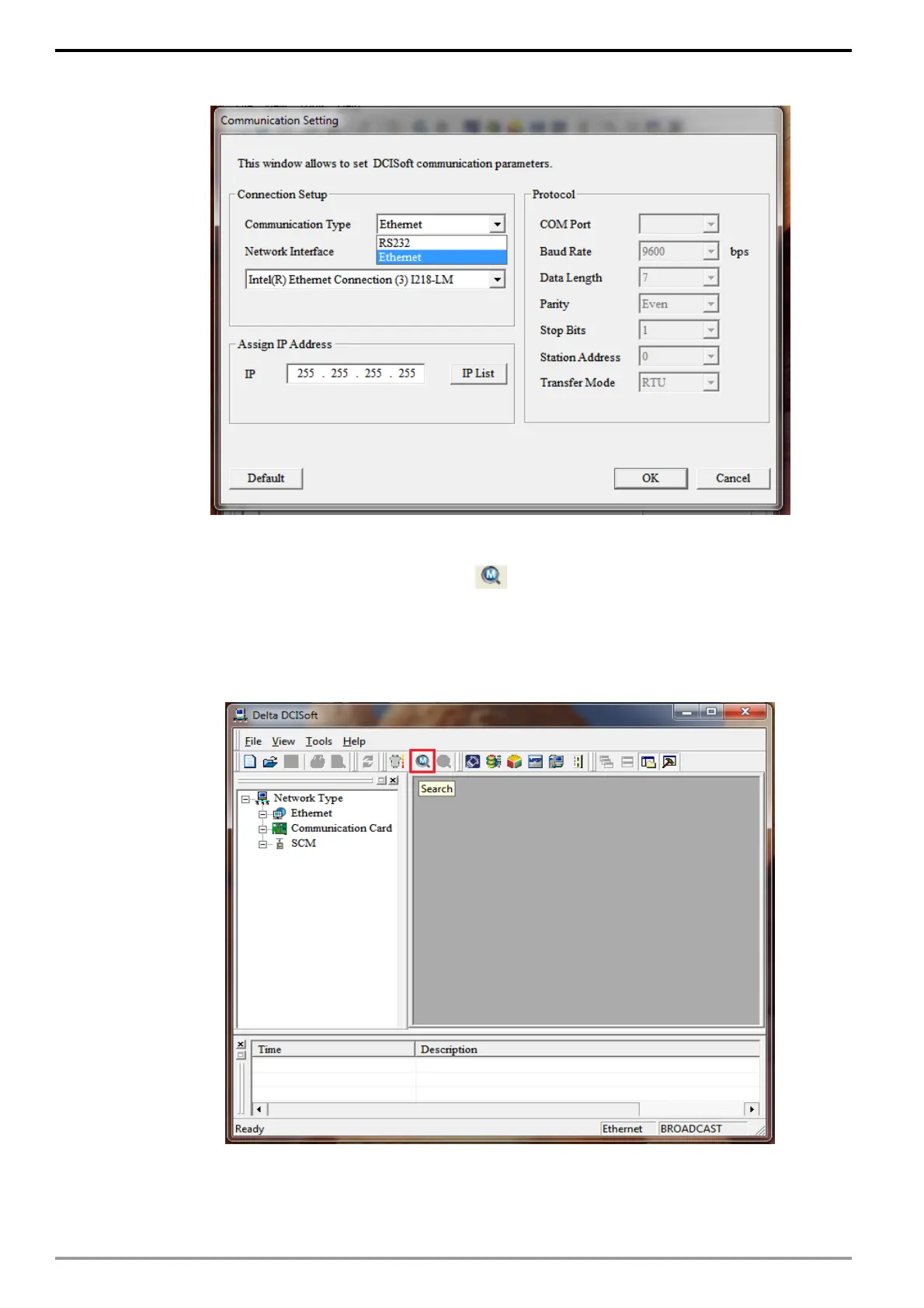
2. Select "EtherNet" as the communication mode.
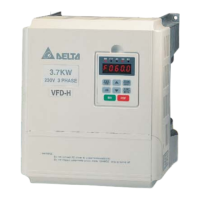
Broadcast search
1. Click on the "Broadcast Search" icon in DCISoft to search for all Delta
devices on the network via the broadcast method. Device categories for products
that have been located are displayed in the left panel, and the list of various
devices is displayed on the right panel.






 To Next Page