VFD-MS300/MH300 EtherNet/IP Communication Card CMM-EIP01
CMM-EIP01 Operation Manual
10
3 Installation and Wiring
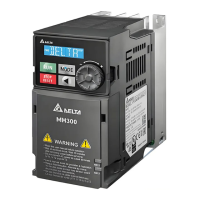
In this section, we illustrate how to connect CMM-EIP01 to VFD-MS300/MH300, as
well as connect CMM-EIP01 to the network.
3.1 Installation
How to connect CMM-EIP01 to the VFD-MS300/MH300 series:
3-1-1 Installation (1) (Take MS300 as an example)
1. Switch off the power supply.
2. Open the front cover of the drive.
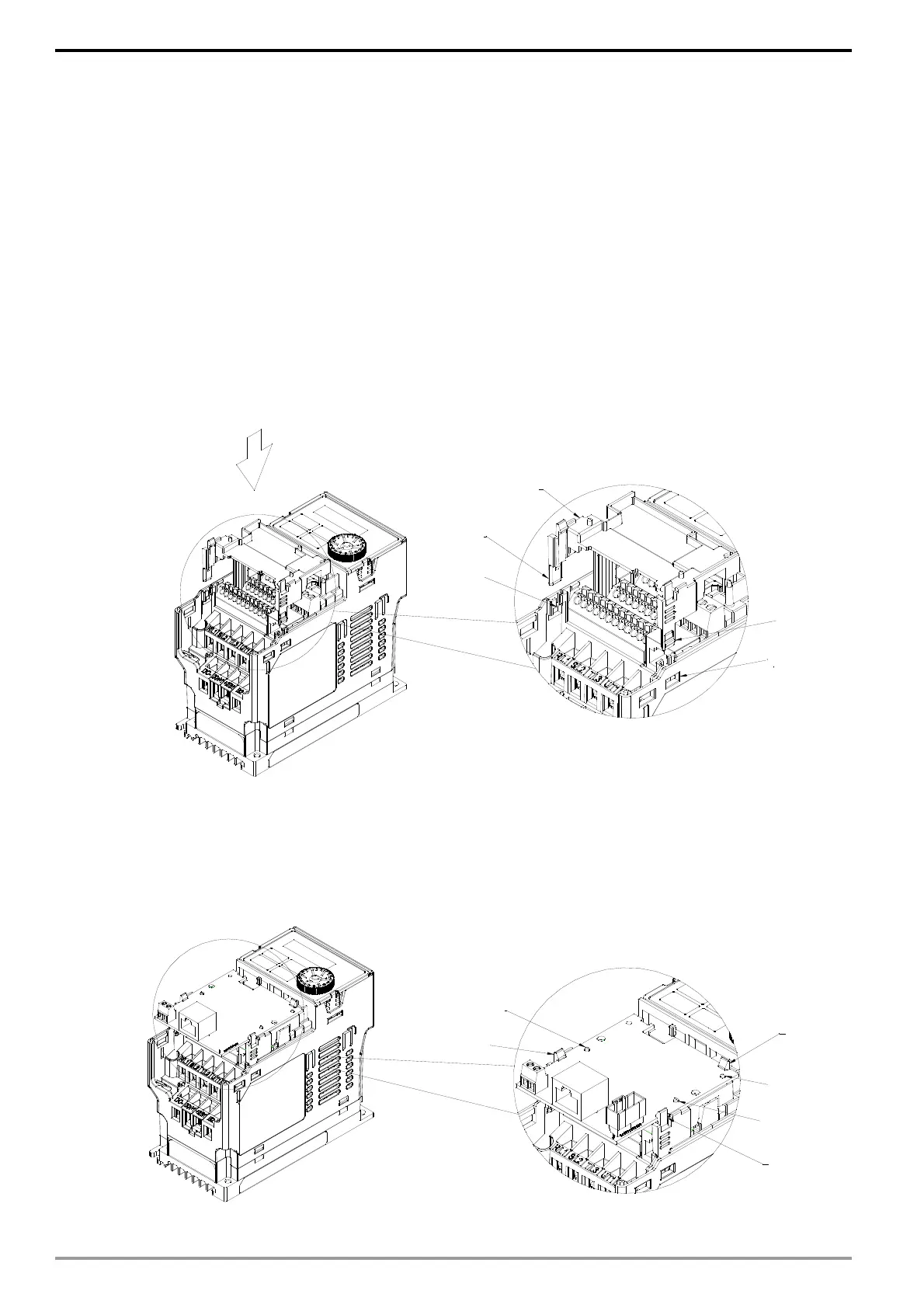
3. As shown in Fig. 1, aim the two clips at the communication card fixed fitting.
Press the fixed fitting to clip the slot.
Fig. 1
4.
As shown in Fig. 2, aim the three holes at the positioning pin. Press the pin to clip the
holes with the communication card.
Fig. 2
Communication card
fixed fitting
Clip
Clip
Slot
Slot
Clip
Clip
Clip
Position pin
Position pin
Position pin






 To Next Page