VFD-MS300/MH300 EtherNet/IP Communication Card CMM-EIP01
CMM-EIP01 Operation Manual
44
7.2 Password Setup and Clearing
Function Description Use DCISoft to set up and clear the password in CMM-EIP01
Network environment
(1) Set up a password in CMM-EIP01
(2) Unlock CMM-EIP01
(3) Clear password in CMM-EIP01
1. Please refer to Section 7.1 for the connection diagram and communication settings.
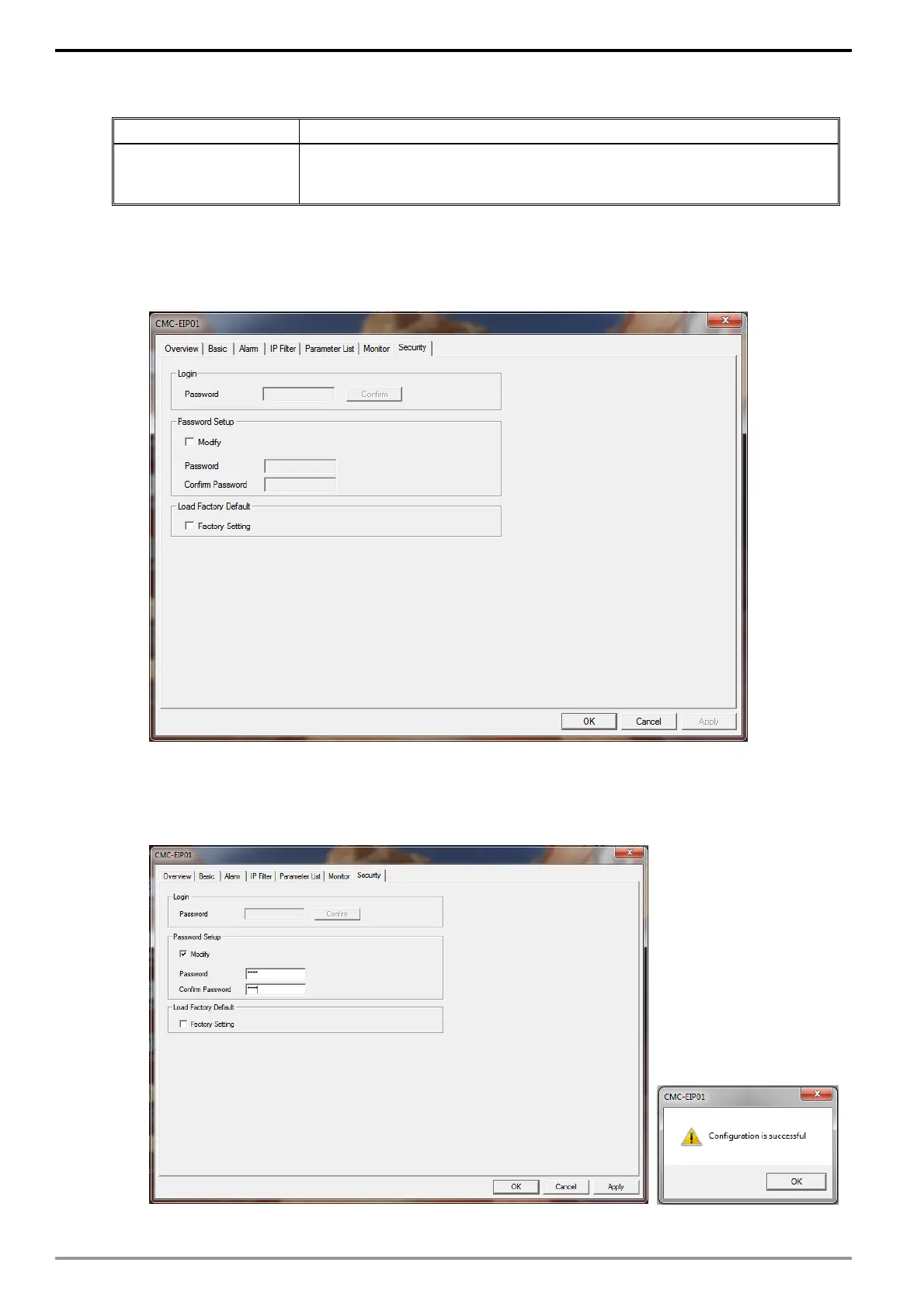
2. Launch the setup dialog for CMM-EIP01 and click on the "Security settings" tab.
3. Check "Modify" and enter password "1234" into the "Password" and "Confirm
Password" text boxes; click on "Apply" to save the password.






 To Next Page