VFD-MS300/MH300 EtherNet/IP Communication Card CMM-EIP01
CMM-EIP01 Operation Manual
43
7 Application Scenarios for EIP Operations
In this section, we will introduce how Delta's EtherNet/IP adapter products can be
connected and configured with PLC or the web interface via EtherNet/IP by using different
application scenarios as examples. If you require more detailed information on how to
configure the PLC Scanner, please visit our official website and download the PLC
EtherNet/IP manual. The URL is:
http://www.deltaww.com/filecenter/Products/download/06/060301/Manual/DELTA_IA-PLC_E
therNet-IP_OP_TC_20160520.pdf
7.1 Monitoring VFD-MS300/MH300 Parameters Online via DCISoft / Web
Function Description Using DCISoft to monitor MS300/MH300 parameters
Network environment
(1) IP address of the PC is 192.168.1.30
(2) IP address of the CMM-EIP01 communication card on VFD-MS300/MH300 is
192.168.1.20
1. Connectivity diagram
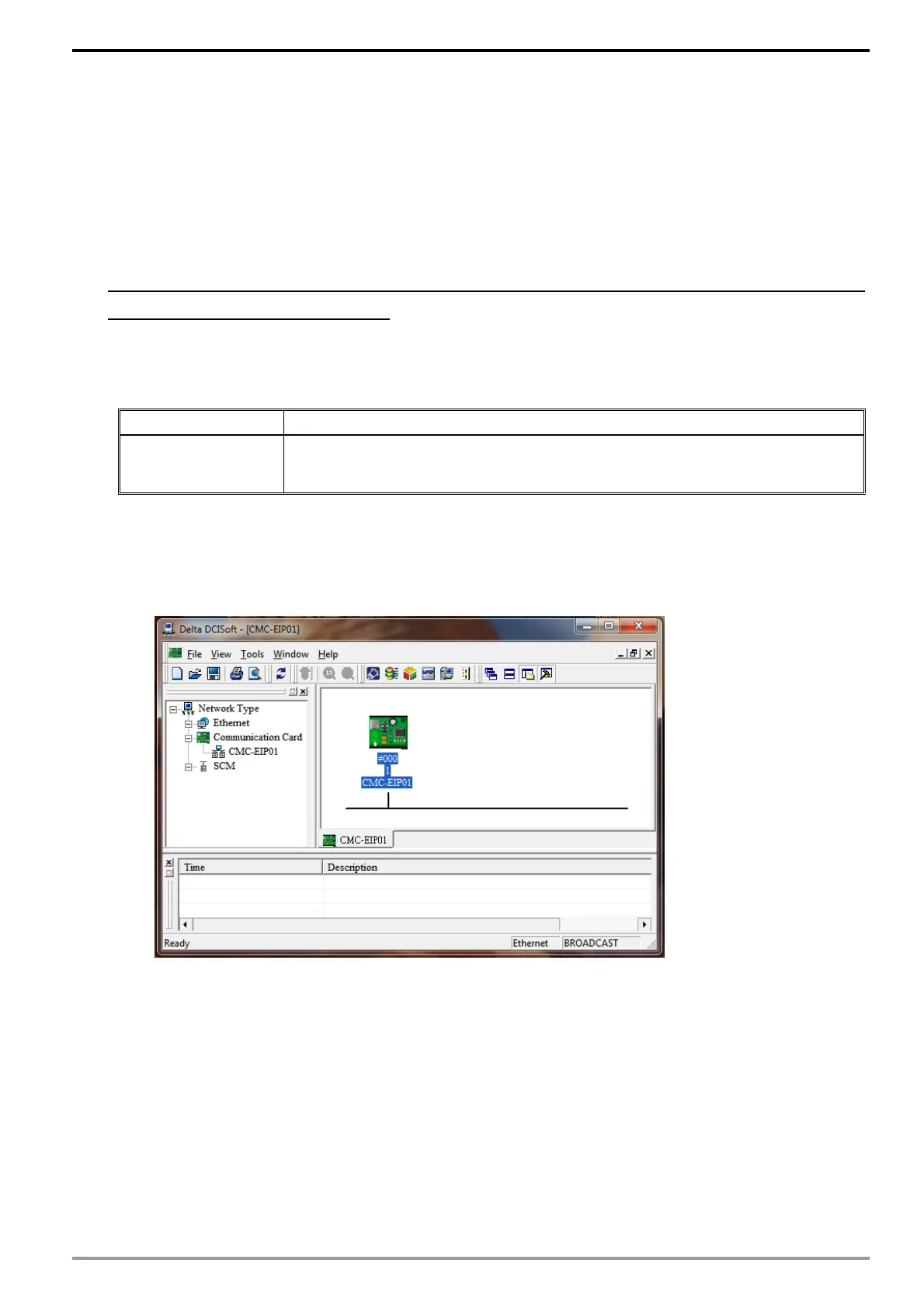
2. Launch DCISoft and use broadcast search to locate CMM-EIP01 (if the device is on a
different LAN, search by its designated IP address).
3. Enter the "Parameter List" page and select all VFD-MS300/MH300 parameters that
you wish to monitor.
4. For example, if you wish to monitor parameters 00-01, 01-01, 02-01, 03-01, 04-01,
05-01, and 06-01, place a checkmark on them on the parameter list.
5. Switch to the monitor page and all checked items will be displayed on the monitor list.
6. Click "Apply" to automatically execute the monitoring function in DCISoft and the
caching function for CMM-EIP01.






 To Next Page