4
1.3 Setting the Backlight
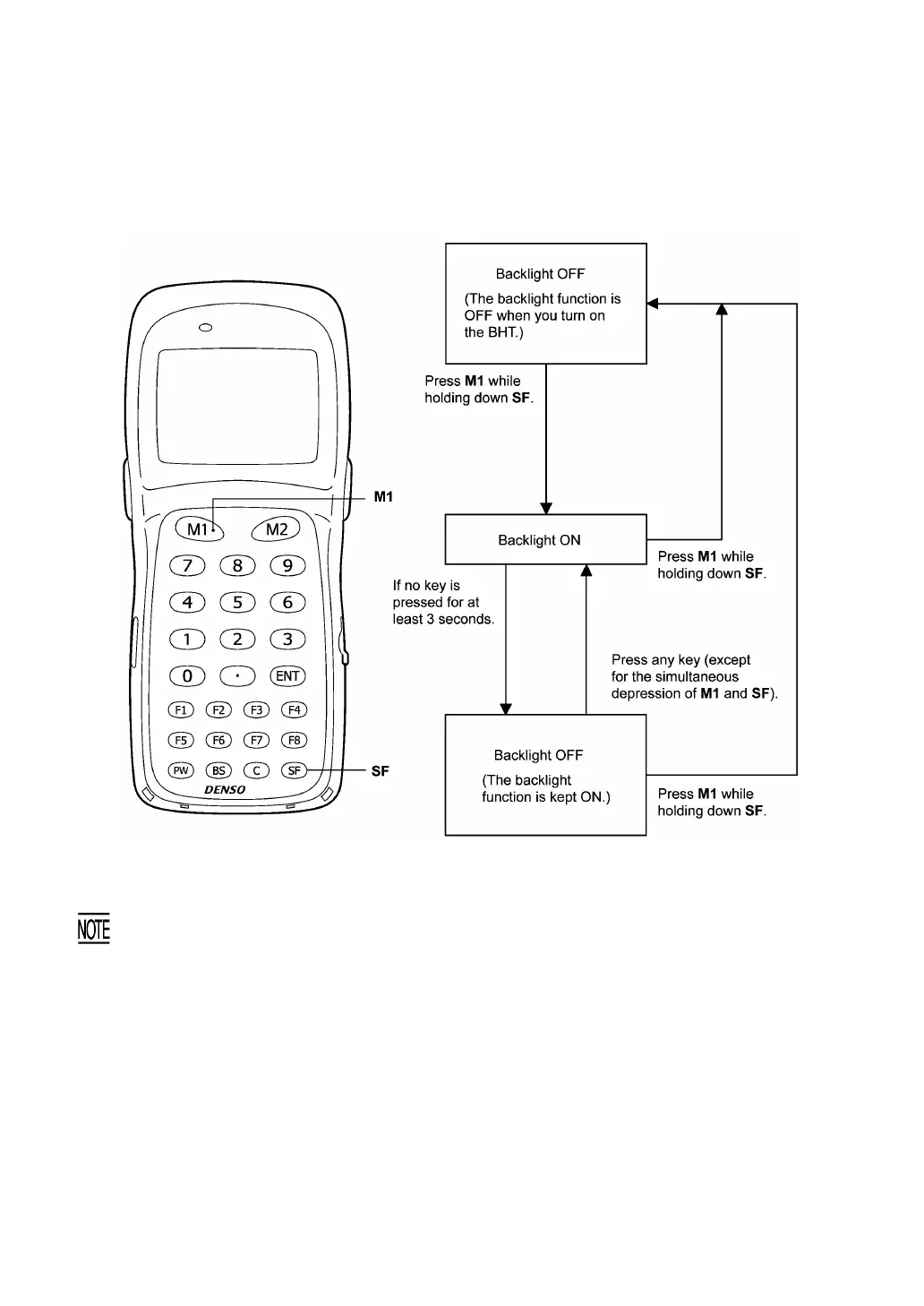
Pressing the M1 key while holding down SF (Shift) key activates or deactivates the backlight function.
In user programs, you can select the key to be used for activating or deactivating the backligh
function (instead of the initial setting: combination of SF and M1), as well as modifying the
ON-duration of the backlight before the automatic turning-off.



 To Next Page