Chapter 2 Getting Started the BHT and System Mode
29
2.3.5 Battery Replacement Notes
! When is battery replacement needed?
If the "Replace the batteries!" or "Charge the battery!" appears on the LCD, replace the dry cells with
new ones or replace the battery cartridge with a fully charged one, respectively.
If you leave the BHT without replacing dry cells or battery cartridge, the integrated calendar clock or data
will no longer be backed up so that the calendar clock will stop or the "Contact your administrator. Note
the error number. (XXXX)" will appear on the LCD.
Be sure to turn the BHT off before replacing the dry cells or battery cartridge.
Replace the dry cells or battery cartridge quickly. Load new dry cells or charged battery cartridge
within 3 minutes after the removal in order to avoid data loss.
After replacement, be sure to turn the BHT on and check its operation.
! If you will use the BHT more than one time per month:
Keep the dry cells or battery cartridge loaded in the BHT.
! If you will not be using the BHT for more than one month:
Remove the dry cells or battery cartridge from the BHT and then store the BHT. When doing so, be sure
to follow the procedure given below.
(1) When removing the dry cells or battery cartridge:
Hold down the PW key for more than 3 seconds to turn the BHT off.
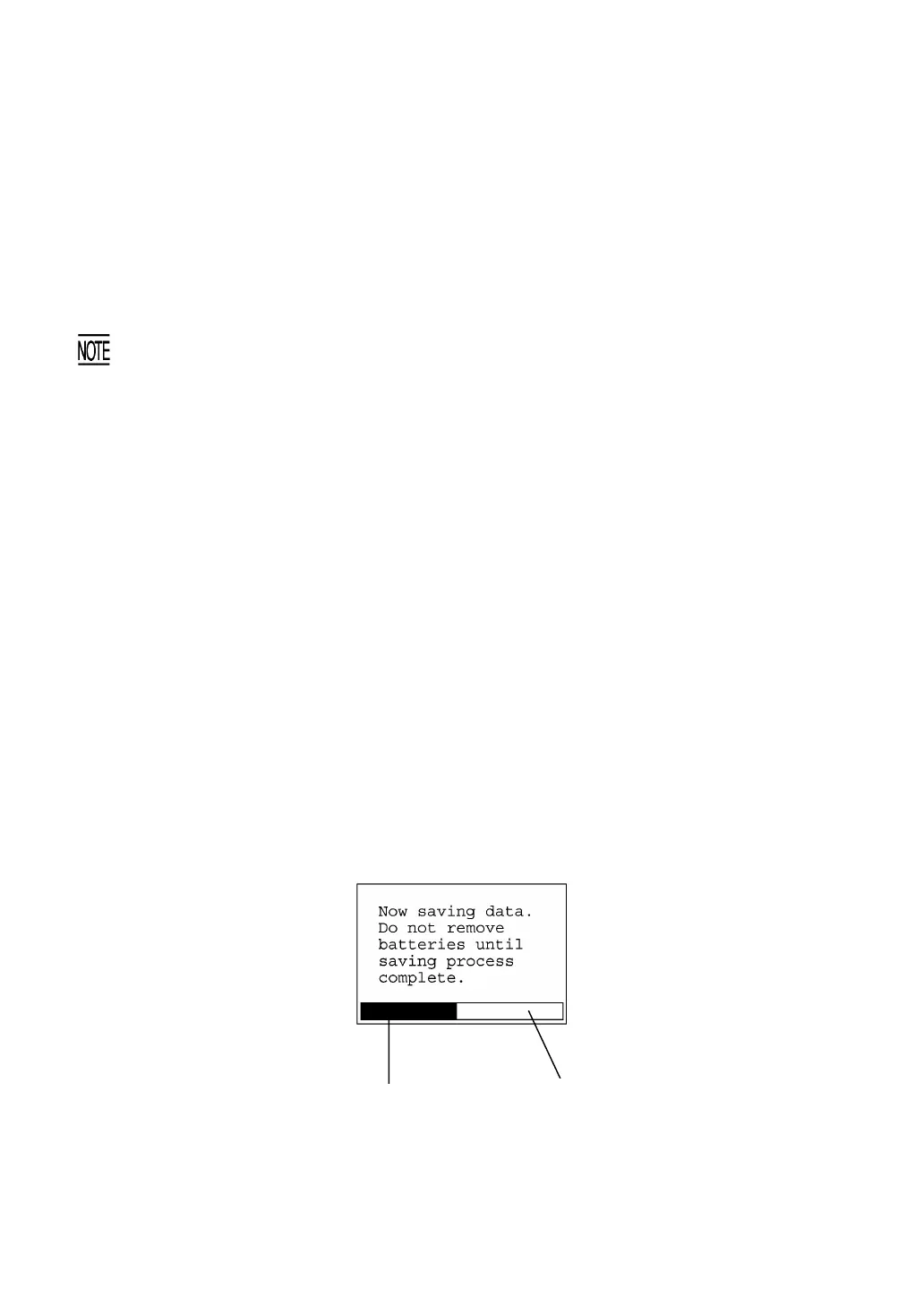
The following message will appear on the LCD and the BHT will start backing up data. After
completion of the backup operation so that the message disappears, remove the dry cells or battery
cartridge.
(The backup operation may take several tens of seconds depending upon the volume of data to be
backed up.)
Shows the current backup state
in progress.
Shows the total volume of data
to be backed up.



 To Next Page