Chapter 5 Handling the CU-8000 (Option)
157
5.4.2 Interface Cable Connection
(1) For the CU-8001, unplug the AC adapter from the wall socket.
(2) Make sure that the host PC is turned off.
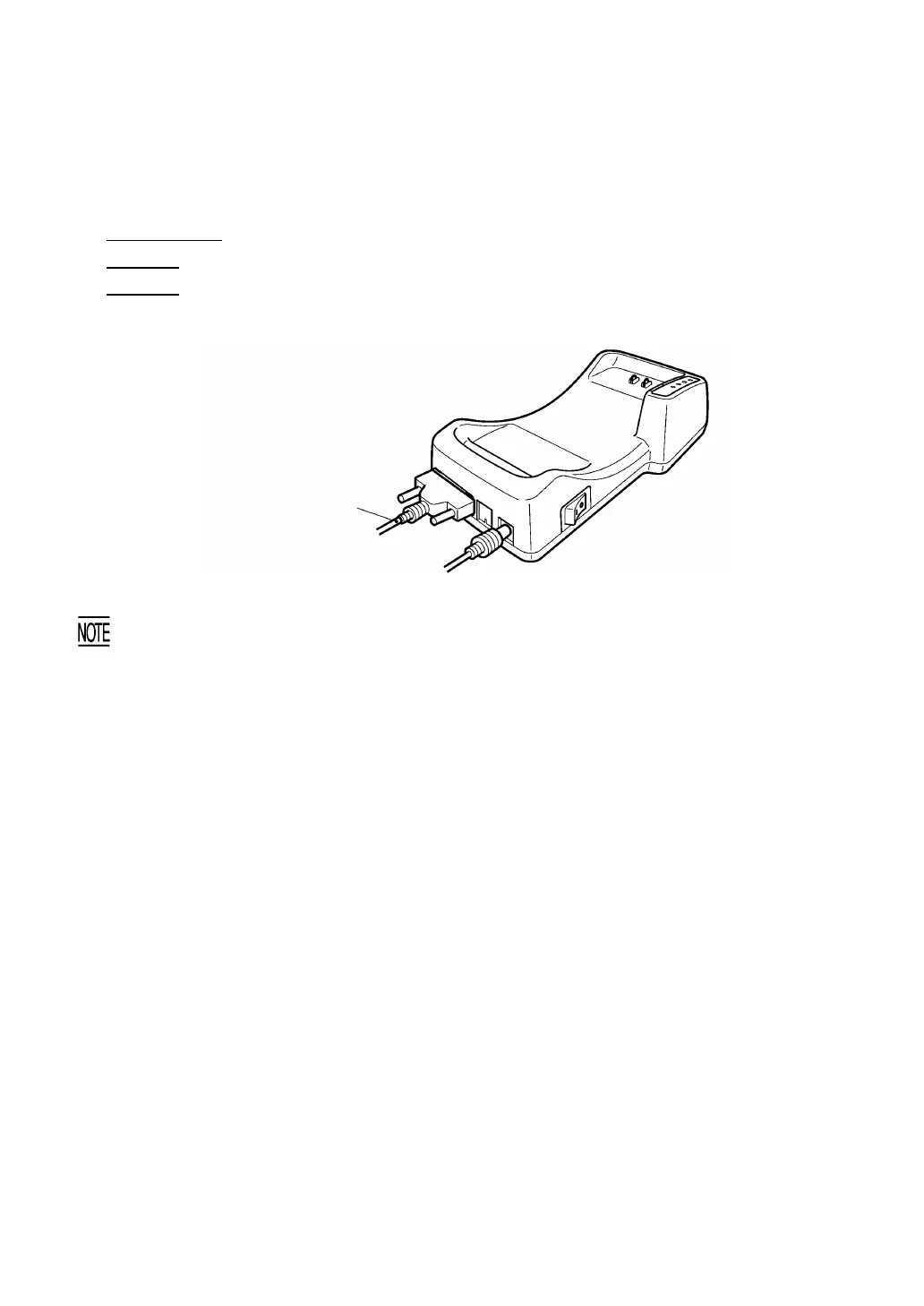
(3) CU-8001/8002: Connect the RS-232C interface cable to the interface port of the CU-8001/8002.
CU-8021: Connect the USB interface cable to the interface port of the CU-8021.
CU-8011: Connect the Ethernet interface cable to the interface port of the CU-8011.
When connecting the Ethernet cable to the CU-8011, be sure to snap its modular plug into place.
When disconnecting it, push the lock lever of the modular plug to unlock and pull it out.
(4) Connect the other end of the RS-232C/USB/Ethernet interface cable to the corresponding port of
the host PC.
TIP: The CU-8021/8011 can be connected via a hub to the host PC.
(5) For the CU-8001, plug the AC adapter into a wall socket.
Interface cable
CU-8001/8002: RS-232C
CU-8021: USB
CU-8011: Ethernet (10Base-T)



 To Next Page