Chapter 2 Getting Started the BHT and System Mode
45
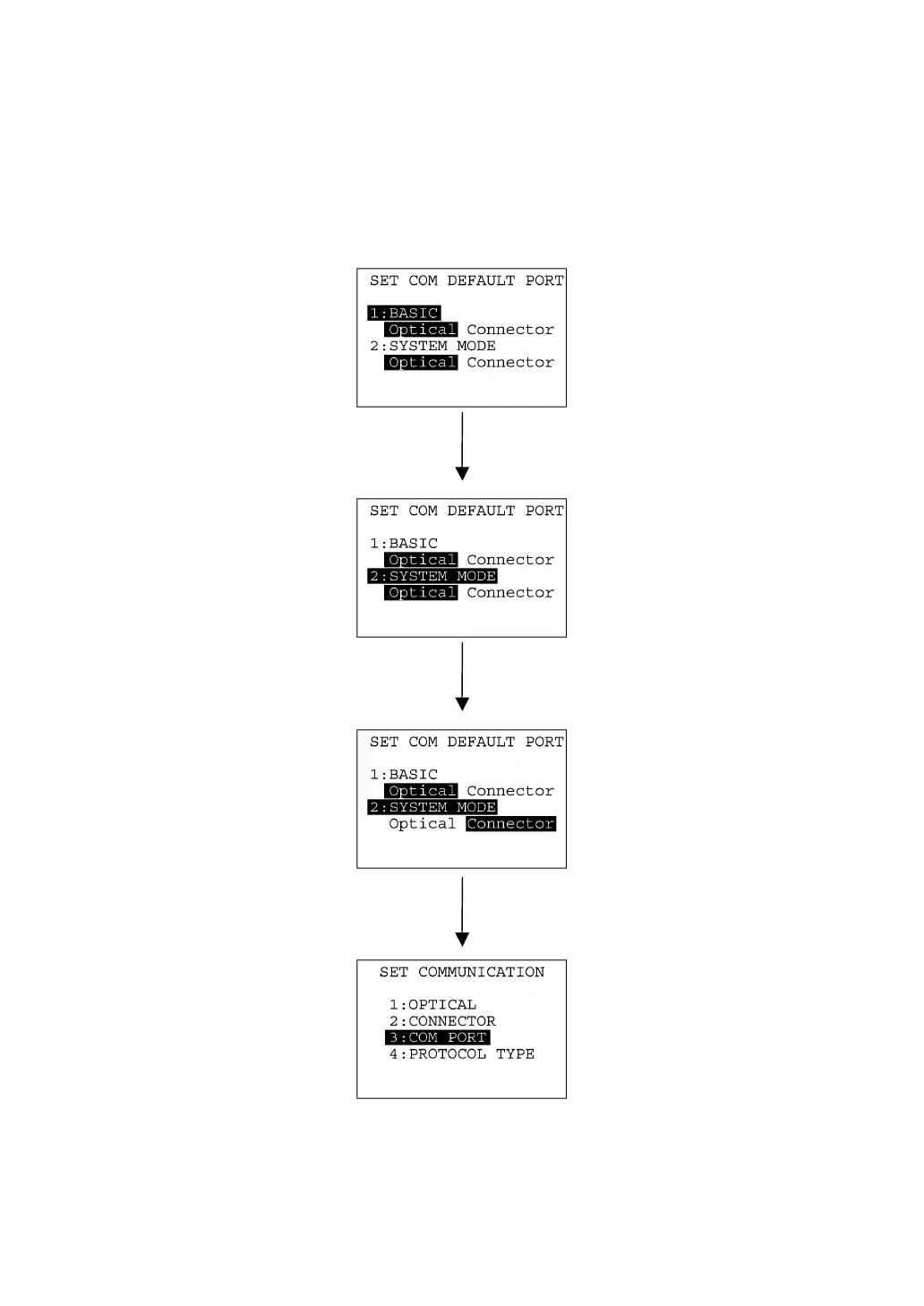
[ 2 ] Selecting a desired setting
First, select a desired item on the current screen by using the numerical key or the cursor keys (F5 and
F6) so as to highlight the desired item.
Use the F7 and F8 keys to select a desired setting and then press the ENT key. The screen returns to
the previous selection screen.
Press 2 key or use F5 and F6 keys
to select the desired set item.
ENT ke
Use F7 and F8 keys to select the
desired setting.



 To Next Page