Chapter 2 Getting Started the BHT and System Mode
75
[ 5 ] Testing
("9:PING" available in LAN-support
BHT system only)
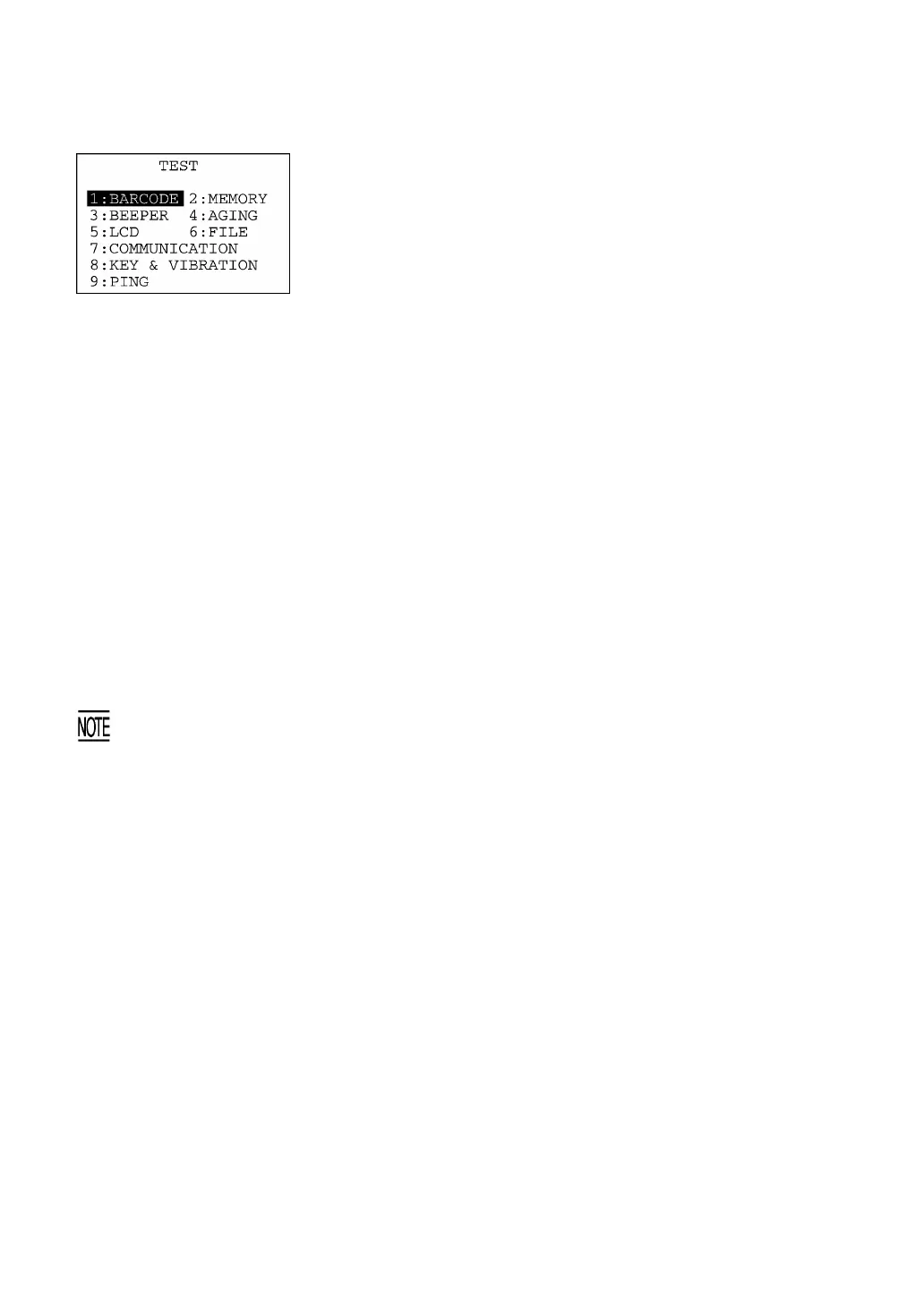
Selecting "5:TEST" on the SYSTEM MENU calls up the screen
shown at left.
[1] BARCODE: Selects the bar-code reading test.
[2] MEMORY: Selects the RAM read/write test.
[3] BEEPER: Selects the beeper scale test.
[4] AGING: Selects the aging test.
[5] LCD: Selects the LCD and indicator LED tests.
[6] FILE: Selects the file checksum test.
[7] COMMUNICATION: Selects the communications test.
[8] KEY & VIBRATION: Selects the key entry, beeper and vibrato
tests.
[9] PING: Selects PING.
(Available in LAN-support
BHT system only)
Select a desired setting by using the numerical keys or F5 and F6
keys, and then press the ENT key. The selected test will start.
Highlighted is the currently selected item.
To return to the SYSTEM MENU, press the C key.
If an error occurs in any of the above tests, contact your nearest dealer.



 To Next Page