46
2.5.3 Detailed Description of the Functions in System Mode
[ 1 ] Program Execution
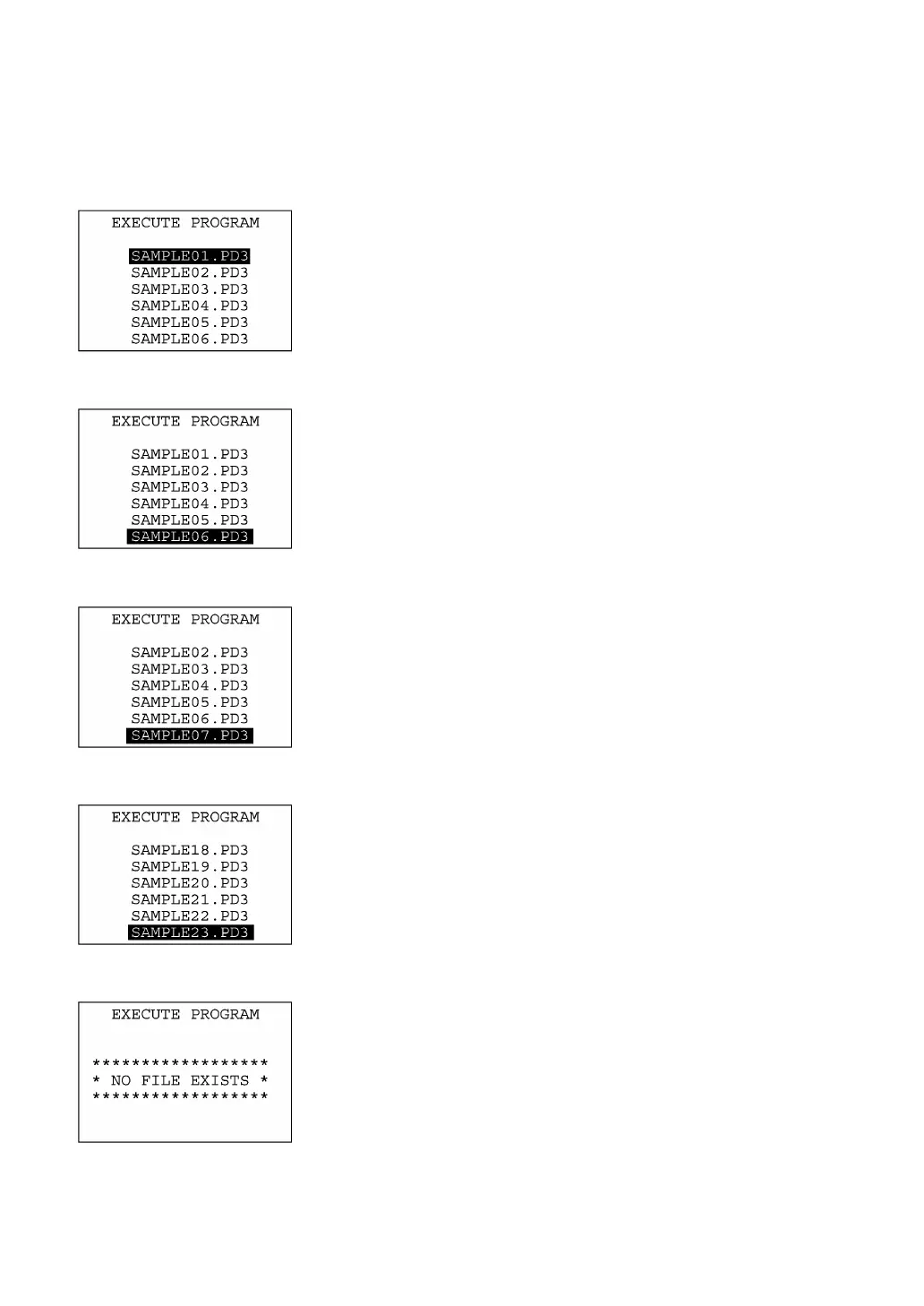
Selecting "1:EXECUTE PROGRAM" on the SYSTEM MENU shows
the screen shown at left.
If more than one program has been downloaded to the user area o
the target memory, use the F5 and F6 keys to move the cursor to a
target program, and then press the ENT key.
To return to the SYSTEM MENU, press the C key.
If more than six programs have been downloaded, you may need to
scroll the screen with the F6 key.
⇓
⇓
In the example shown at left, 23 programs are downloaded.
If no program file is downloaded, the message shown at left will
appear.
To return to the SYSTEM MENU, press the C key.



 To Next Page