24
For the year, be sure to enter the last two digits of the year. For th
hour, enter it in the 24-hour format.
If any of the year, month, day, hour, and minute is not entered, th
ENT key will be deactivated.
If you make a wrong entry, press the backspace key to delete it
and then enter the correct data.
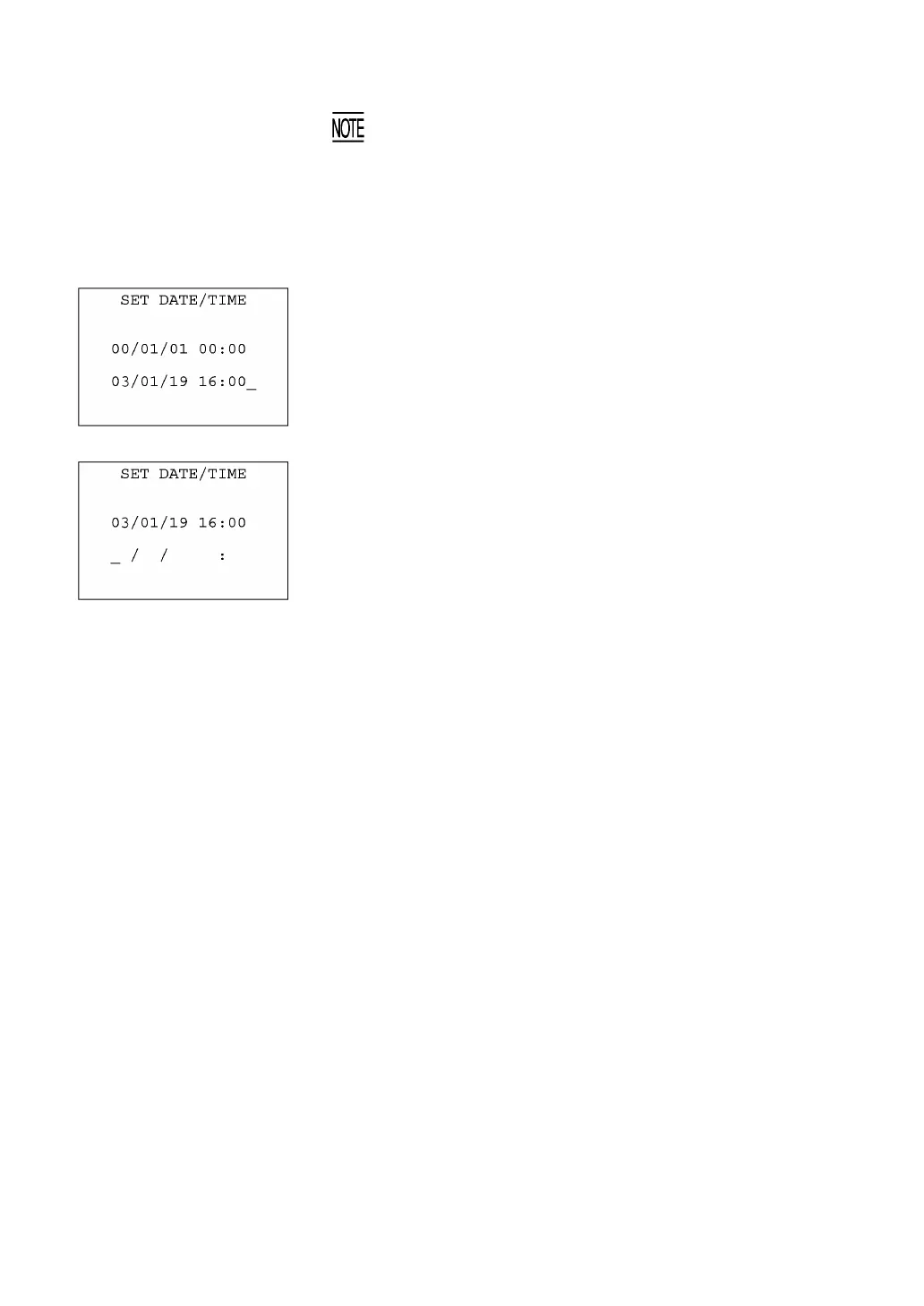
[Example] To set 2003, January 19, at 4:00 p.m.
Press 0 , 3 , 0 , 1 , 1 , 9 , 1 , 6 , 0 , and 0.
(5) Press the ENT key to register the above setting.
(6) Press the C key to return to the SET SYSTEM screen.



 To Next Page