Chapter 2 Getting Started the BHT and System Mode
79
[5.5] LCD and indicator LED tests
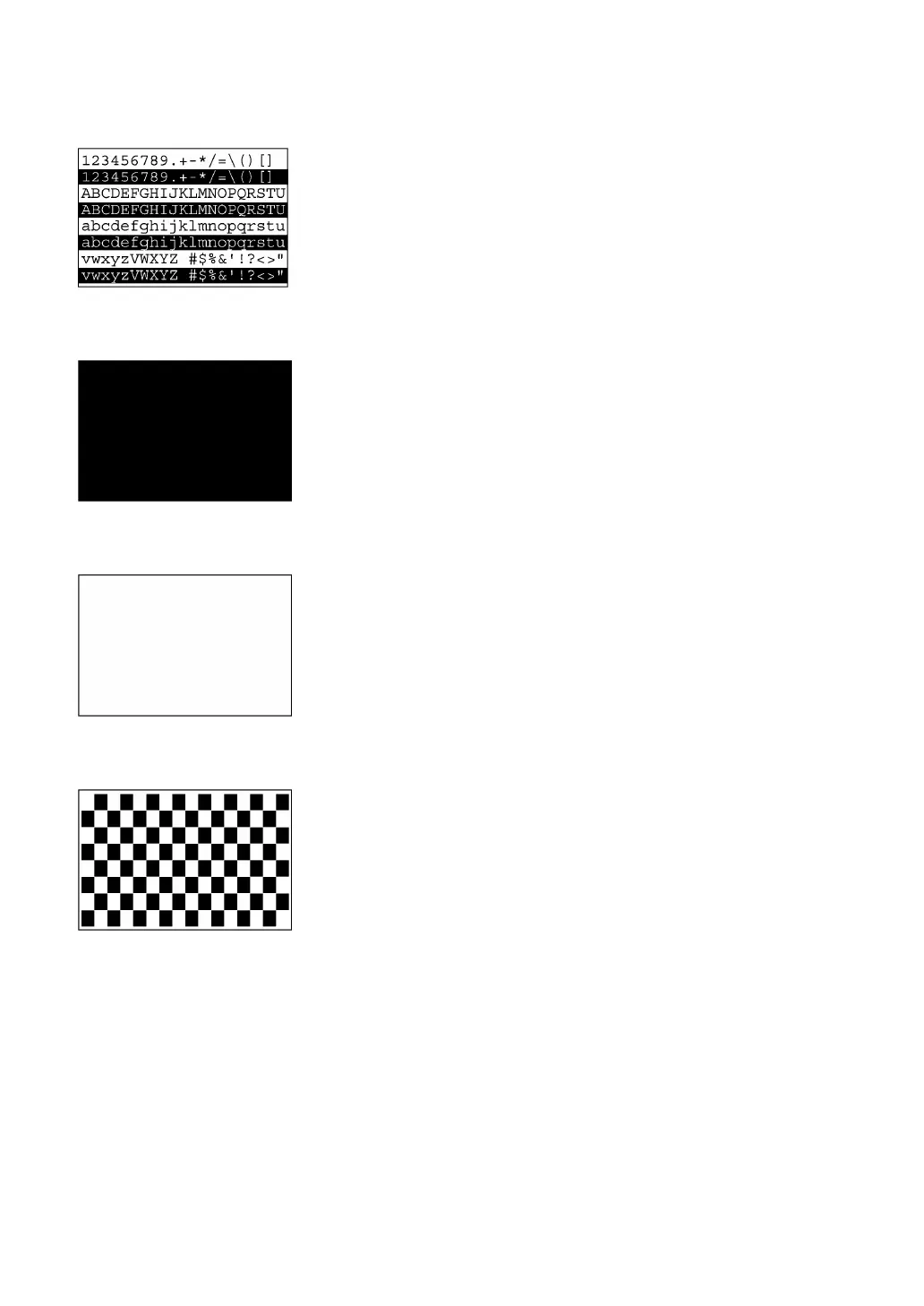
Selecting "5:LCD" on the TEST menu calls up the test pattern shown
at left on the LCD. The indicator LED is off.
Each time the ENT key is pressed, the screen shifts to the next test
pattern. To return to the previous screen, press the BS key.
To stop this test while in progress, press the C key.
BS key ⇑ ⇓ ENT key
s shown at left, the entire screen turns black. The indicator LED
lights in green.
BS key ⇑ ⇓ ENT key
As shown at left, everything disappears and the indicator LED lights in
red.
BS key ⇑ ⇓ ENT key
The checker pattern shown at left appears and the indicator LED
goes off.
BS key ⇑ ⇓ ENT key



 To Next Page