SERVICE MANUAL
Checkout and adjustment
RTG PLUS (120V) (Rev. 0)
7-16
7.5.1
7.5.17.5.1
7.5.1
Alignment of the X
Alignment of the XAlignment of the X
Alignment of the X-
--
-ray beam for the PANORAMIC mode
ray beam for the PANORAMIC moderay beam for the PANORAMIC mode
ray beam for the PANORAMIC mode
To check alignment of the X-ray beam in the Panoramic mode proceed as
follows:
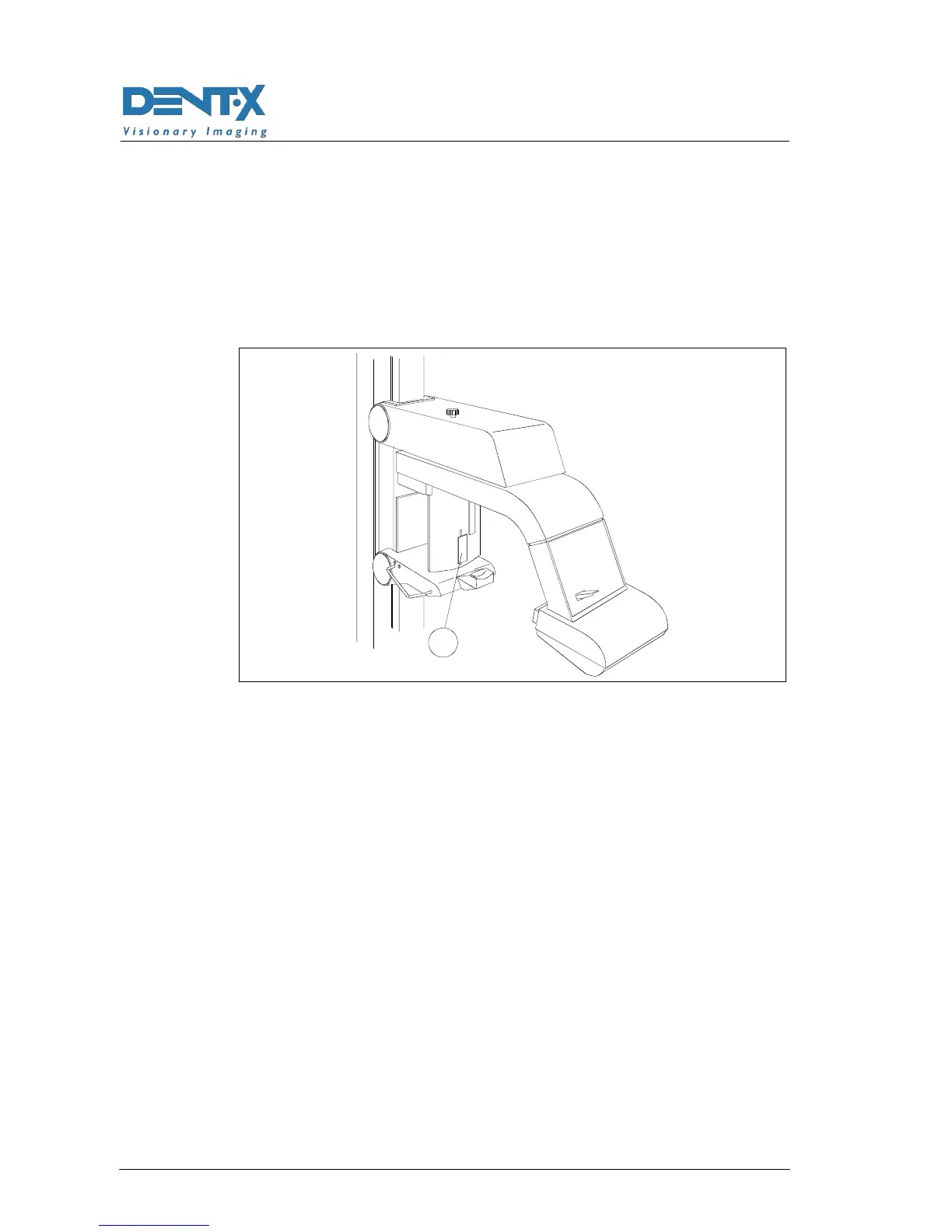
1. Install a fluorescent screen "101" (P/N 6108910100) on the cassette
protection shield and tape it.
101
Figure 7-1
2. Set S4 in ON (see paragraph 7.2.2) and move the rotating arm, by
means of the "T" test button, until reaching an arm position that
allows to see the fluorescent screen standing in a protected area
from the X-ray beam.
3. Make an exposure by depressing the X-ray emission button (42) and
check the geometrical alignment of the visible beam and the slit
aperture in the shield assembly.
Depending on the type of misalignment detected, proceed as described
below:
A. Should an adjustment be required in the oblique dimension, the
front cover "106" (see Figure 7-2) of the tubehead must be removed.
In order to make this action easily, it is necessary to remove the
lower cover front screws and loose the lower cover back screws
before to remove / remount the front cover "106".
B. Release grubs "118" (see Figure 7-2 and Figure 7-3) positioned on
both sides of the metal support of the collimator and rotate the
support itself in such a way to correct the alignment. Make an
exposure and if OK, screw-in the grubs.



 To Next Page