40
before the start. All other programs remain unaffected by this.
Do not change temper positions for ceramics without consulting the manufacturer.
6.15 Display time and date
This function enables the optional display of the time or of the date in the program. The date
is preset in the factory.
Changing the time or date display
1. Press the sensor button "M"
2. Press the sensor button "Configuration"
3. Press the sensor button "Display date" or "Display time". The display changes to time or
date.
4. Press the sensor button "M" frequently enough until the preceding program appears.
6.16 Smart Card
(Smart Card Order No.: D03 050 050)
(Main menu Section 4.5)
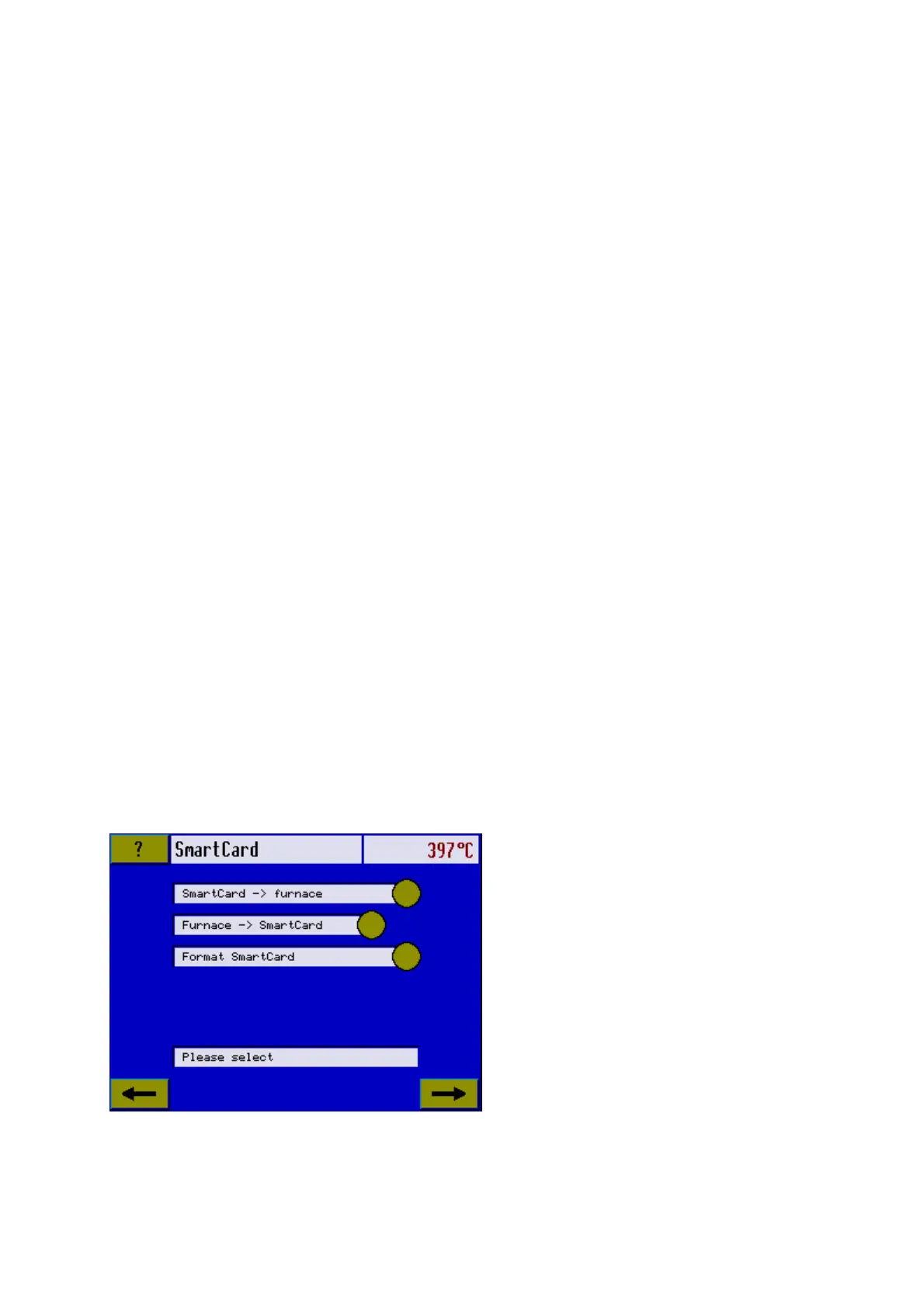
This function enables selected programs to be transferred from the furnace to the Smart
Card. Up to 300 programs can be transferred depending on the storage capacity of the card.
This function is recommended especially for additional program backup.
In addition to the Smart Card, you also receive a CD-ROM, which includes
" The latest software for the furnace,
" an interactive manual in short form and
" the main instructional manual.
It is recommended you transfer the latest software onto the Multimat
®
Touch (see section
6.11), before using the Smart Card.
Program transfer Furnace → Smart Card
Before first usage the Smart card must be formatted. In this case all eventually stored
data on the card will be deleted.













 To Next Page