ineo+ 353/253/203 1-124
Setup items by operation
1
1.41.5 Peer
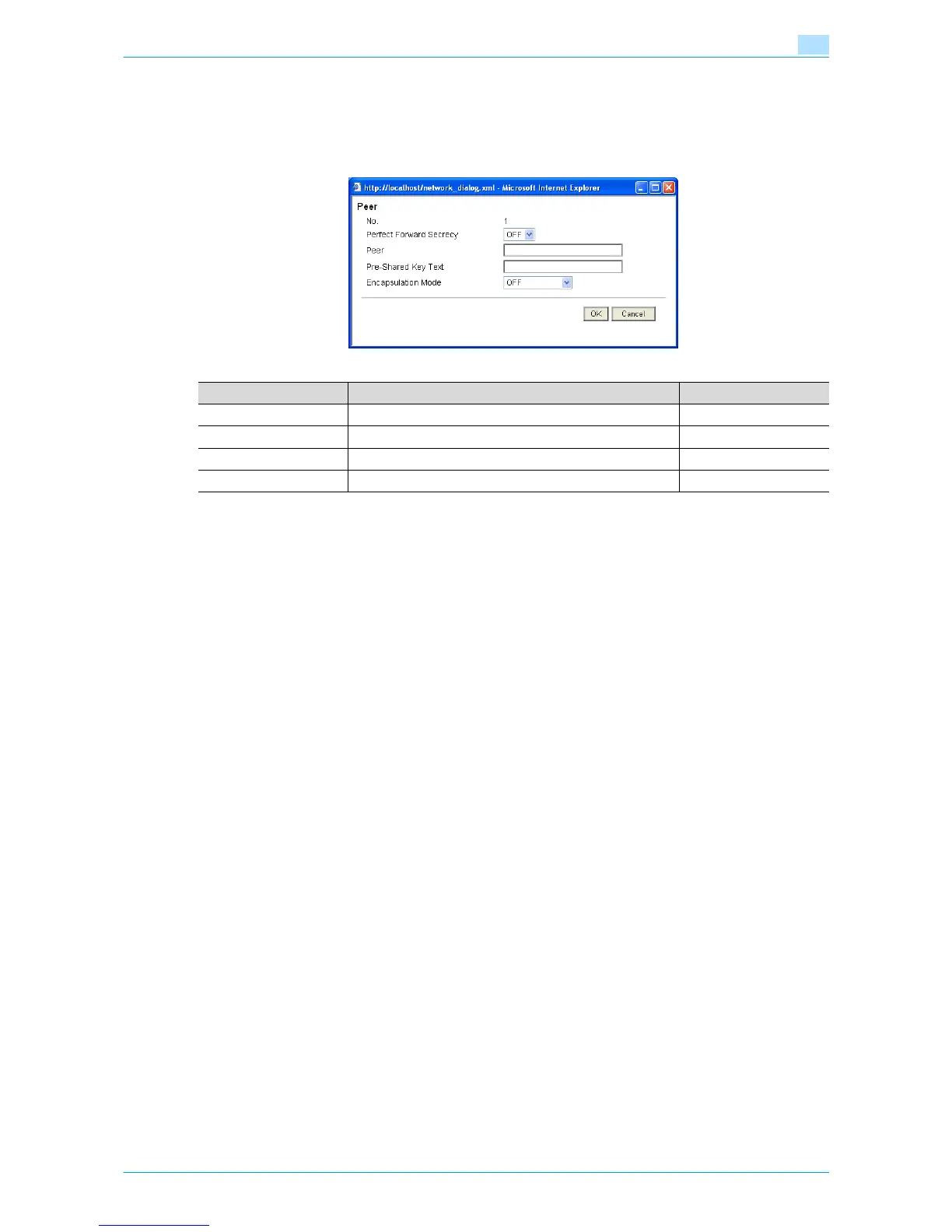
In Administrator mode of Web Connection, select the Network tab - "TCP/IP Setting" - "IPsec" - "Peer" -
[Edit].
Specify the following settings. (Up to 10 peers can be registered in "Peer".)
Item Definition Prior confirmation
Perfect Forward Secrecy To increase the IKE strength, select "ON".
Peer Specify the IP address of the peer. IP address of the peer
Pre-Shared Key Text Specify the Pre-Shared Key text shared with the peer.
Encapsulation Mode Specify the operation mode of IPsec.










 To Next Page