ineo+ 353/253/203 1-154
Setup items by operation
1
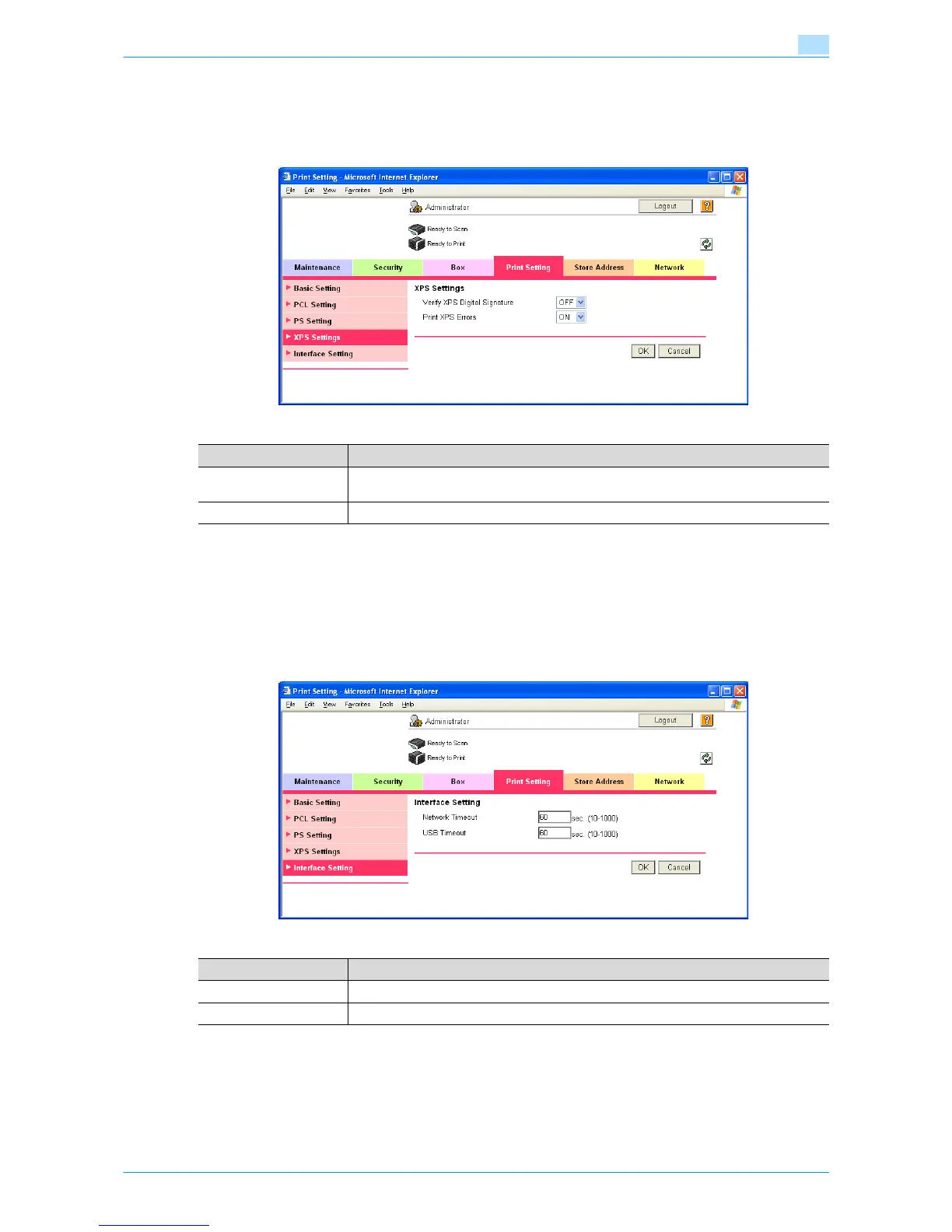
XPS Settings
In Administrator mode of Web Connection, select the Print Setting tab - "XPS Settings".
Specify the following settings.
1.47.3 Specifying the interface timeout
Specify the time period before the interfaced connection times out.
Interface Setting
In Administrator mode of Web Connection, select the Print Setting tab - "Interface Setting".
Specify the following settings.
Item Definition
Verify XPS Digital Signa-
ture
Specify whether to verify digital signature. When "ON" is selected, the document without
a valid digital signature is not printed.
Print XPS Errors Specify whether to print error message when an error occurs during XPS print.
Item Definition
Network Timeout Specify the reception timeout for the network.
USB Timeout Specify the USB timeout.










 To Next Page