ineo+ 353/253/203 1-140
Setup items by operation
1
1.44.8 Extending functions of MFP
A request code can be issued and license can be installed.
!
Detail
For details on acquiring a license code and installing the license, refer to the Quick Guide
[Copy/Print/Fax/Scan/Box Operations].
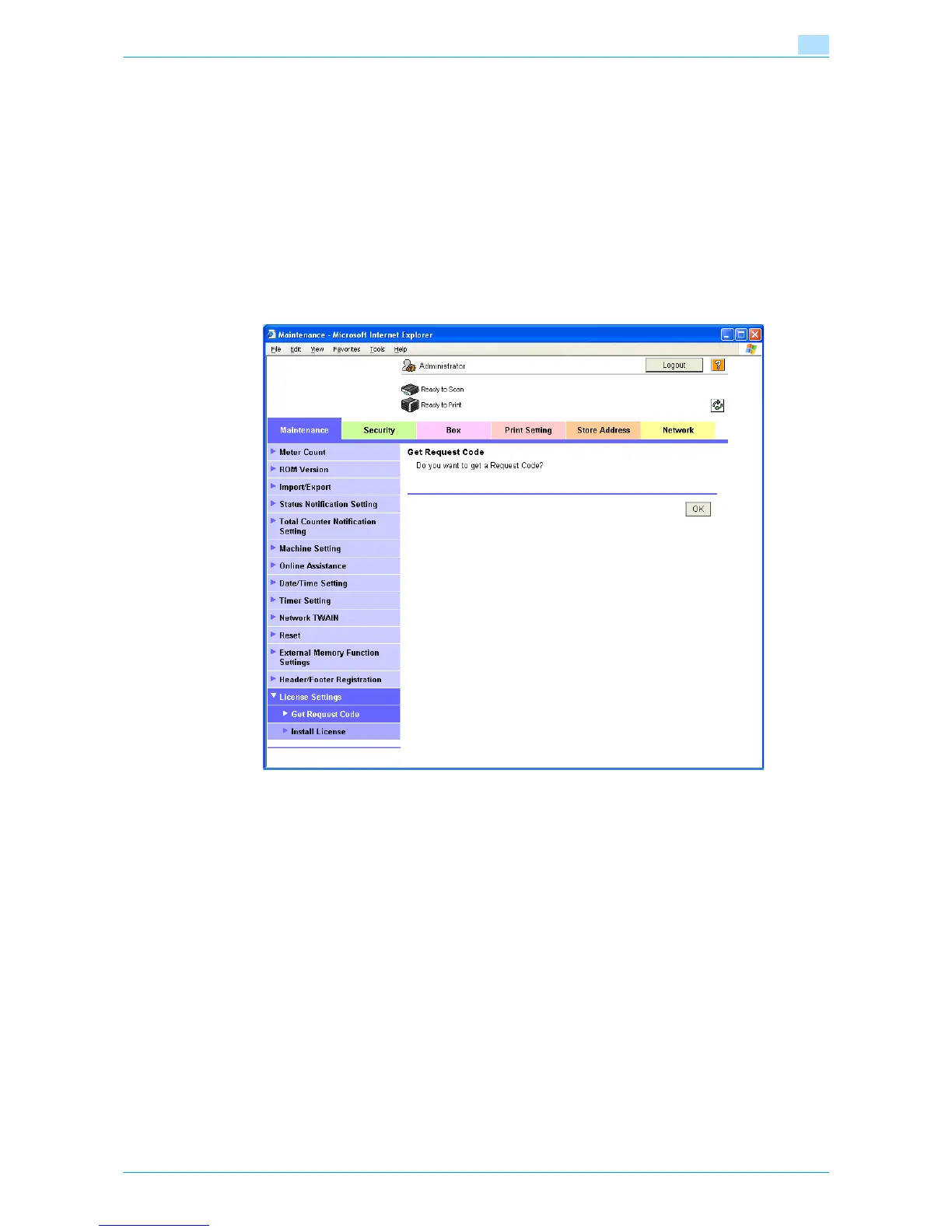
Get Request Code
In Administrator mode of Web Connection, select the Maintenance tab - "License Settings" - "Get Request
Code".
Click the [OK] button, and the request code is issued.










 To Next Page