ineo+ 353/253/203 1-11
Setup items by operation
1
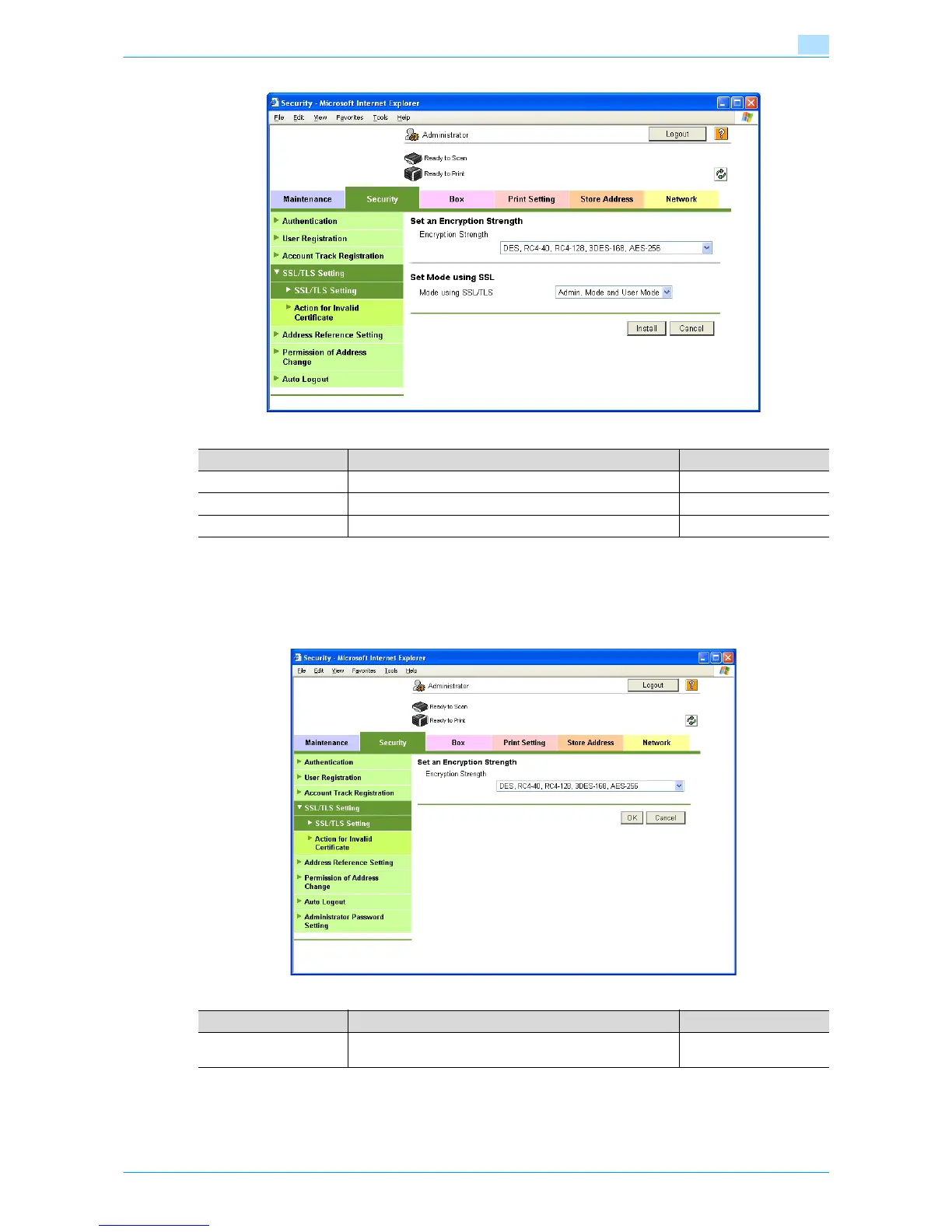
1.4.4 Set an Encryption Strength
In Administrator mode of Web Connection, select the Security tab - "SSL/TLS Setting" -" SSL / TLS Setting"
- [Setup] - "Set an Encryption Strength".
Specify the following setting.
Item Definition Prior confirmation
Encryption Strength Specify the encryption method.
Mode using SSL/TLS Specify the SSL/TLS application range.
[Install] Installs the certificate.
Item Definition Prior confirmation
Encryption Strength If necessary, change the set encryption strength. Specify the
encryption strength.










 To Next Page