ineo+ 353/253/203 1-149
Setup items by operation
1
"Relay User Box" settings
"Annotation User Box" settings
1.46.4 Creating a new system user box
Create a new system user box.
!
Detail
If the optional FAX kit is installed, "Bulletin Board User Box" and "Relay User Box" are selectable.
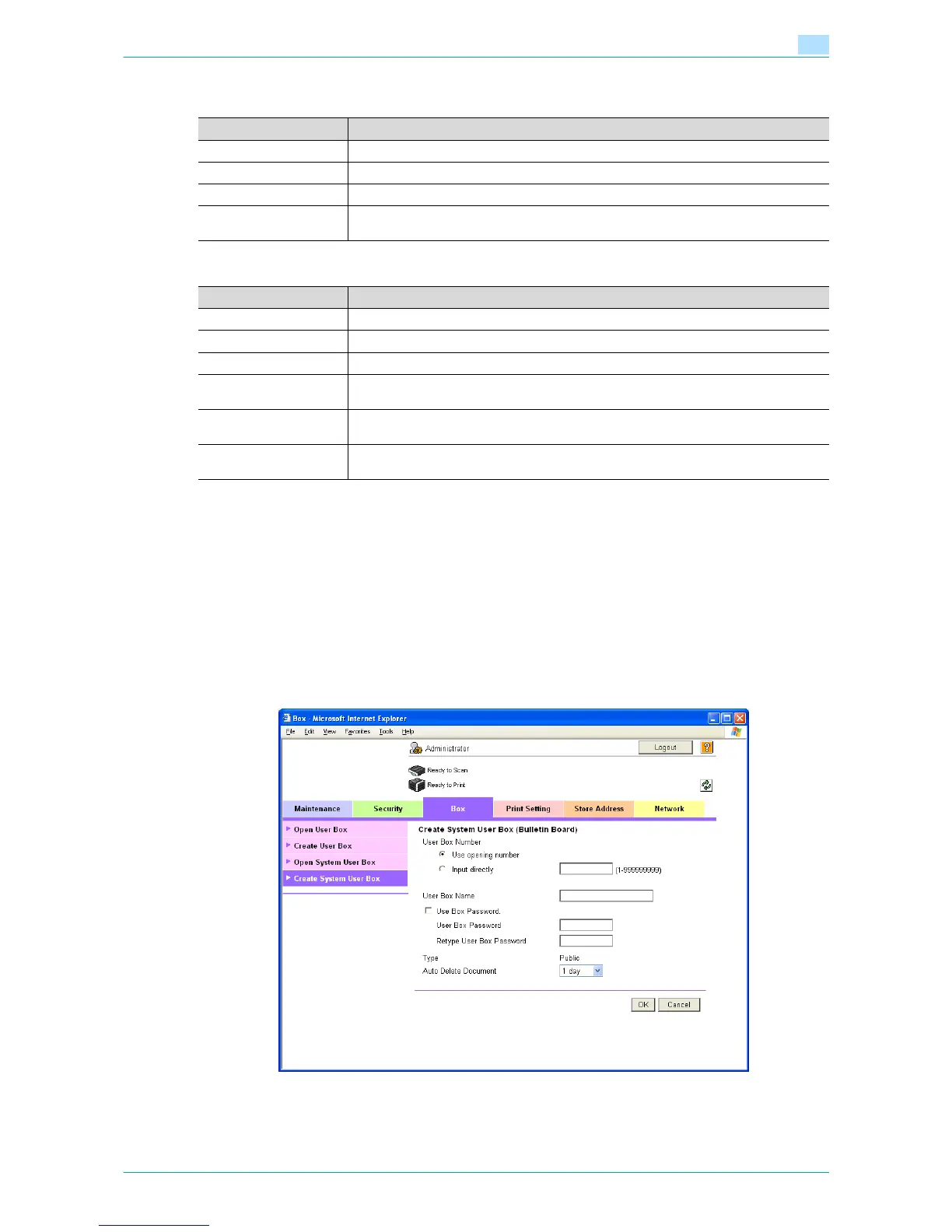
Create System User Box
In Administrator mode of Web Connection, select the Box tab - "Create System User Box".
Specify the following settings. (The screen when "Bulletin Board User Box" is selected)
Item Definition
User Box Number Displays the user box number.
User Box Name Specify the user box name (up to 20 characters).
Relay Address Specify the relay address.
Relay TX Password is
changed.
To change the relay user box password, select the check box. Specify the current pass-
word and the new password (up to 8 characters).
Item Definition
User Box Number Displays the user box number.
User Box Name Specify the user box name (up to 20 characters).
Auto Delete Document Specify the period during which data in the user box is saved.
Change User Box Pass-
word
Change the user box password.
Change Count Up To change the counting method, select the check box, and then specify the counting
method. If the user box contains documents, the setting cannot be specified.
Change Stamp Elements To change the text, select the check box, and then specify settings for "Primary field",
"Secondary Field", "Date/Time", "Print Position", "Density", and "Number Type".










 To Next Page