ineo+ 353/253/203 2-2
Network Settings
2
2 Network Settings
2.1 Displaying the Network Settings screen
Settings by purpose can be specified via network settings in the control panel of the machine.
Access network settings from the Administrator Settings screen. Perform the following steps to display the
Network Settings screen.
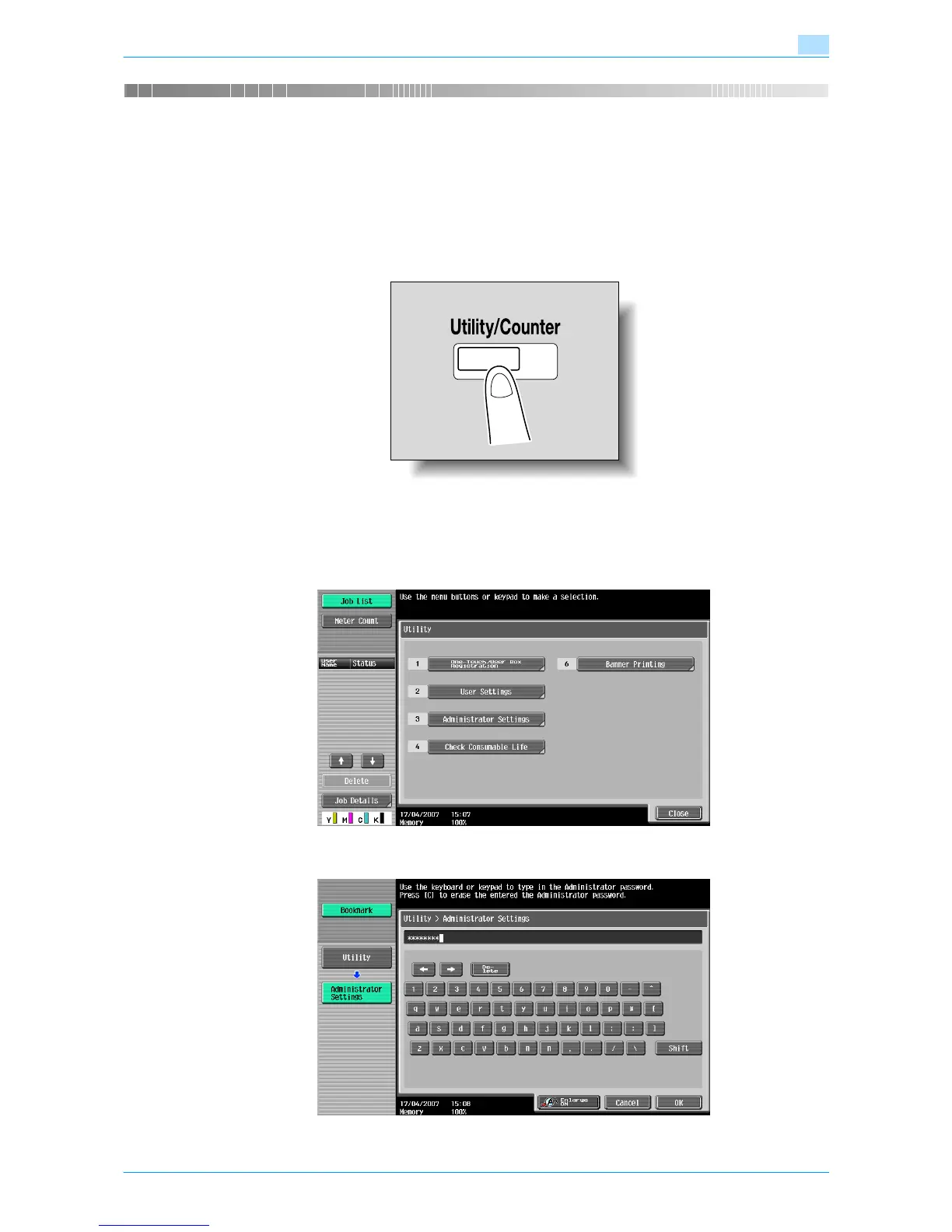
1 Press the [Utility/Counter] key.
2 Touch [3 Administrator Settings].
– When setting the Utility screen, you can also select a setting by using the keypad to enter the
number next to the desired button. To select [3 Administrator Settings], press the [3] key in the
keypad.
3 Type in the password, and then touch [OK].










 To Next Page