ineo+ 353/253/203 1-84
Setup items by operation
1
1.30 Monitoring this machine using the SNMP manager
Specify settings for monitoring this machine using the SNMP manager.
SNMP manager-based communication with this machine allows acquisition, management, and monitoring
of the information of this machine via the network. SNMP runs in a TCP/IP or IPX/SPX environment.
In addition, use of the TRAP function of SNMP allows setting for notification of the status of this machine. For
details, refer to "Providing notification of the status of this machine (TRAP)" on page 1-90.
Specify the settings according to the following flowchart.
1.30.1 TCP/IP Settings
Specify settings to use this machine in a TCP/IP network environment.
For details, refer to "Specifying general settings for TCP/IP-based communication" on page 1-2.
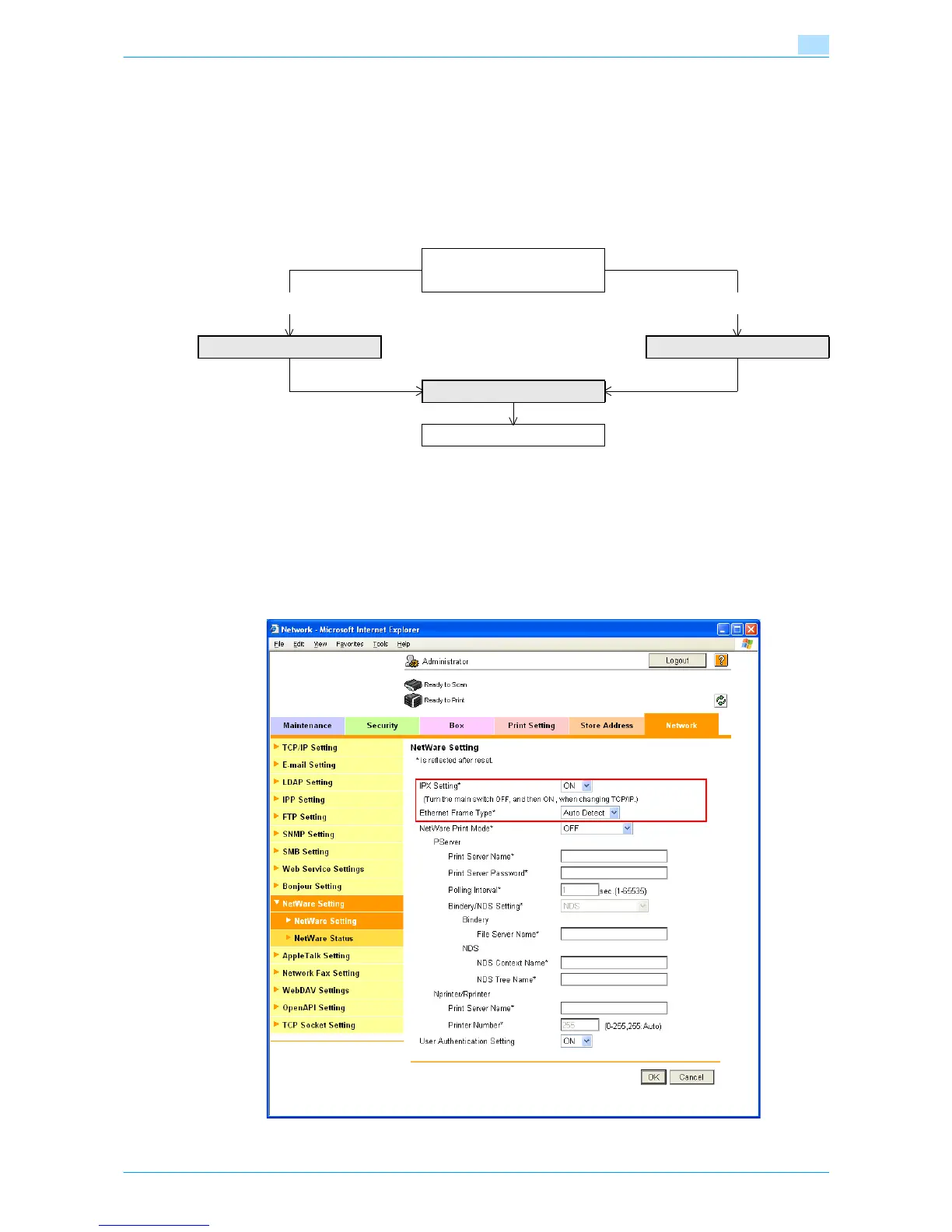
1.30.2 NetWare Setting
In Administrator mode of Web Connection, select the Network tab - "NetWare Setting" - "NetWare Setting".
Specify the following settings.
➀ Use TCP/IP
➁ Use IPX/SPX
➀ ➁
TCP/IP Settings NetWare Setting
SNMP Setting
Finish










 To Next Page