ineo+ 353/253/203 1-75
Setup items by operation
1
1.26 Using the WS-Print function
Specify settings for printing by using Web Service Function.
Printing is possible using the Web Service Function newly installed in Windows Vista. The Web Service
Function detects this machine connected to the network, and then installs it as a WS-Printer. Specifying this
machine installed as a WS-Printer when printing from Windows Vista allows printing using HTTP for
communication.
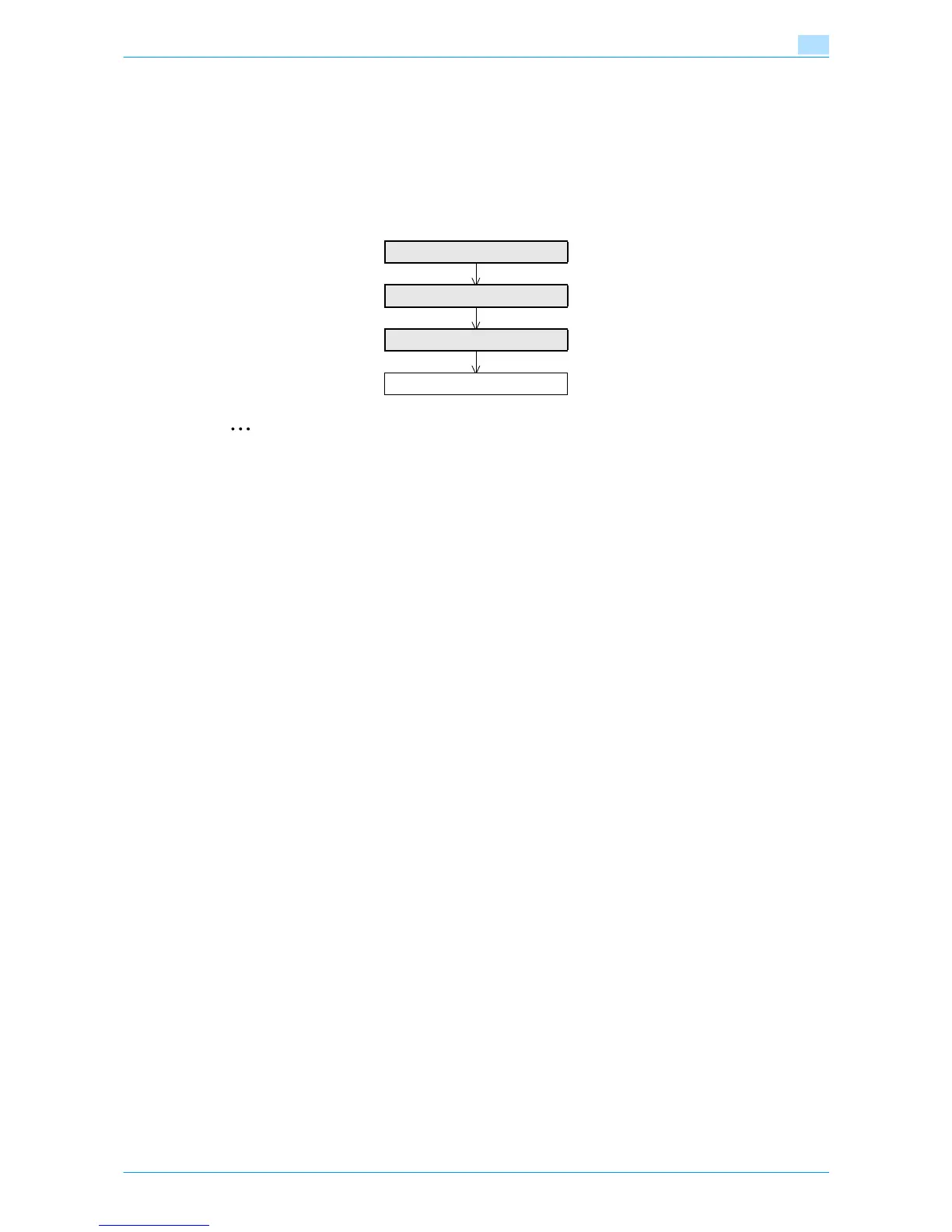
Specify the settings according to the following flowchart.
2
Note
For details on installing the printer driver, refer to the User’s Guide [Print Operations].
1.26.1 TCP/IP Settings
Specify settings to use this machine in a TCP/IP network environment.
For details, refer to "Specifying general settings for TCP/IP-based communication" on page 1-2.
TCP/IP Settings
Web Service Common Settings
Printer Settings
Finish










 To Next Page