ineo+ 353/253/203 2-14
Network Settings
2
[0] Bonjour Setting
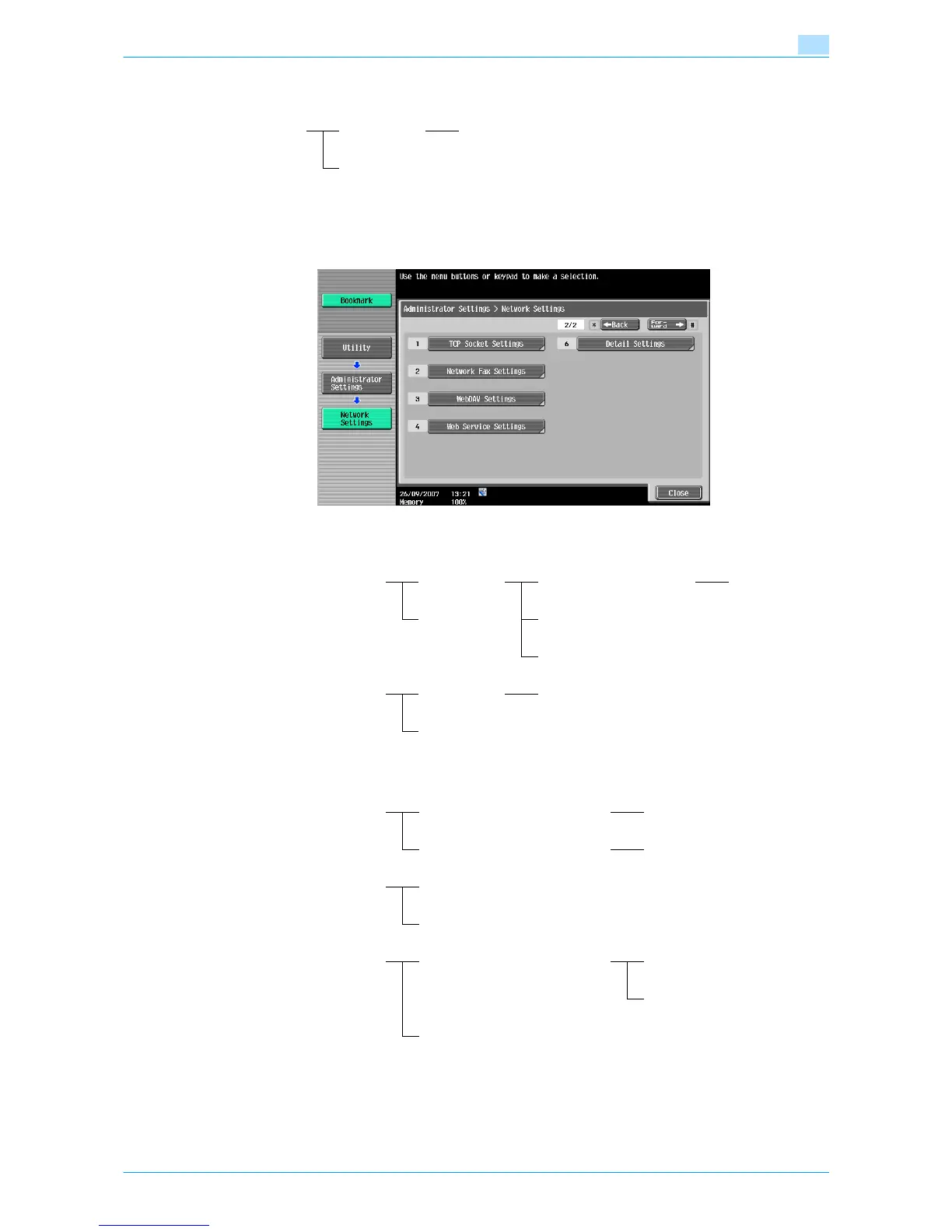
2.2.2 Network Settings screen (2/2)
The following setting items are available from the Network Settings screen (2/2).
[1] TCP Socket Settings
[2] Network Fax Settings
Bonjour Setting ON Bonjour Name
OFF
TCP Socket ON Use SSL/TLS ON/OFF
OFF Port Number
Port Number (SSL)
TCP Socket (ASCII Mode) ON Port Number (ASCII Mode)
OFF
Network Fax Function Settings IP Address Fax Function ON/OF
Internet Fax Function ON/OF
SMTP TX Settings Port No.
Connection Timeout
SMTP RX Settings ON Port No.
Connection Timeout
OFF










 To Next Page