Issue
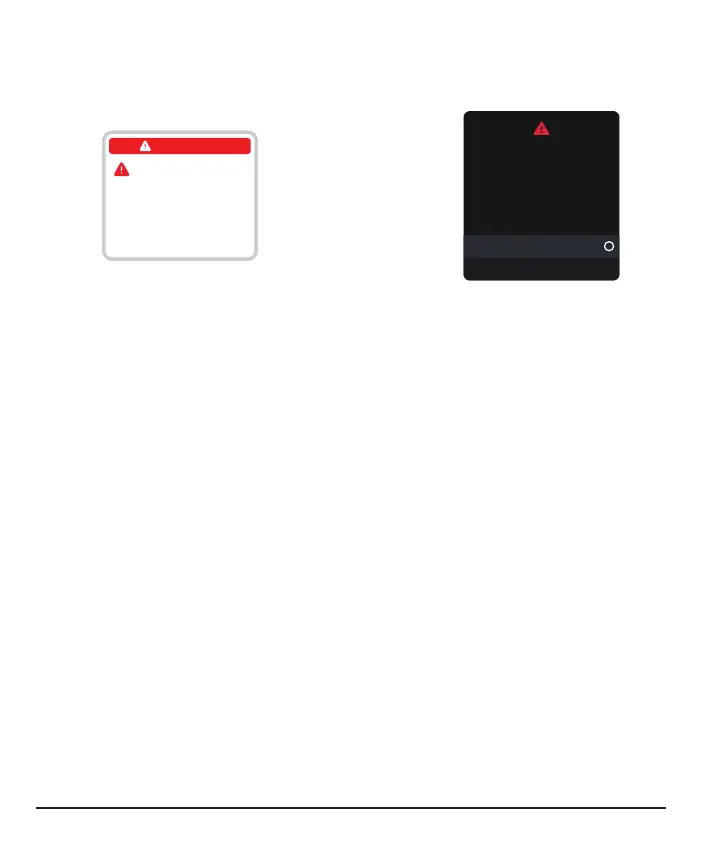
Sensor Failed alert.
App
No Alerts
Remove Sensor Now
To remove sensor, peel
off patch from the edge.
Sensor Failed
Receiver
Remove sensor now.
No readings or alerts until
you start a new sensor.
Sensor Failed
Start New Sensor
Dismiss
Solution
This issue may happen anytime during a sensor session. If you get this alert, go to its
Help screen for more information.
You won't get sensor readings or alerts until you start a new sensor.
1.
Remove sensor now
Tip: Peel off patch from edge.
2.
Insert and pair new sensor
3.
Review Choose Sensor Site by Age in Inserting Sensor
102



 To Next Page