11 • Troubleshooting | Dexcom G7 User Guide 103
Issue
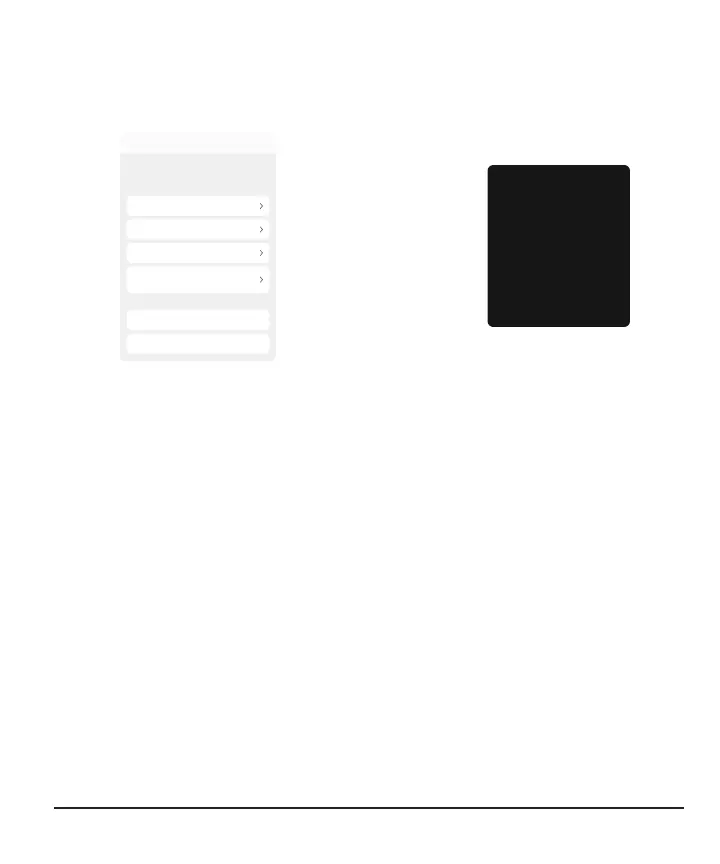
Searching for sensor: Pairing is taking longer than expected. (Help screen shown
here.)
App
Searching...
Cancel Search
Edit Pairing Code
Keep phone close
Searching for sensor
Pairing usually takes less than 5 minutes.
Troubleshooting tips:
Move away from others wearing
sensors
Insert sensor to pair
Check pairing code
Done
Receiver
Searching for Sensor
Troubleshooting tips:
Keep receiver close
Move your receiver within
3 feet of your sensor.
Insert sensor to pair
Make sure your sensor is
inserted.
Check pairing code
You entered the pairing code
Solution
If you get this alert, go to its Help screen for more information.
Pairing usually takes less than 5 minutes for the app and less than 10 minutes for the
receiver.
If it takes longer, use these troubleshooting tips.
l
Keep display device close
App: Always keep phone within 20 feet of sensor.
Receiver: For pairing, keep receiver within 3 feet of sensor.
l
Insert sensor to pair: Make sure your sensor is inserted. If it isn't, insert sensor
now.
l
Check pairing code: Check that pairing code you entered is the pairing code on
the applicator. If it isn't, edit pairing code.



 To Next Page