3 • Display Device Screens | Dexcom G7 User Guide 33
What you see What it means
History
Today
Yesterday
3:45, 143 mg/dL
Blood Glucose
2:45, - - - mg/dL
Blood Glucose mg/dL
122
mg/dL
138
1:45, 151 mg/dL
Blood Glucose mg/dL
144
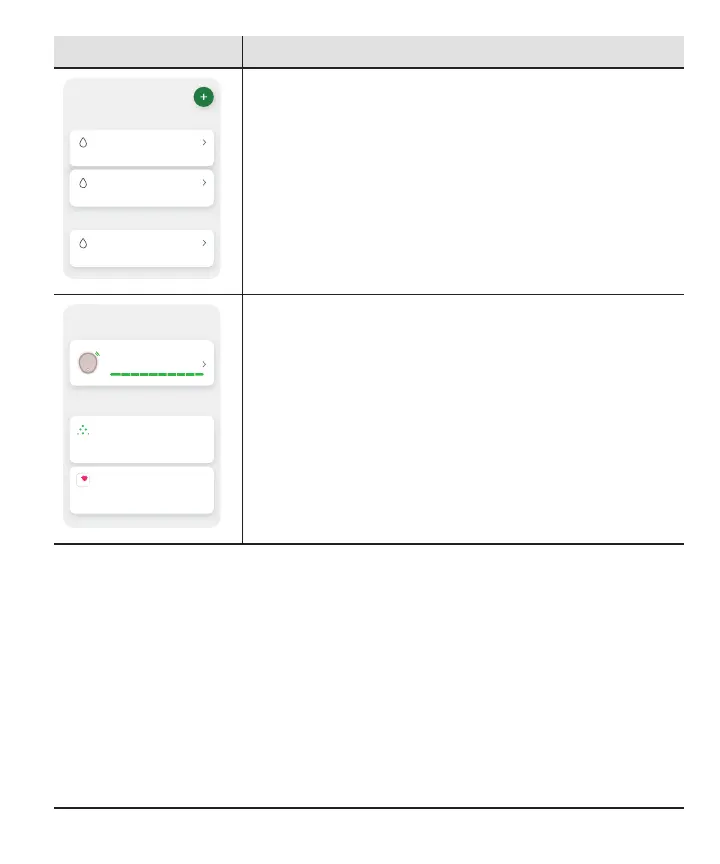
History: Go here to see your events log and track your BG
meter values, meals, insulin (long and fast acting), and
activity. You can also take notes. If you choose to
calibrate, you do that here.
Connections
Allow friends and family to view your sensor
readings.
Share
Share Dexcom data with Apple Health.
Apple Health
Sensor
10 days left
Available Connections
Connections: Go here to get information on your sensor,
see your pairing code, and end your sensor session (go to
the Next Sensor Session chapter).
You can also:
l
Share your glucose information with your friends and
family
l
Send glucose data to Apple Health



 To Next Page