Customizing alert sounds
G7 has many alert sounds so you can find one that works for you.
App
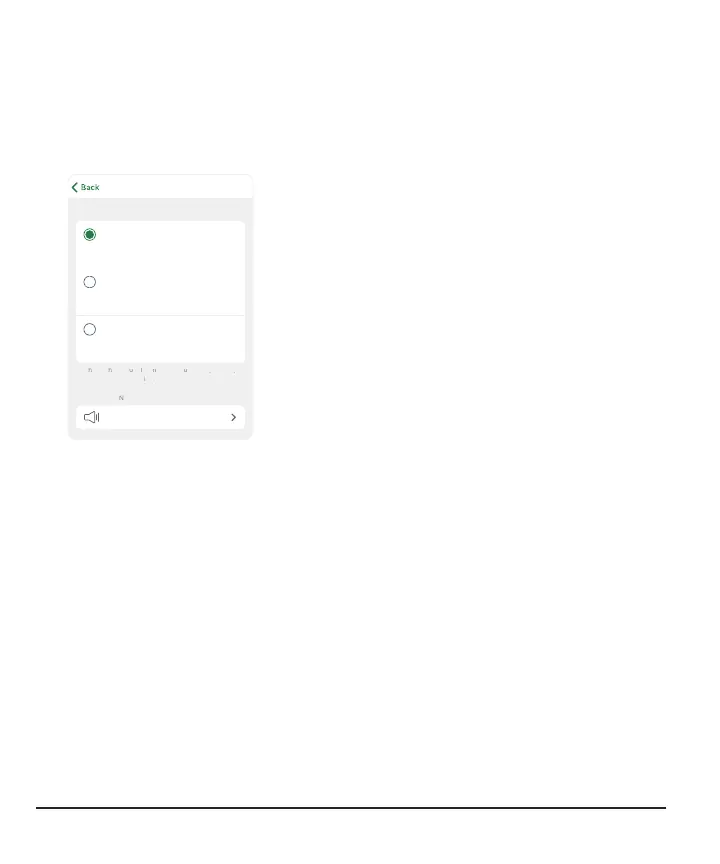
You can choose a sound for each alert individually on the Sound/Vibrate screen.
Depending on the phone sound
setting, alerts will vibrate or sound.
Alert will vibrate regardless of phone
setting.
Alert will sound regardless of phone
setting.
l
Sound: Alert will sound regardless of phone
setting.
l
Vibrate: Alert will vibrate, regardless of phone
sound setting.
l
Match Phone Settings: Depending on the
phone sound setting, alert will vibrate or
sound.
Vibrate Exceptions:
l
Your phone vibrate setting must be on for the alerts to vibrate. For more
information, go to Profile > G7 iPhone Safety or Profile > G7 Android Safety
l
Urgent Low and technical alerts act differently; if you don't acknowledge them,
they will add sound. In the app, these alerts include: Urgent Low, App Bluetooth is
Off, App is Closed, App Location is Off, App Stopped: Phone Storage Full, App
Stopped Working, Phone Bluetooth is Off, Phone Location is Off, Replace Sensor
Now, Sensor Failed
Alert Sound: Tap to choose a sound for this alert. G7 has different sounds to pick
from. Test to be sure you can hear it. If you pick the same sound for more than one
alert, G7 will let you know.
60



 To Next Page