OPERATOR’S MANUAL
Control Point
®
11001-1489-201702 Rev B
START-UP AND FAMILIARIZATION / 19
Selecting a Different Dispersal Material:
NOTE: When the Boom 5 input is
configured for prewet/anti-ice,
only the active prewet and
anti-ice materials will display on
the operate screen. (i.e., If
materials 1 and 2 are prewet
and 3 and 4 are anti-ice, and
the Boom 5 switch is in the
prewet mode, only materials 1
and 2 will appear.
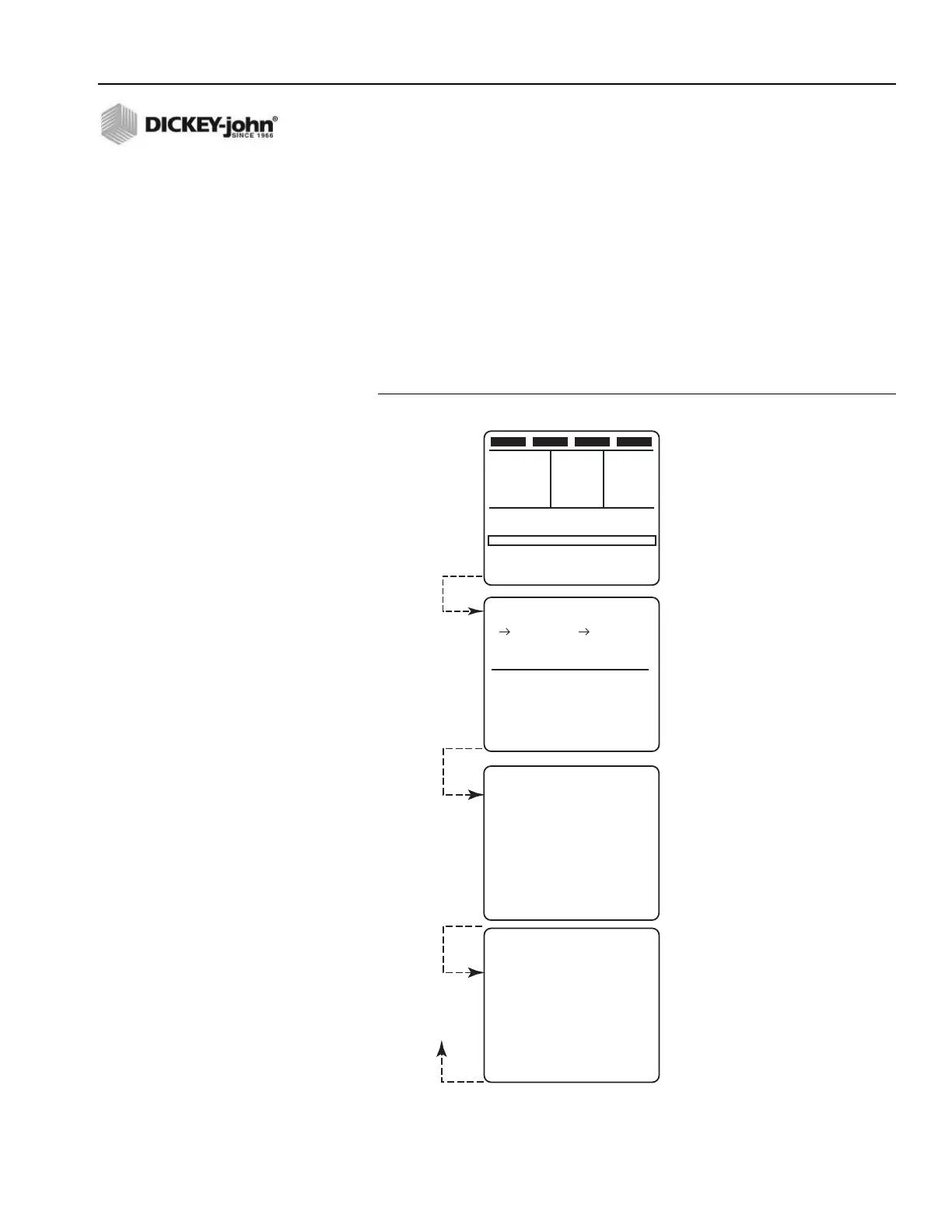
1. Press the Console button and immediately release after beep. Figure
11 illustrates the Material/Manual Speed select screen showing four
materials for each product channel enabled.
2. Verify that the Granular ON/OFF and/or Liquid ON/OFF switches on
the Switch Module are ON. The channel ON/OFF switch must be ON
to select a different material.
3. Press the INC/DEC +/- switch of the appropriate channel (granular or
liquid), in either direction, to move the pointer up or down on the left
side of either list.
NOTE: (Figure 11) If a switch module
with wireless communication
capability is connected, a
download screen will display.
Figure 11
Operator Screens Available by Cycling
SALT LIQUID 1 MPH
0
LBS / MILE GAL / TON
SPREAD WIDTH 100%
9 : 15 AM
500 5.0
0%
26 AUG 97
CURRENT TOTALS
SALT
TONS AUTO 112.0
MILES AUTO 823.0
HOURS AUTO 26.10
TONS BLAST 7.3
MILES BLAST 68.4
HOURS BLAST 1.55
LIQUID 1
GAL AUTO 2116.6
MILES AUTO 823.0
HOURS AUTO 26.10
GAL BLAST 197.0
MILES BLAST 68.4
HOURS BLAST 1.55
SEASON TOTALS
SALT
TONS AUTO 672.1
MILES AUTO 4938.2
HOURS AUTO 156.60
TONS BLAST 43.8
MILES BLAST 410.4
HOURS BLAST 9.35
LIQUID 1
GAL AUTO 12699.6
MILES AUTO 4938.2
HOURS AUTO 156.60
GAL BLAST 1182.3
MILES BLAST 410.4
HOURS BLAST 9.35
MATERIAL SELECT
GRANULAR LIQUID
SALT LIQUID 1
SAND LIQUID 2
MIX A LIQUID 3
MIX B LIQUID 4
SELECT USING INC/DEC
MANUAL SPEED SELECT
MANUAL ON NO
PRESS BLAST TO CHANGE
Skips screen
if Ground
Speed is
detected or if
Manual is
disabled and
only 1 granular
and liquid screen.
Returns
back to
OPERATE
screen
30



 To Next Page