OPERATOR’S MANUAL
Control Point
®
11001-1489-201702 Rev B
KEYBOARD PROGRAMMING / 55
BOOM CONFIGURATION
7. Press the F5 Function Key to return to Liquid Configuration screen.
Select the 5 key to display the Boom Configuration screen.
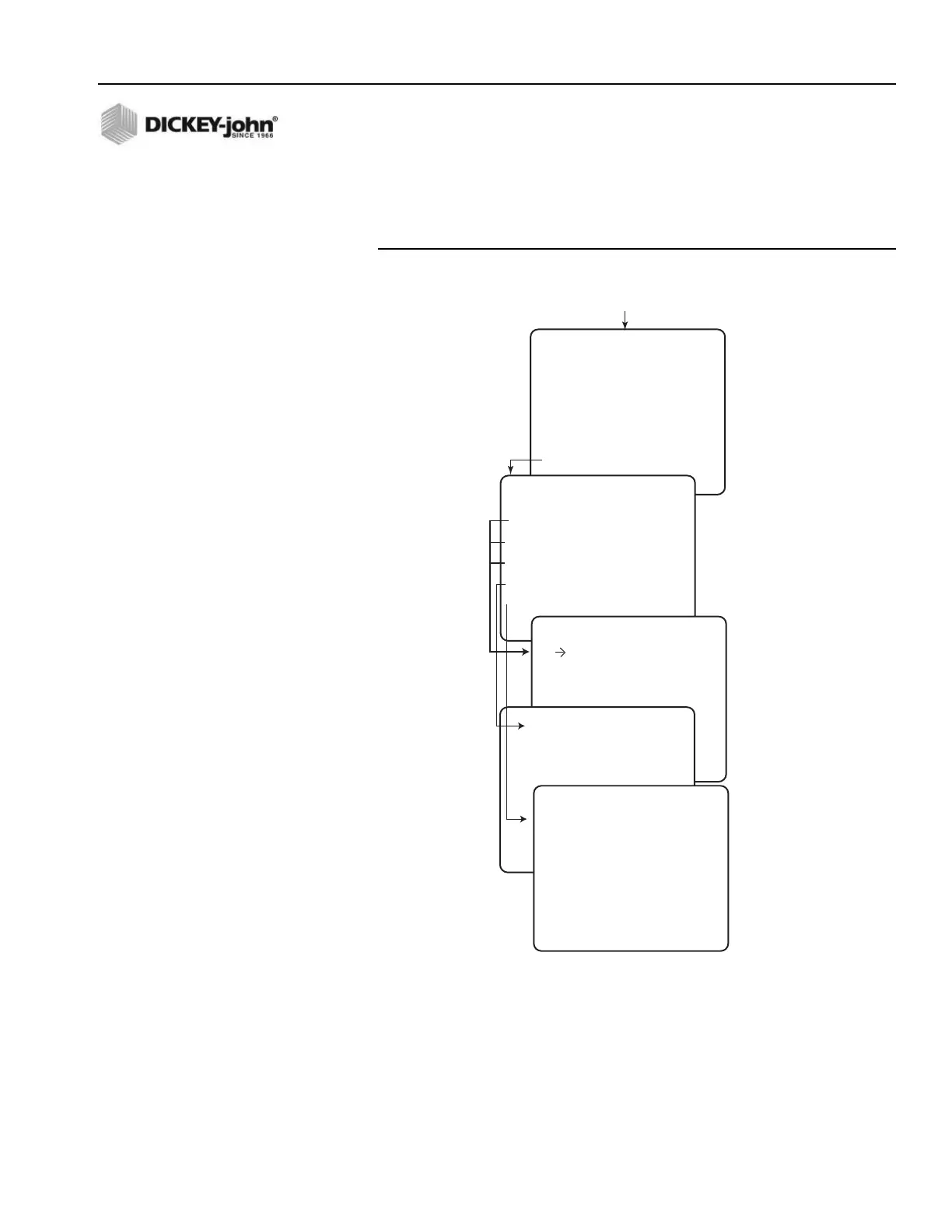
Figure 36
Liquid Channel Boom Sections Configuration
8. Select a Boom Section and press a number key for the desired
SECTION CONFIGURATION screen (refer to Figure 36).
CONFIGURATION
SELECT A MENU ITEM
1 LIQUID 1 ENABLED
2 LIQUID 2 DISABLED
3 LIQUID 3 DISABLED
4 LIQUID 4 DISABLED
5 BOOM
Press Function Key F5
(LIQUID CONFIG)
BOOM CONFIGURATION
SELECT A MENU ITEM
1 SECTION 1
2 SECTION 2
3 SECTION 3
4 SECTION 4/PAUSE
5 SECTION 5 / AUTO ANTI-ICING
SECTION 1 CONFIGURATION
SECTN ENBLED YES
12V ON NO
NUM OF NZZLS 1
NZZLE SPCNG 36.0 IN
BOOM INPUT YES
SECTION 4 CONFIGURATION
SECTN ENBLED YES
12V ON NO
BOOM INPUT NO
PAUSE ENABLE NO
• Section 5 adds BOOM INPUT
selection.
SECTION 5 CONFIGURATION
12V ON NO
BOOM INPUT NO



 To Next Page