OPERATOR’S MANUAL
Control Point
®
11001-1489-201702 Rev B
START-UP AND FAMILIARIZATION / 15
START-UP AND FAMILIARIZATION
This section defines how the operator (driver) of an ice-control vehicle uses
the controls on the Switch Module and Console to perform standard
operator functions.
NOTE: The detachable keyboard
(optional) is required to
program and calibrate the
system as described in
Keyboard Programming.
Programming during setup allows the operator to view three or four different
screens of data. The Operate screen is the home screen for monitoring
spreader operation and the remaining screens are supportive.
• Material Select/Manual Speed (accessible only when system is
stationary; no ground speed)
• Current Totals
• Season Totals
START-UP PREPARATION
The system must be installed, programmed, and calibrated before
performing the following procedures.
IMPORTANT: Practice the following procedures with the vehicle
stationary to gain familiarity with the operating controls
and screens before applying product.
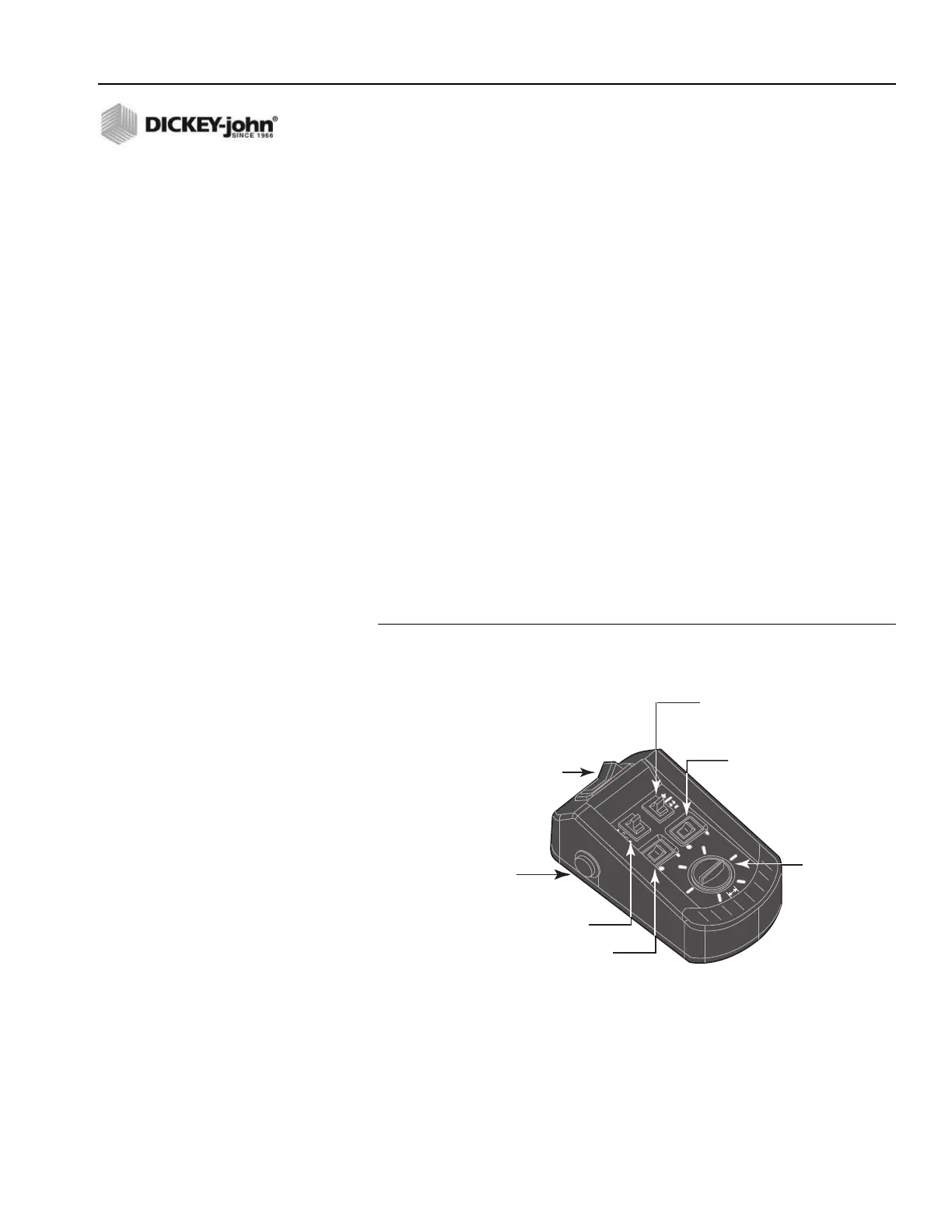
Figure 6
Switch Module Controls
START-UP PROCEDURE
1. Verify the Switch Module Master Switch is in the OFF position as
shown in Figure 6. If the Master Switch is in the AUTO position during
OFF AUTO UNLOAD
MASTER
0
0
40
60
80
100
BLAST
MASTER Switch
• OFF position - Disables system.
• AUTO position - System operates
relative to ground speed.
• UNLOAD position - Runs system at
maximum speed to unload product.
BLAST Button
• Initiates a rapid pre-programmed
dispersal product rate
Liquid ON/OFF Switches
• Turns liquid channel on or off
Granular ON/OFF Switch
• Turns granular channel on or off
WIDTH ADJUST
Knob
• Adjusts spinner
speed
Liquid INC/DEC (+/–) Switch
• Increments up or down from
pre-programmed application rate.
Granular INC/DEC (+/–) Switch
• Increments up or down from
pre-programmed application rate.



 To Next Page