OPERATOR’S MANUAL
Control Point
®
11001-1489-201702 Rev B
KEYBOARD PROGRAMMING / 51
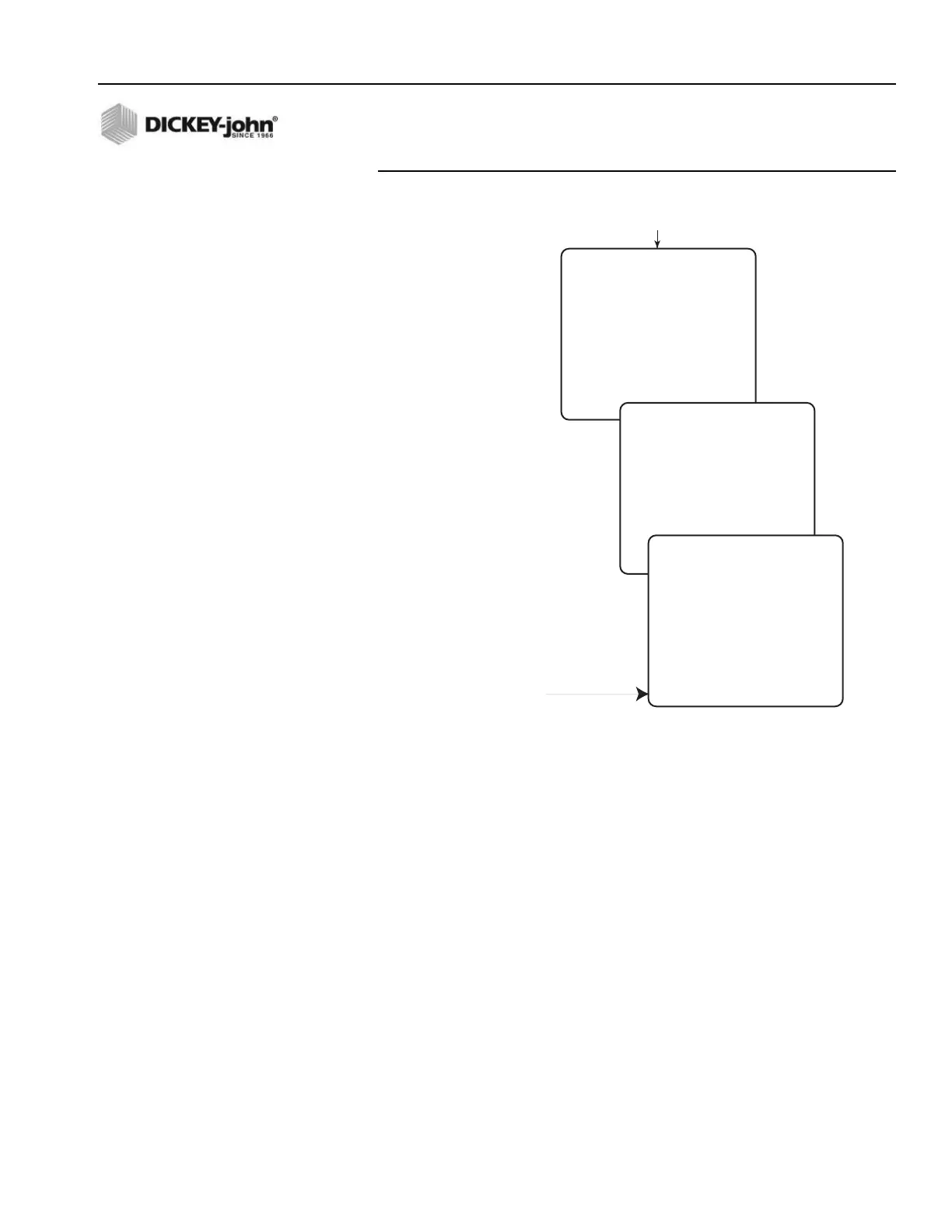
Figure 34
Liquid Configuration Main Screen
3. Edit the parameters on the screen for the desired setting.
– PRE WET - If spraying with the pre-wet spray bar, press Y (YES). If
used with the anti-icing boom, press N (NO).
– K-FACTOR (Flowmeter Constant) - Represents the number of
flowmeter pulses generated per gallon (P/GAL) of dispersed liquid
(for pre-wet and anti-icing liquids).
The K-FACTOR number stamped on the flowmeter body is
sufficiently accurate for keyboard entry if the viscosity of the liquid is
near that of water.
If the flowmeter constant is unknown, leave the displayed default
value shown. A corrected value automatically calculates and enters
during LIQUID CALIBRATION.
– SRVO DRV (Servo/Proportional) - If using a servo drive, press Y
(YES). For a proportional valve, select N (NO).
– DRV FREQ (Drive Frequency) - Represents the valve
manufacturer’s suggested drive frequency, as shown on the valve
specification sheet.
– PWM OFFSET - Represents the valve operating range starting
point (position flowmeter begins generating pulses). This constant
CONFIGURATION
SELECT A MENU ITEM
1 PREWET ENABLED
2 DEICING ENABLED
3 LIQUID 3 DISABLED
4 LIQUID 4 DISABLED
5 BOOM
Press Function Key F5
(LIQUID CONFIG)
-First four products show identical
parameter screens.
-PWM SAT only present for
proportional valve.
PREWET CONFIGURATION
PRE WET YES
K - FACTOR 10000.0 P/GAL
SRVO DRV YES
DRV FREQ 100 HZ
PWM OFFSET 0
PWM SAT 64
SYS RSPNS 2.500000
VALV BOOST 2.0
MORE...
PREWET CONFIGURATION
MORE...
AFILT 0.077000
TANK LEVEL YES
VALVE LOCK NO
PRESS C TO CAL TANK LEVEL
Appears when Tank Level
set to YES



 To Next Page