OPERATOR’S MANUAL
Control Point
®
11001-1489-201702 Rev B
76 / SYSTEM CALIBRATION
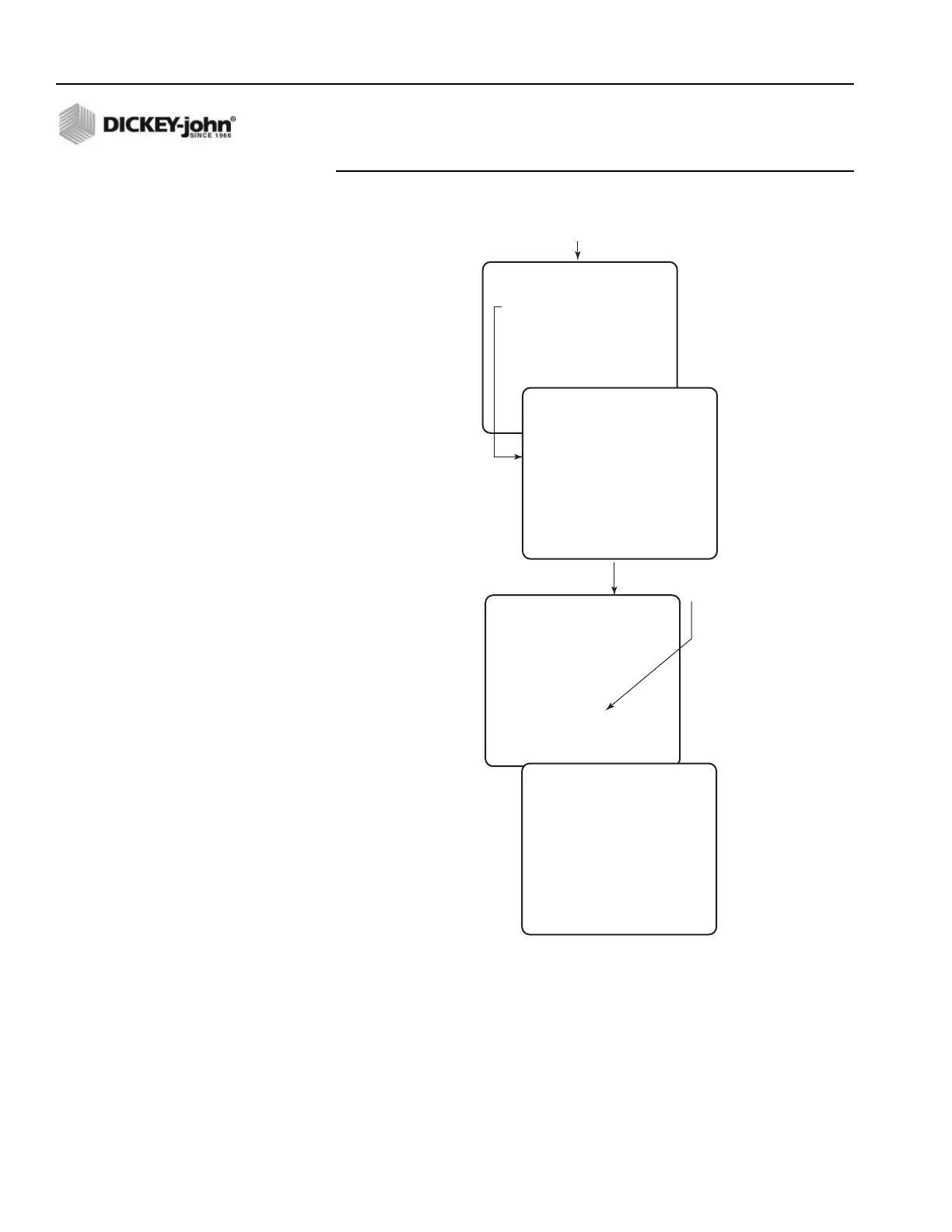
Figure 46
System Response Calibration Screens
4. When the calibration is complete, press the "C" key to continue as
prompted at the bottom of the screen. The resulting values
automatically record in the proper locations. Access the GRANULAR
CONFIG Function (F3) and copy the numbers to the CALIBRATION
DATA RECORD SHEET in the rear of the manual.
SYS RSPNS CALIBRATION
SELECT A MENU ITEM
1 GRANULAR
2 LIQUID PRE-WET
3 LIQUID ANTI-ICING
4 SPINNER
SYS RSPNS CALIBRATION
GRANULAR
- - WARNING - -
THIS CALIBRATION
WILL ACTIVATE THE
SELECTED CHANNEL .
STARTING THIS
PROCEDURE WILL CAUSE
MATERIAL TO
DISPENSE .
PRESS R TO RUN
Press Function Key F11
(SYSTEM RESP)
SYS RSPNS CALIBRATION
GRANULAR
OPEN FULL
PRESS S TO STOP
CALIBRATING
SYS RSPNS CALIBRATION
GRANULAR
PRESS C TO CONTINUE
SYS RSPNS DONE
See Note
below
• FULL OPEN is the rst step in the
automatic calibration. Approximately
12 more steps display while calculating
before the SYS RSPNS DONE screen appears.
• SPINNER Calibration ask you to turn Knob
on Switch to 100% before ending procedure.



 To Next Page