OPERATOR’S MANUAL
Control Point
®
11001-1489-201702 Rev B
80 / SYSTEM CALIBRATION
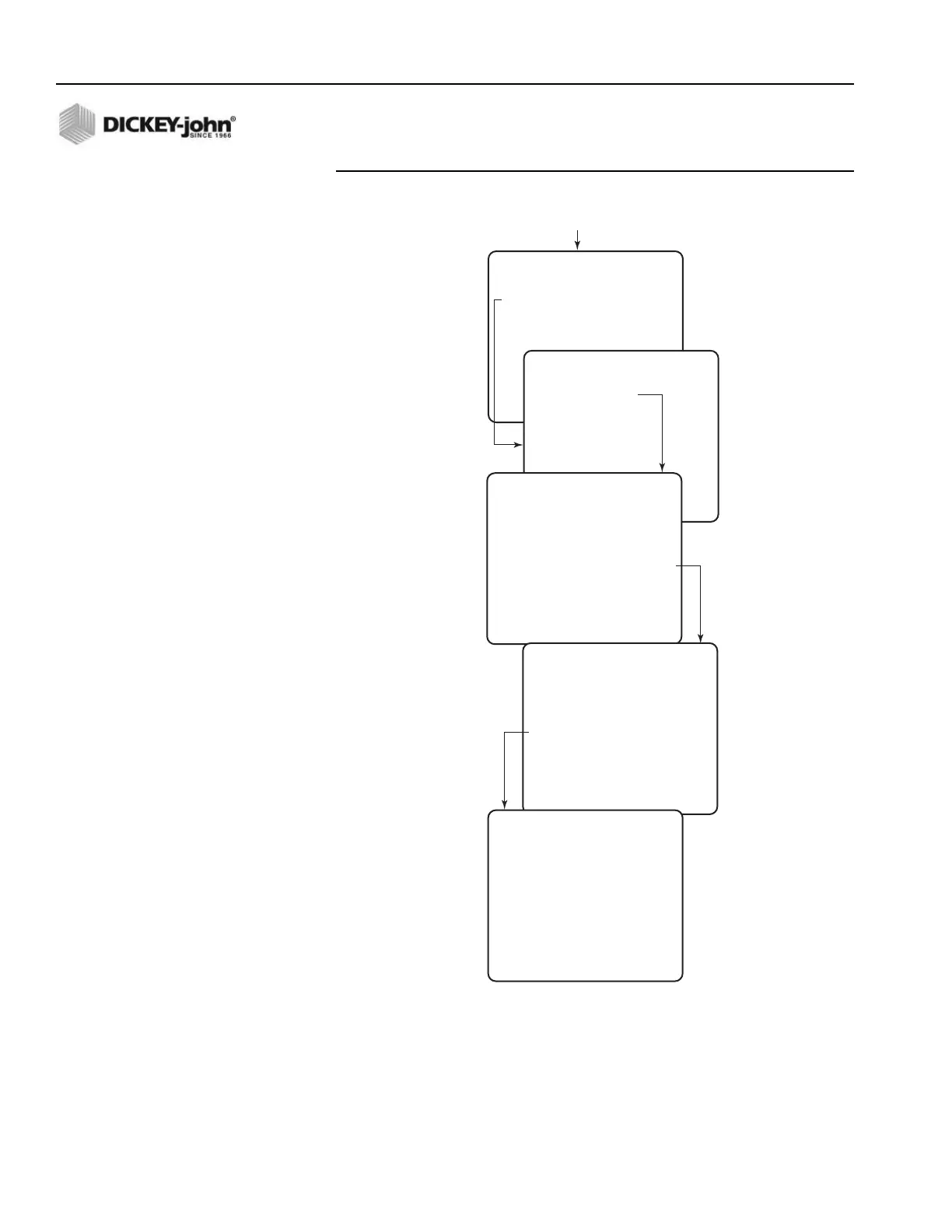
Figure 48
Granular Calibration
5. With the vehicle stationary, engage the hydraulic system. Increase
engine RPMs to normal operating range.
6. Press “R” on the keyboard to run the conveyor/auger and start the
calibration. The number in the middle of the screen shows the counts
accumulating from the APR sensor. If a count is not recorded and
stays on “0”, stop the test and check the application rate sensor.
CALIBRATION MENU
SELECT A MENU ITEM
1 GRANULAR
2 LIQUID
3. SPINNER WIDTH
GRANULAR CALIBRATION
SELECT A MENU ITEM
1 SALT ENABLED
2 SAND DISABLED
3 MIX A DISABLED
4 MIX B DISABLED
SALT CALIBRATION
– – WARNING – –
THIS CALIBRATION
WILL ACTIVATE THE
SELECTED CHANNEL .
STARTING THIS
PROCEDURE WILL CAUSE
MATERIAL TO
DISPENSE .
CATCH MATERIAL IN
WEIGHED CONTAINER
PRESS R TO RUN
SALT CALIBRATION
CALIBRATING
25610
Gate Height 2.0 IN
PRESS S TO STOP
SALT CALIBRATION
SPR CON 150.00 P/LBS
COUNTS 25610
ENTER THE AMOUNT
DISPENSED IN
POUNDS
—
PRESS D WHEN DONE
Press Function Key F6
(CAL)



 To Next Page