Replacing the K1/K2 or M1/M2 motherboard
74 BEETLE /M-III - Service manual
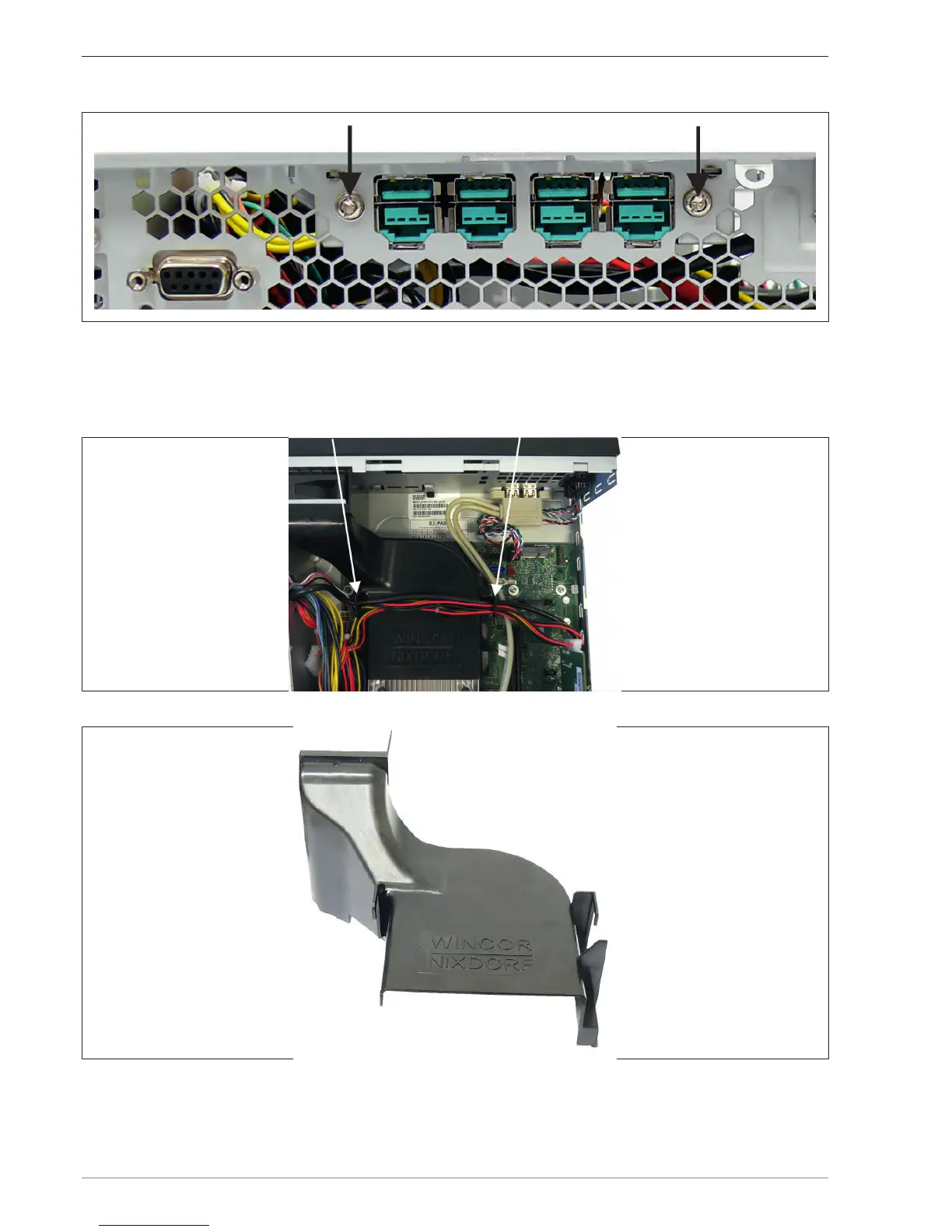
Remove the two screws on the rear side of the BEETLE/M-III.
Remove the USB hub inwards.
Disengage the data cable on the motherboard.
Remove the cables from the holders (see arrow) of the air duct.
Remove the air duct upwards.


 To Next Page