27
SD12 - Getting Started
1-27
1.9.3 Auxiliaries ...............................................................................
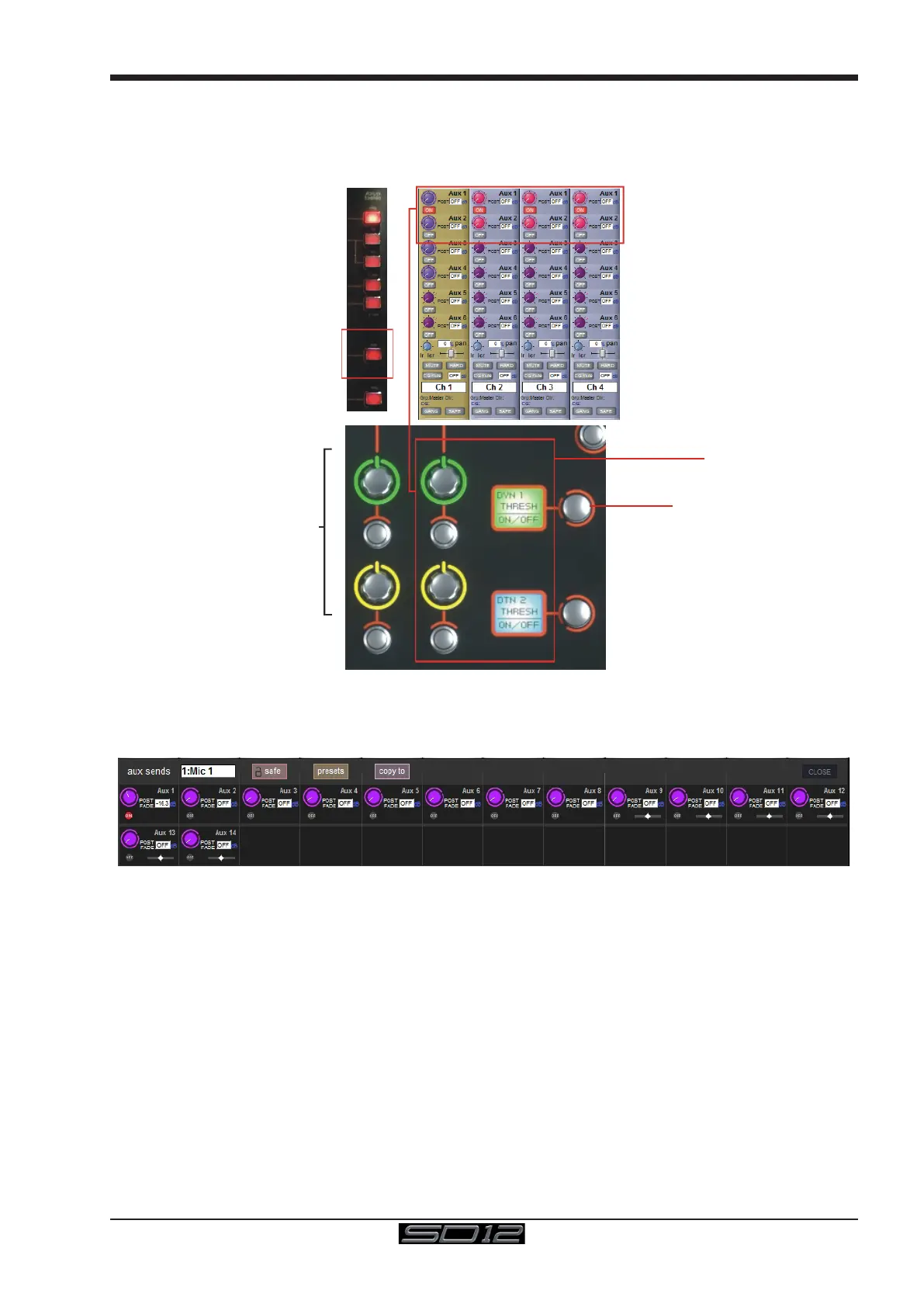
The auxiliaries can be accessed by pressing the Quick Select Aux button and touching the auxiliary row on screen or using the
Screen Scroll buttons on the left of the worksurface
Using either of these methods, the highlighted auxiliaries on the input screen will change. The rotary controls and switches beneath the
screen are used as auxiliary sends, pans (with 2nd Function ON), On/Off and pre/post switches (with 2nd Function ON).
Assigned
Control LCD
Hold & touch screen
to Assign
Assignable Aux Send Controls
Touch screen to select
It is also possible to show all of the aux sends for a channel in a single display and assign them to the 24 rotaries beneath the screen.
This is done by touching the currently assigned aux row on the screen for the channel that you want to display. The layout of the display
indicates which encoder each aux is assigned to; if there are more that 24 sends, the assignments becomes scrollable using the Screen
Scroll function.
Once you have adjusted the auxes in this display, you need to close it manually before opening any other channel detail display.



 To Next Page