SD12 - Getting Started
1-6
1.1 The Console
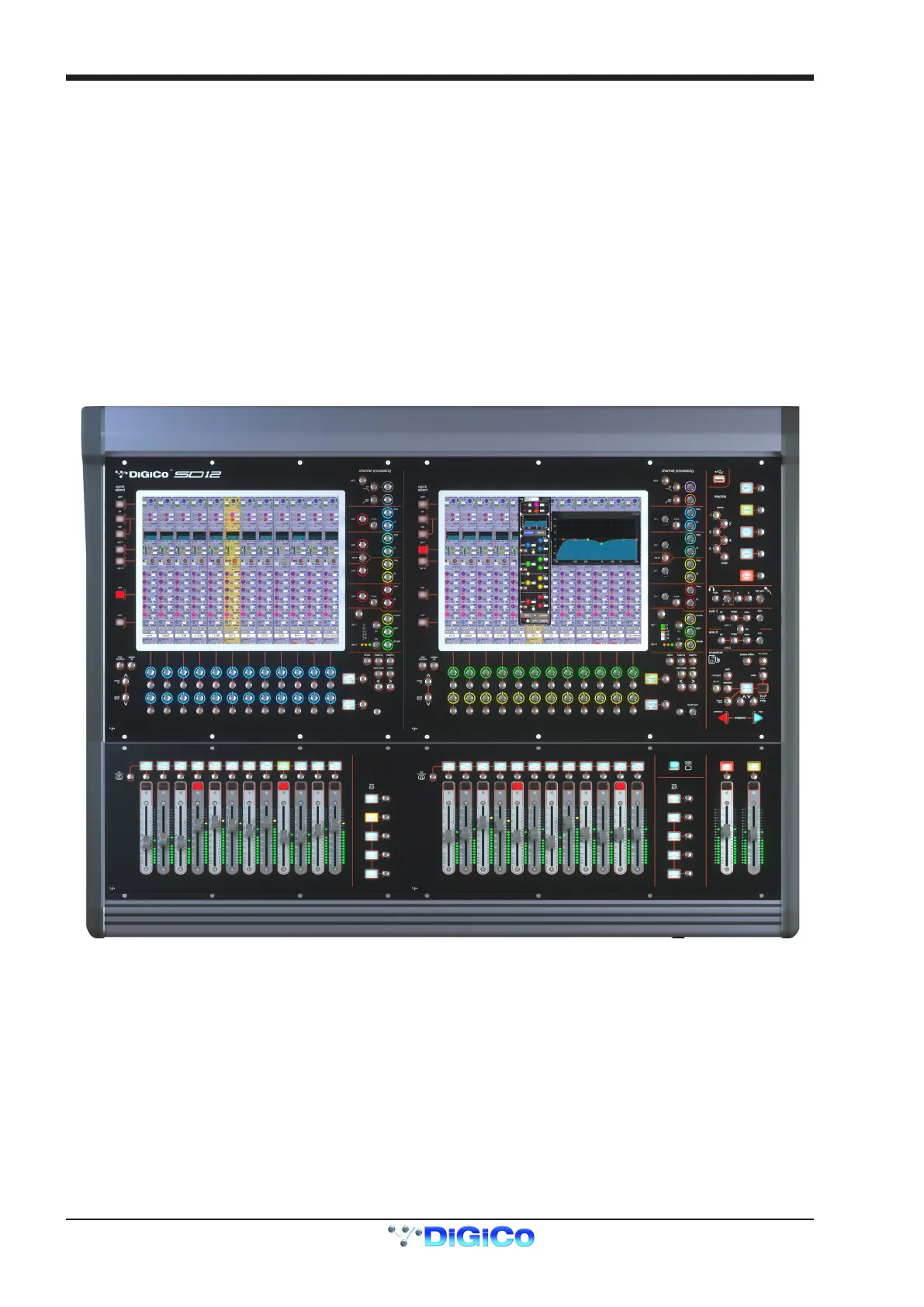
The Digico SD12 consists of a worksurface, an audio engine and a range of onboard inputs and outputs. This can be connected to mul-
tiple Input/Output Rack Units by optical bre and/or MADI links, which carry all the audio input and output signals.
It also provides two DMI slots for the tting of optional I/O cards and a "UBMADI" port.
NOTE: The UBMADI (USB AUDIO) port provides up to 48 I/O channels of audio when the console is running at 48kHz
and 24 I/O channels when the console is running at 96kHz via a USB connection.
"UBMADI" runs at 48kHz irrespective of the console sample rate
The console worksurface consists of 2 sections that can be congured to control up to 72 input channels, 12 VCAs, 36 busses plus a
Master buss (Stereo or LCR) and a 12 x 8 Matrix.
The left section has 12 assignable faders and a set of assignable on-screen channel controls, the right section has 12 assignable faders
and a pair of additional faders which are fully assignable but default to being Master Buss and Solo 1.
The console's buss architecture is dynamic, and can support mono, stereo and LCR congurations.
Multiple console setups can provide:
Front of House and Monitoring with shared stage racks and gain tracking.
Remote control of one console from another console or from a laptop computer.
1.2 Manual Overview
This manual provides an overview of the desk, and describes some of the basic operating principles which the user will need to under-
stand in order to run the desk.
For full details on all SD software functionality please refer to the SD Series Software Reference Manual available for download at www.
digico.biz
The following typographical convention used in this manual: An arrow bracket (>) is used to indicate a sequence of button pressing.
For example, Layout > Fader Banks indicates that the Fader Banks button is accessed by rst pressing the Layout button.



 To Next Page