DiGiCo SD12
2-30
2.2 MADI DMI Cards
There are 2 types of MADI DMI Card:
MADI B has 2 pairs of BNC connectors
MADI C has 2 bi-directional Cat5e connectors
Both of these cards can be used to connect a Standard MADI stream at 48KHz or 96KHz or an SD-Series DiGiCo Rack with the appro-
priate connector (D-Rack, D2-Rack, SD-Rack, SD-MINIRack)
Note: Only one DiGiCo Rack can be connected to a single MADI DMI card at one time
Note: With SD12 software V9.0.900+, cable redundancy at 48KHz using both the Main and Aux MADI ports on a D2-
Rack, SD-Rack or SD-MINIRack is not implemented
2.2.1 Connecting MADI DMI ............................................................
External audio connections can be made using either BNC MADI (AES10) or the DiGiCo Cat5e Connection.
There are 2 types of MADI connection available. A DiGiCo Stage rack can be connected to a console via a bi-directional MADI connec-
tion will have upto 112 channels (56 in, 56 out) of audio plus the control data for the Rack (located on CH57). A bi-directional standard
MADI stream will contain upto 128 channels of Audio (64 in, 64 out) and can be connected to any 3rd party device that has MADI con-
nection.
A DiGiCo Cat5e connection is a bi-directional up to 64 Channel interface that uses STP Cat5e Cable with interference suppressors tted
on each end used to connect D-Racks and D2-Racks.
Please carefully note the following connection requirements:
DMI MADI C to D-Rack at 48KHz
Connect DMI card Cat5e socket A to D-Rack Cat5e socket
DMI MADI C to D-Rack at 96KHz
Connect DMI card Cat5e socket A to D-Rack Cat5e socket
Note: This setup provides one 28 channel 96KHz MADI stream therefore D-Rack input sockets 29-32 will not pass audio
D-Rack
Single SD 12 to D-Rack with DMI MADI C Card
DMI MADI C PORT A
IN/OUT
SINGLE CAT5e
CONNECTION
At 48Khz - all D-Rack I/O available
At 96KHz - only D-Rack inputs 1-28 & outputs 1-16 available
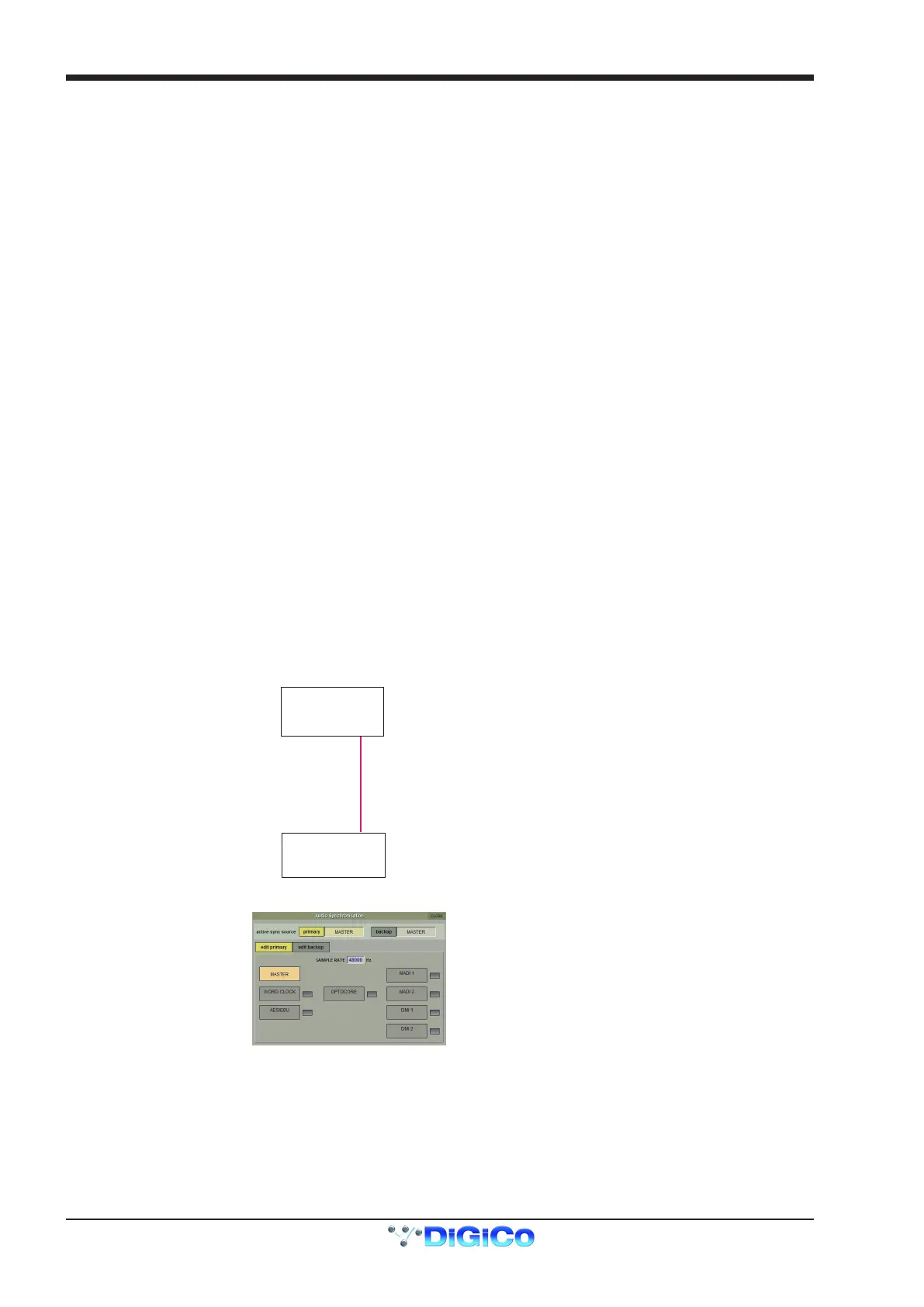
Audio Sync = MASTER
SD 12



 To Next Page