4–18 Aligning the Video Monitor
4.5.3 Height (HEIGHT)
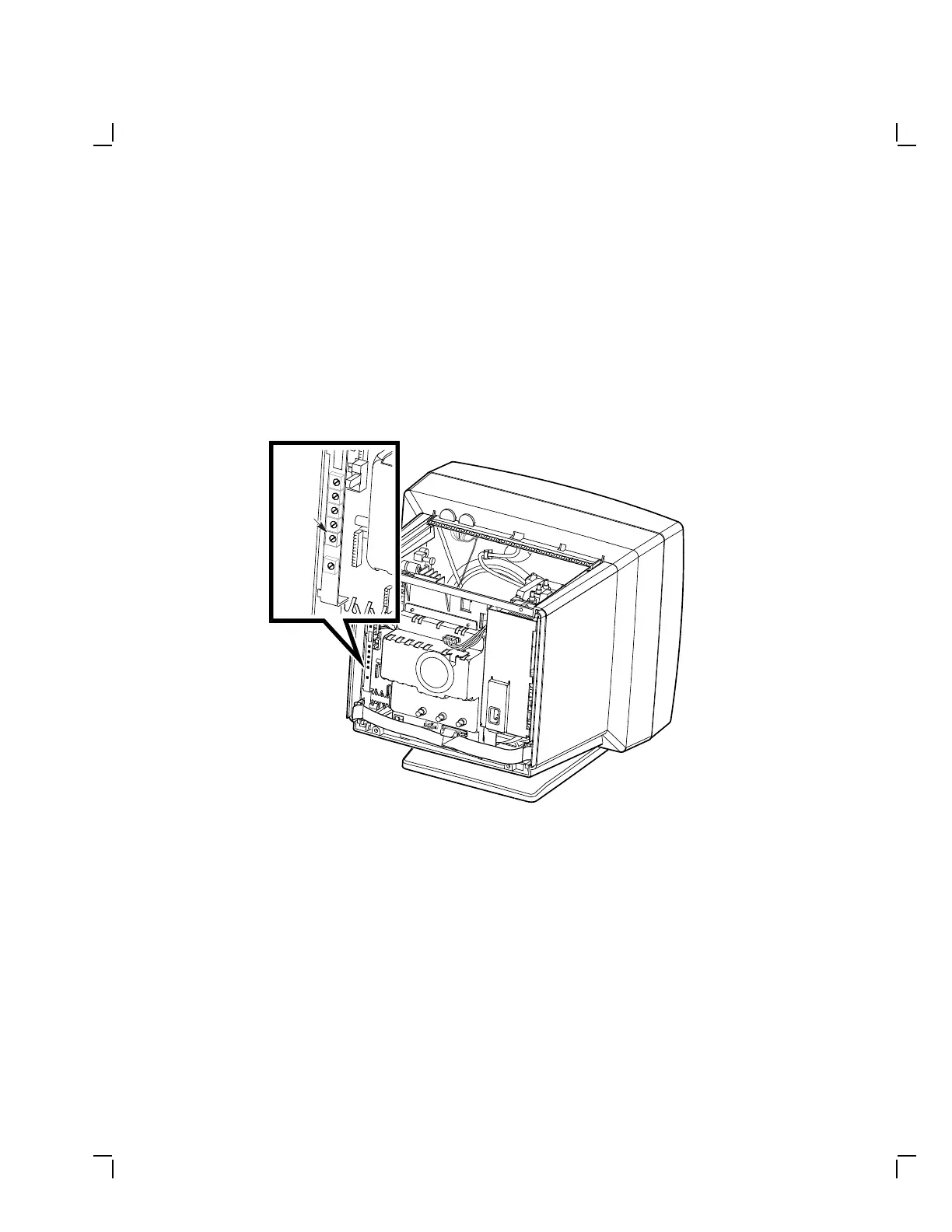
Check and adjust the vertical height as follows:
1. Check the circle-crosshatch pattern for a vertical height of 273 mm
.
2. If necessary, adjust the HEIGHT control (Figure 4–14) until the
display height is 273 mm (± 2.0 mm).
MA-1356-89.DG
Height
Figure 4–14 Vertical Height Control


 To Next Page